
- Standalone
- ESX
- QBCORE
- QBOX
RTX Shell Creator
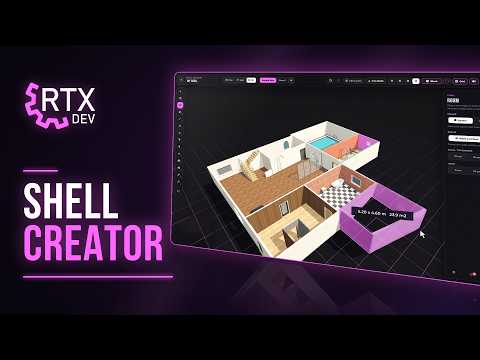
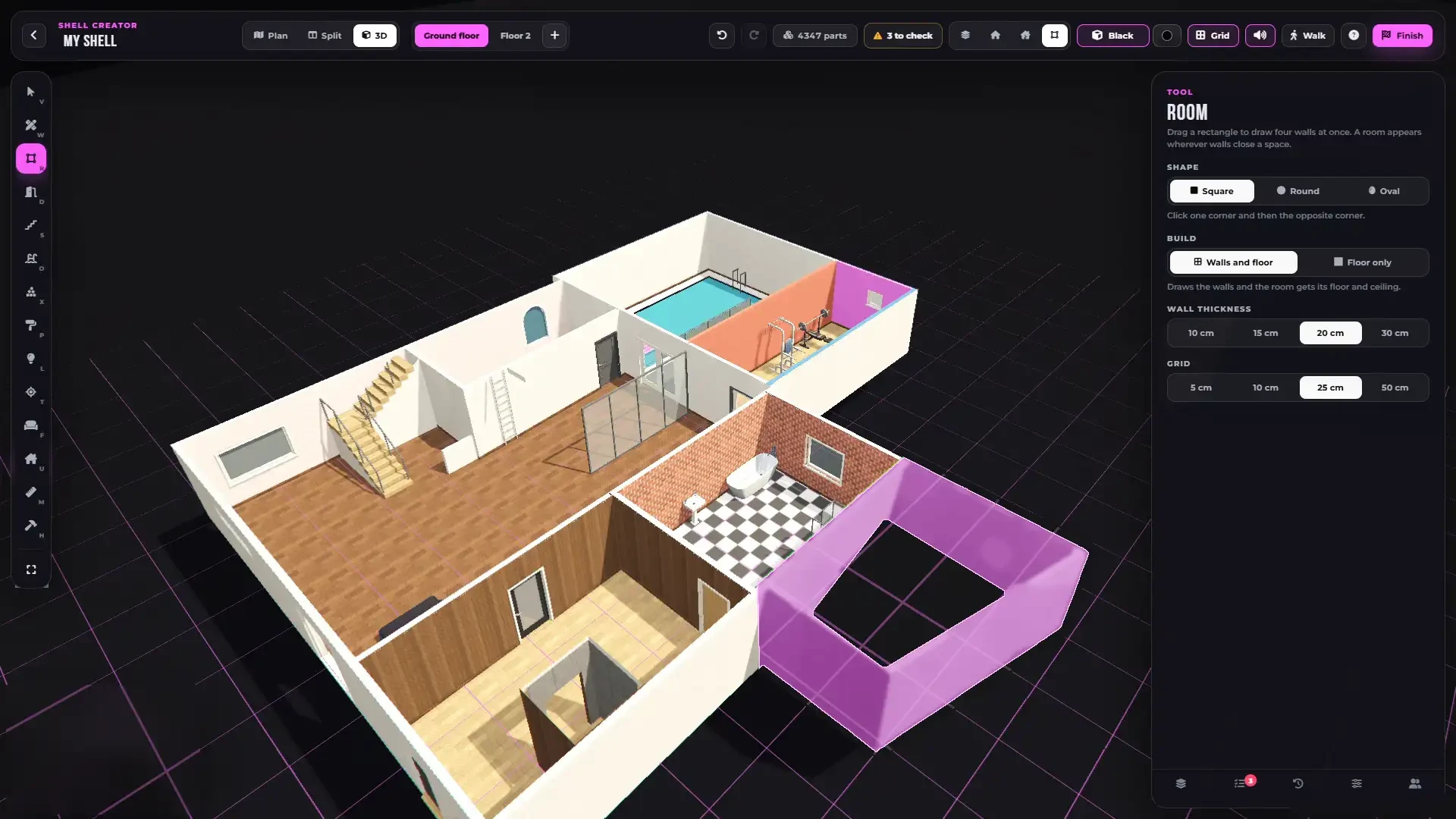
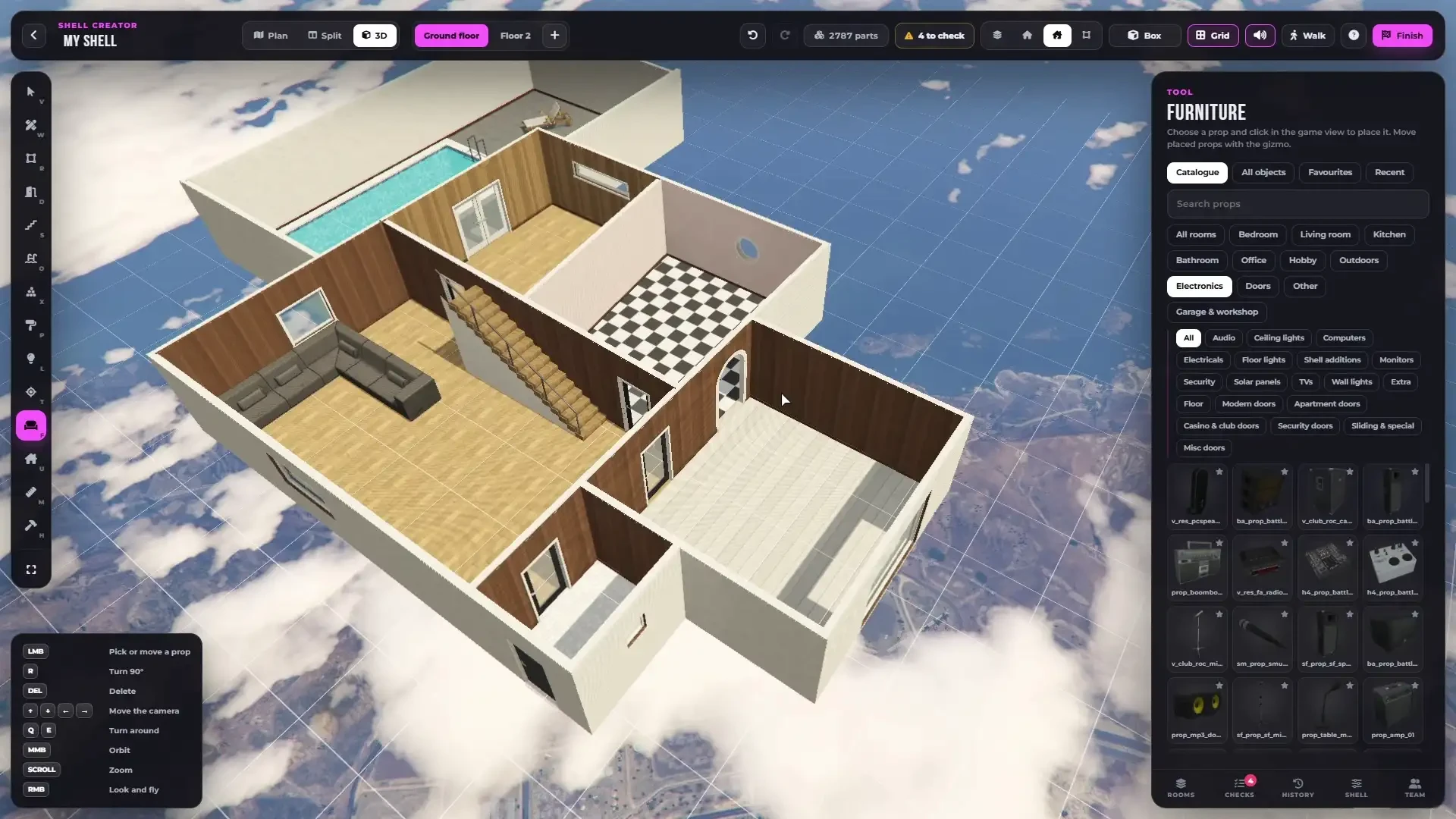
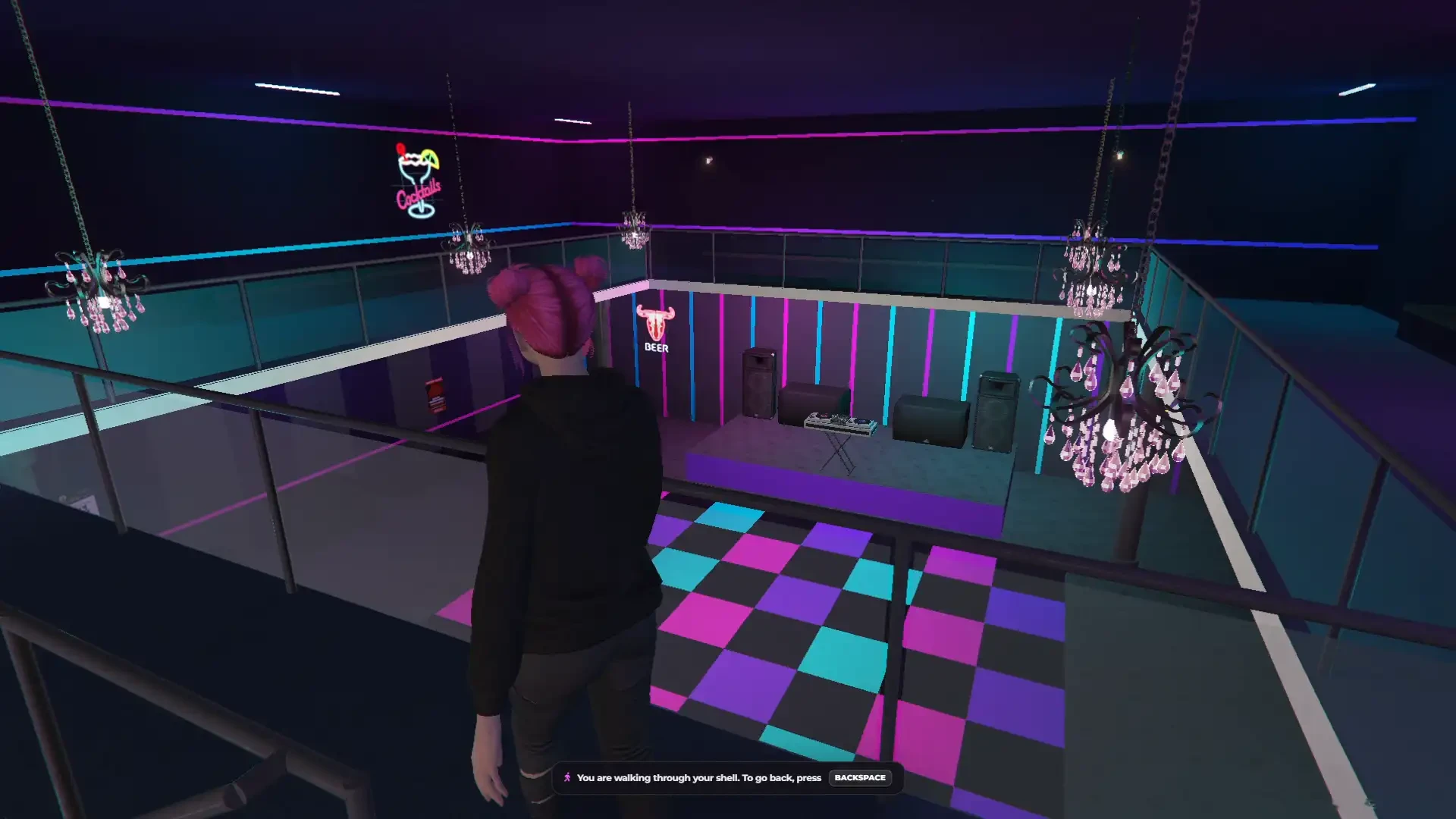
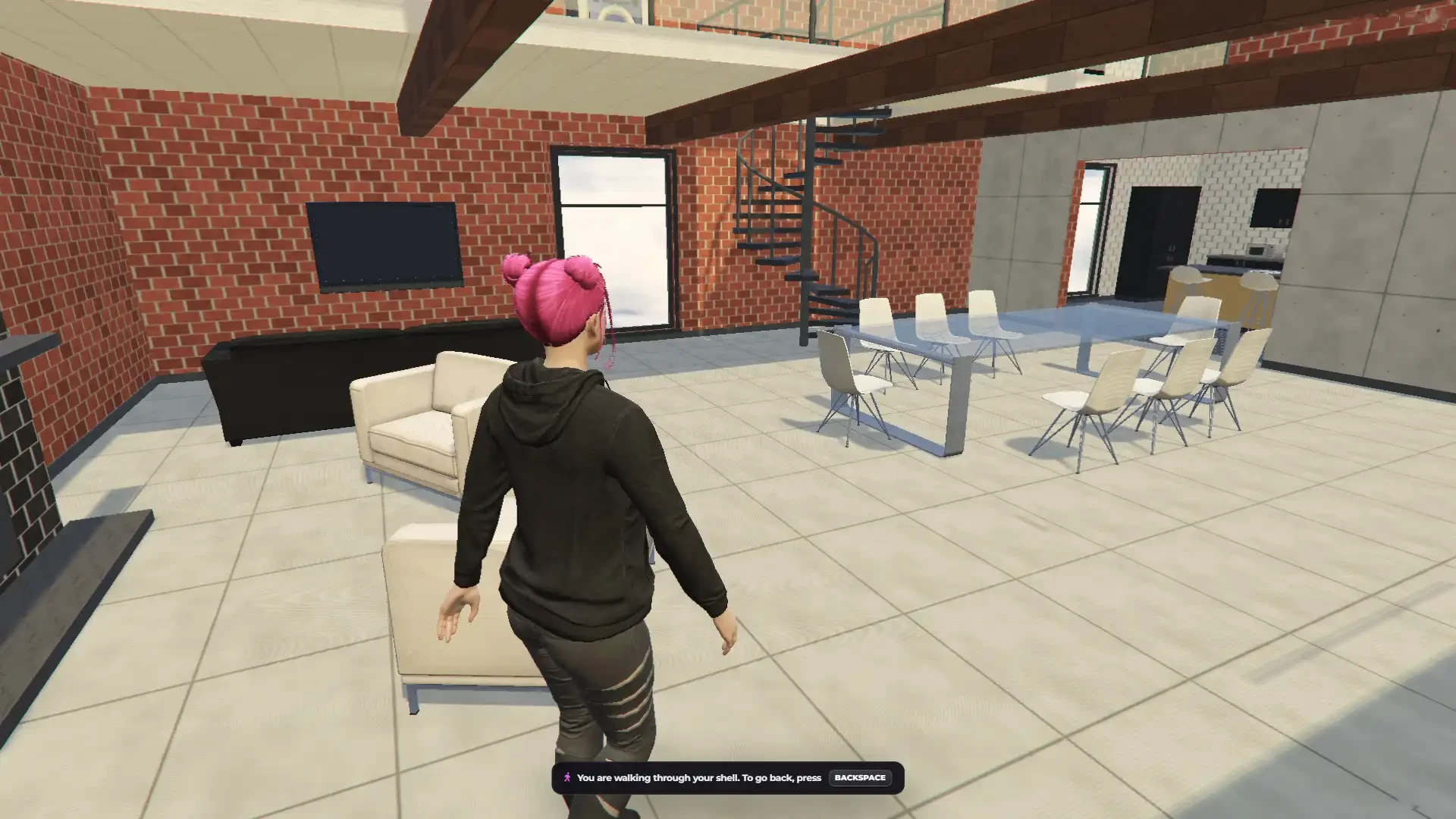
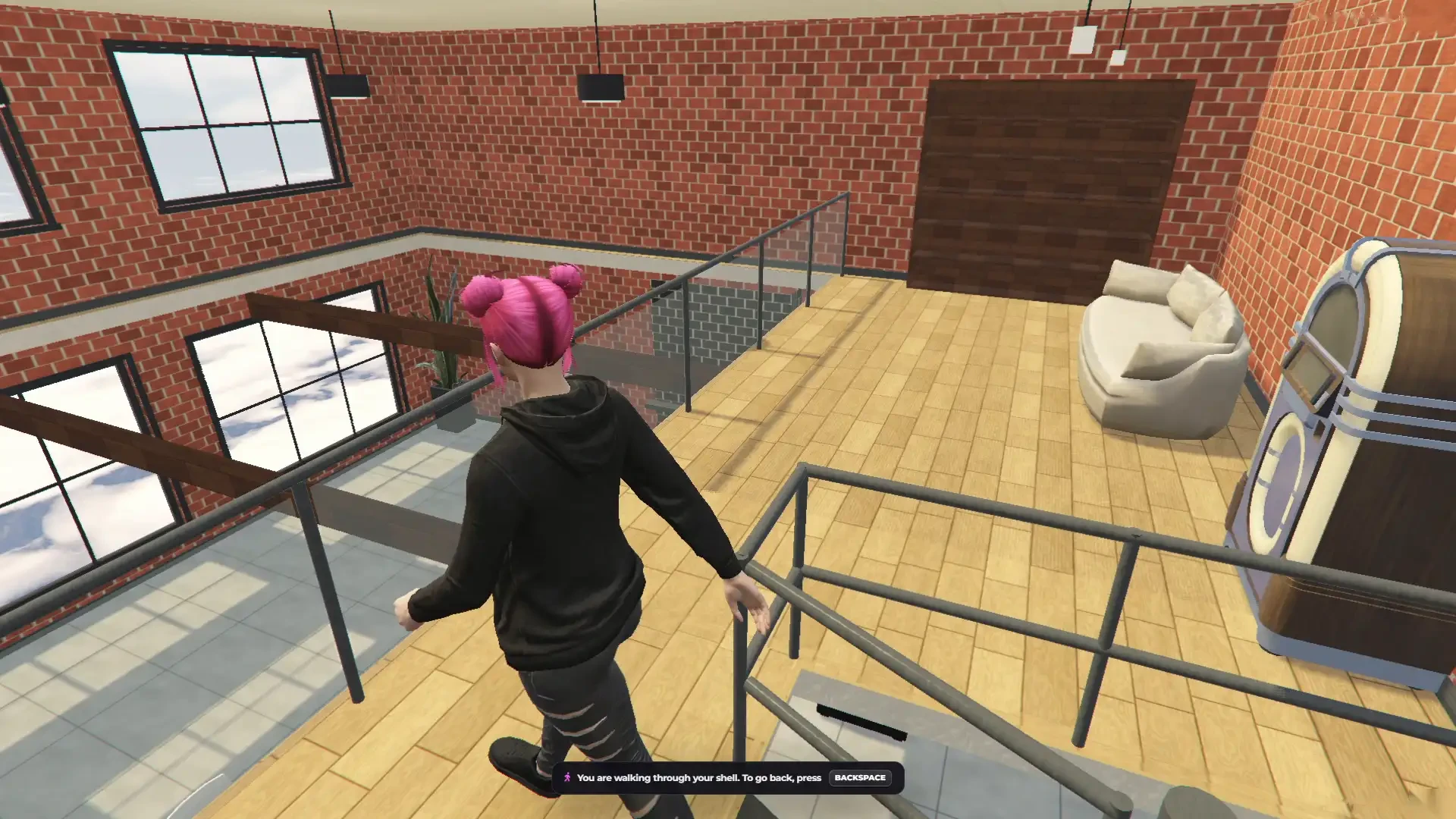
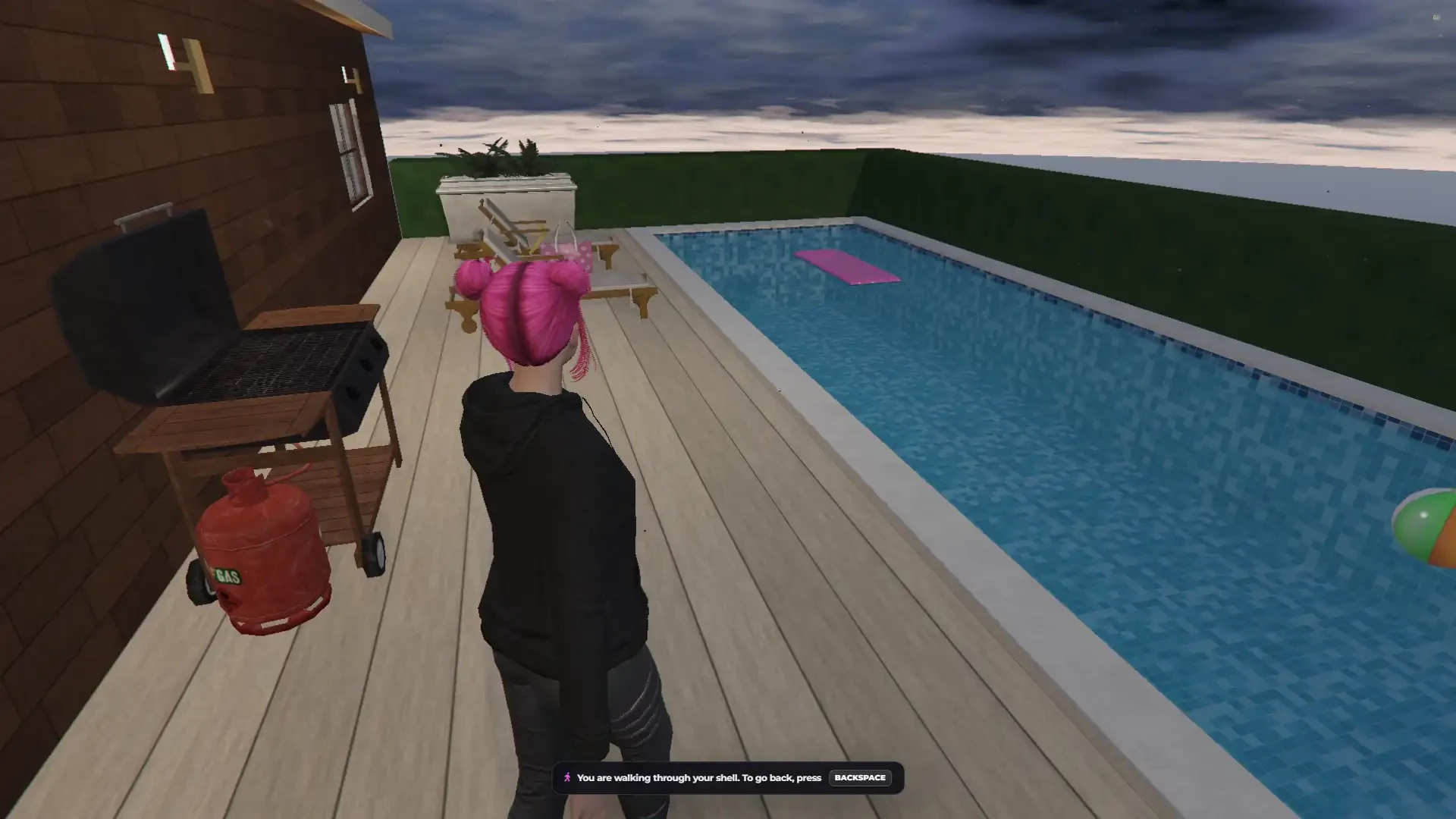
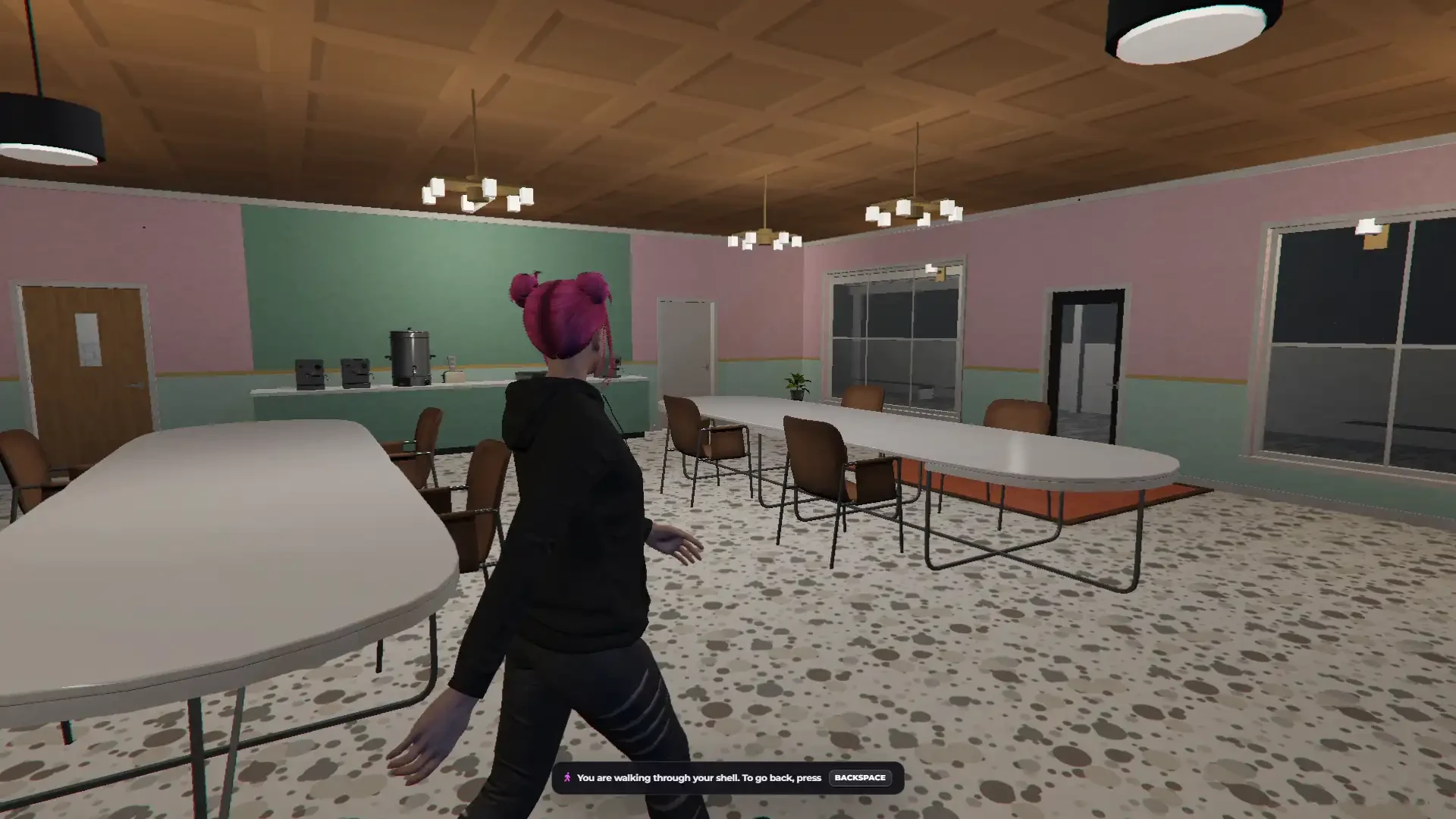
Our Shell Creator lets you build your own shells right inside your FiveM server. Draw the rooms on a floor plan or straight in 3D, add doors, windows, stairs, kitchens, bathrooms, pools, balconies, lights and furniture, give every floor its own height, and watch the shell build itself live in the game. Your admins can build together in the same shell at the same time and walk through it with their own character — doors swing, ladders climb and elevators move. When it is done, press Finish and it becomes one real shell model — or a real MLO — installed on your server with one click and ready for RTX Housing and any other housing system. No Blender, no CodeWalker, no 3D skills needed.
Make it yours — add your own props, your own textures, your own colours, your own templates and your own language. Everything you add shows up right in the editor.
🎬 Preview video: youtube.com/watch?v=EPpvW_mne4Y
📖 Documentation: rtx-dev.gitbook.io/rtxdev/rtx-shell-creator
Standalone Resource & Compatibility
- Standalone resource – works on any FiveM server
- Compatible with ESX, QBCore, QBox and standalone
- Easy installation with a fully commented config, no database needed
- 18 languages included — English, German, Spanish, French, Czech, Polish, Portuguese, Italian, Russian, Turkish, Korean, Dutch, Chinese, Romanian, Hungarian, Thai, Japanese and Arabic — or add your own
- Finished shells work with RTX Housing and any other housing system
Draw It Your Way
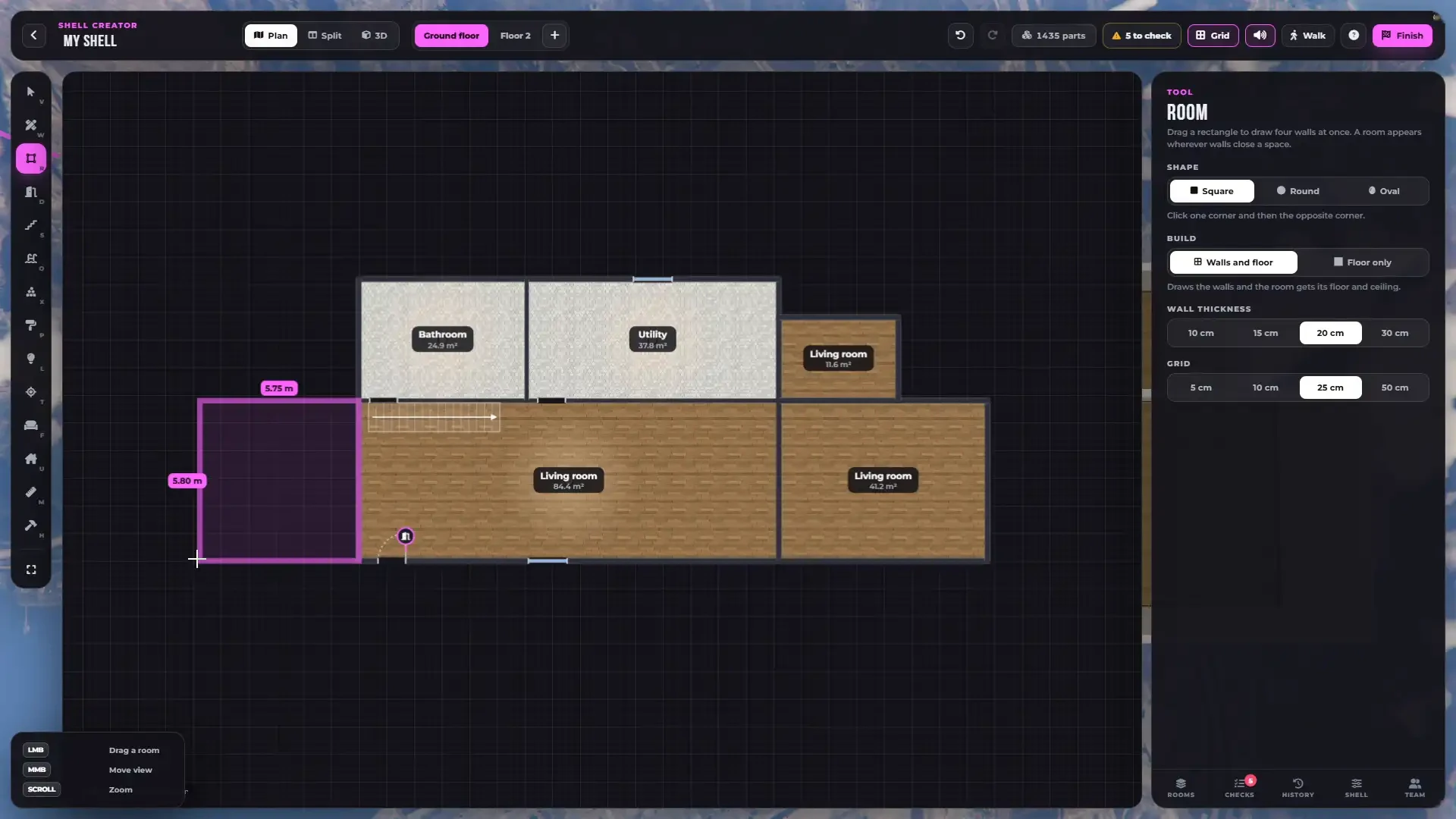
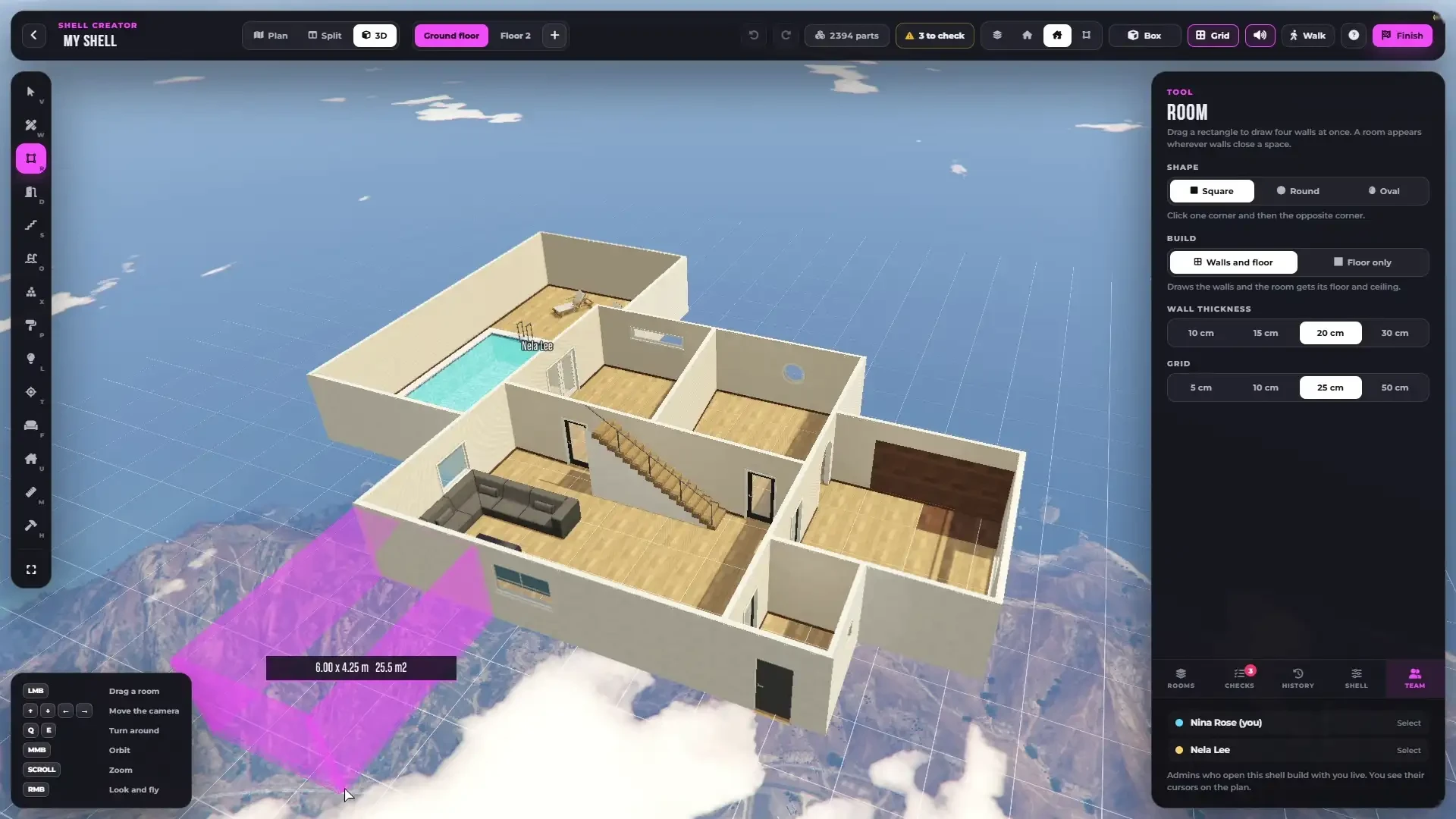
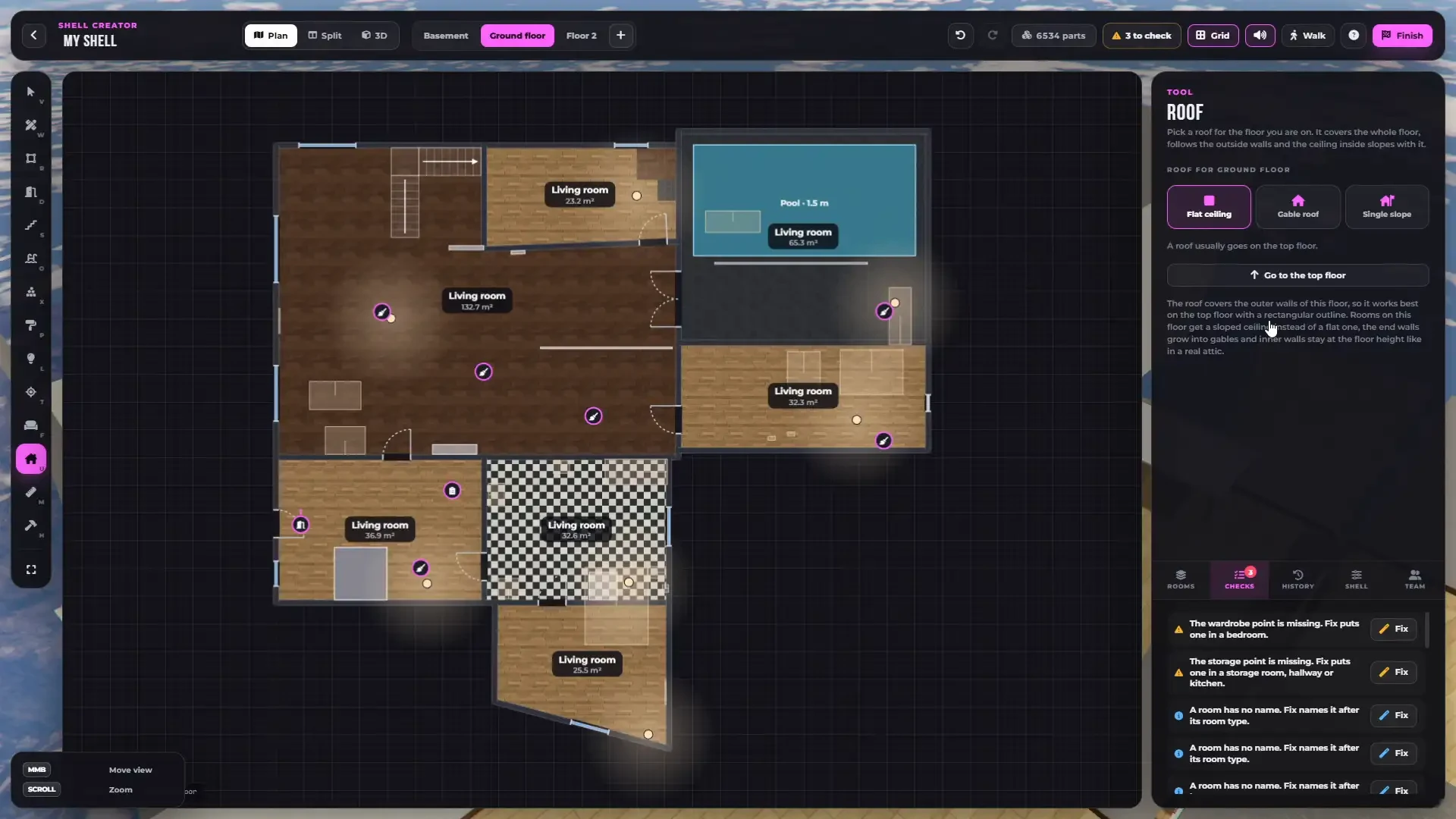
- 2D floor plan, Split view or full 3D — build in all of them, the shell builds itself live in the game while you draw
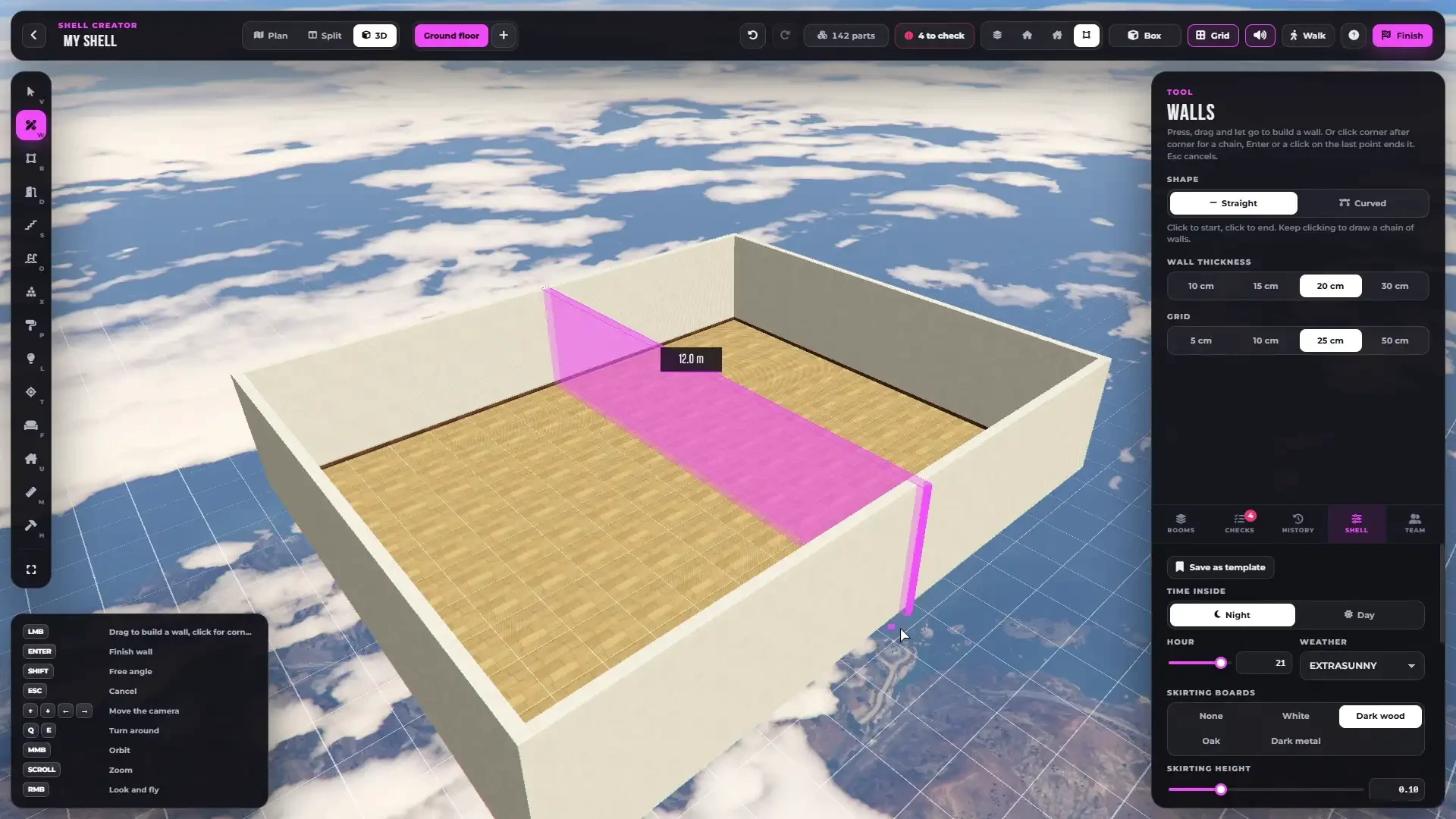
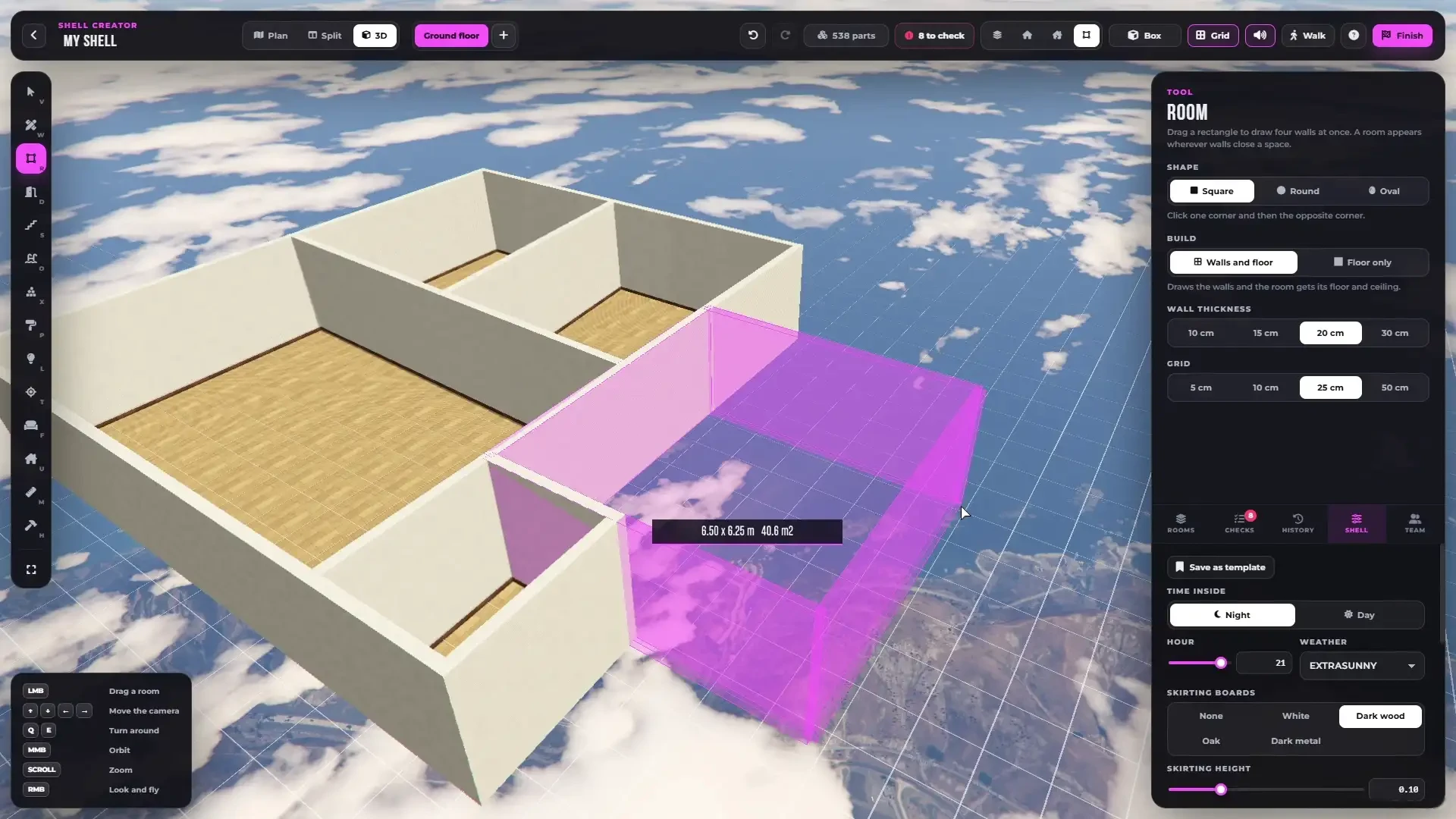
- Drag out a whole room or draw wall after wall, with the size shown while you drag
- Square, round and oval rooms, curved walls and free angles — no fixed wall pieces and no fixed lengths
- Rooms with walls and floor, or floor only for open areas and terraces
- Wall thickness from 10 to 30 cm, grid from 5 to 50 cm, free angle with Shift
- Split a wall, swap its direction, bend it, drag its ends — a room appears wherever walls close a space
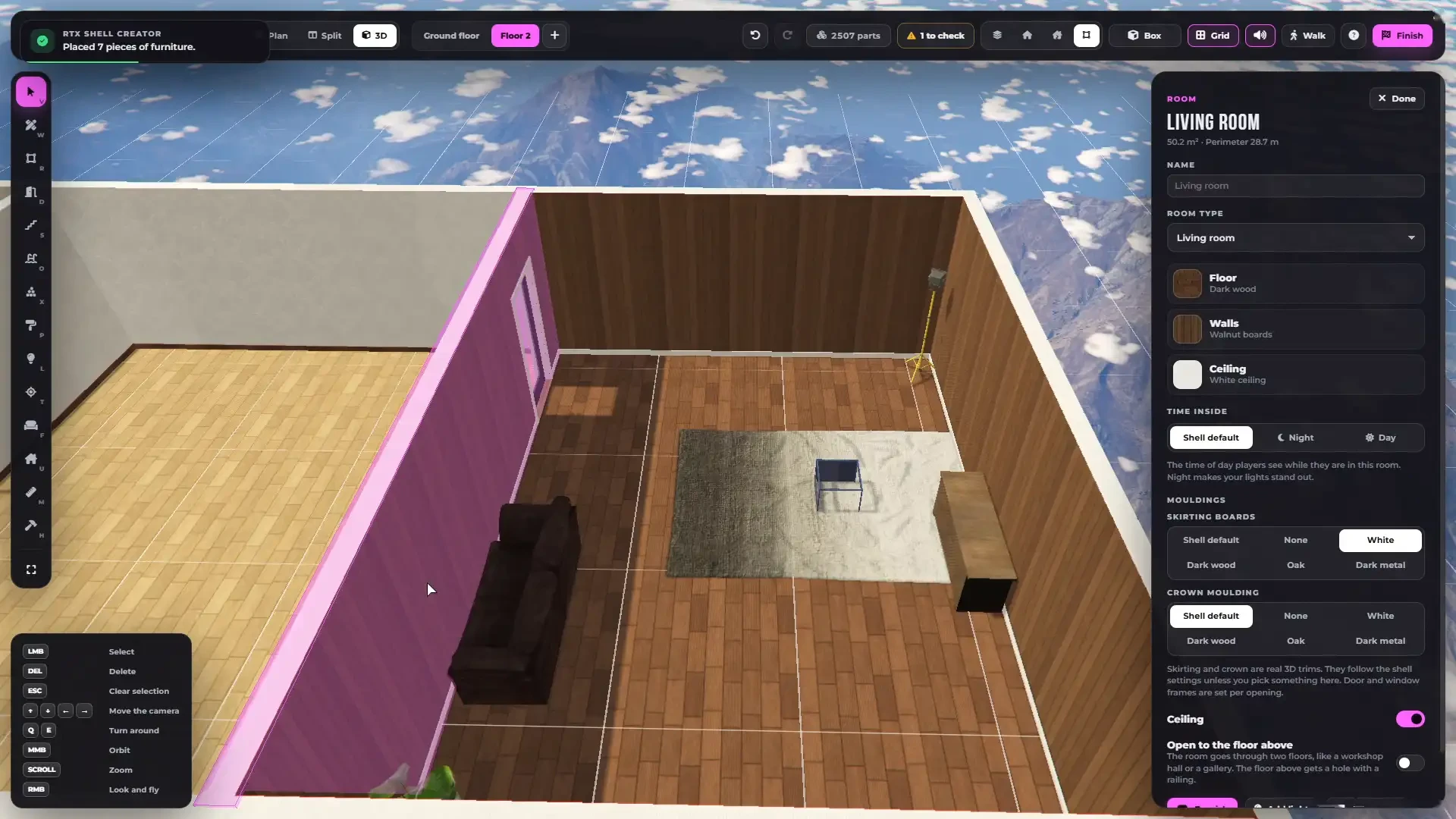
- 12 room types with their own name, floor, walls, ceiling, skirting and crown moulding
- Double-height rooms — open a room to the floor above, with a glass or metal railing
- Measure any distance, walls show their length and rooms their area
- Remove anything with the hammer, undo brings it back
Start in Seconds
- 8 ready layouts — House, Apartment, Studio flat, Garage, Mechanic shop, Office, Shop and Warehouse
- Pick the size, the floors, the bedrooms, the bathrooms, the kitchen and a style — the whole shell is drawn for you
- Or start from an empty plan, your own template, a copy of another shell or a share code
- Everything can be changed afterwards
Doors & Windows
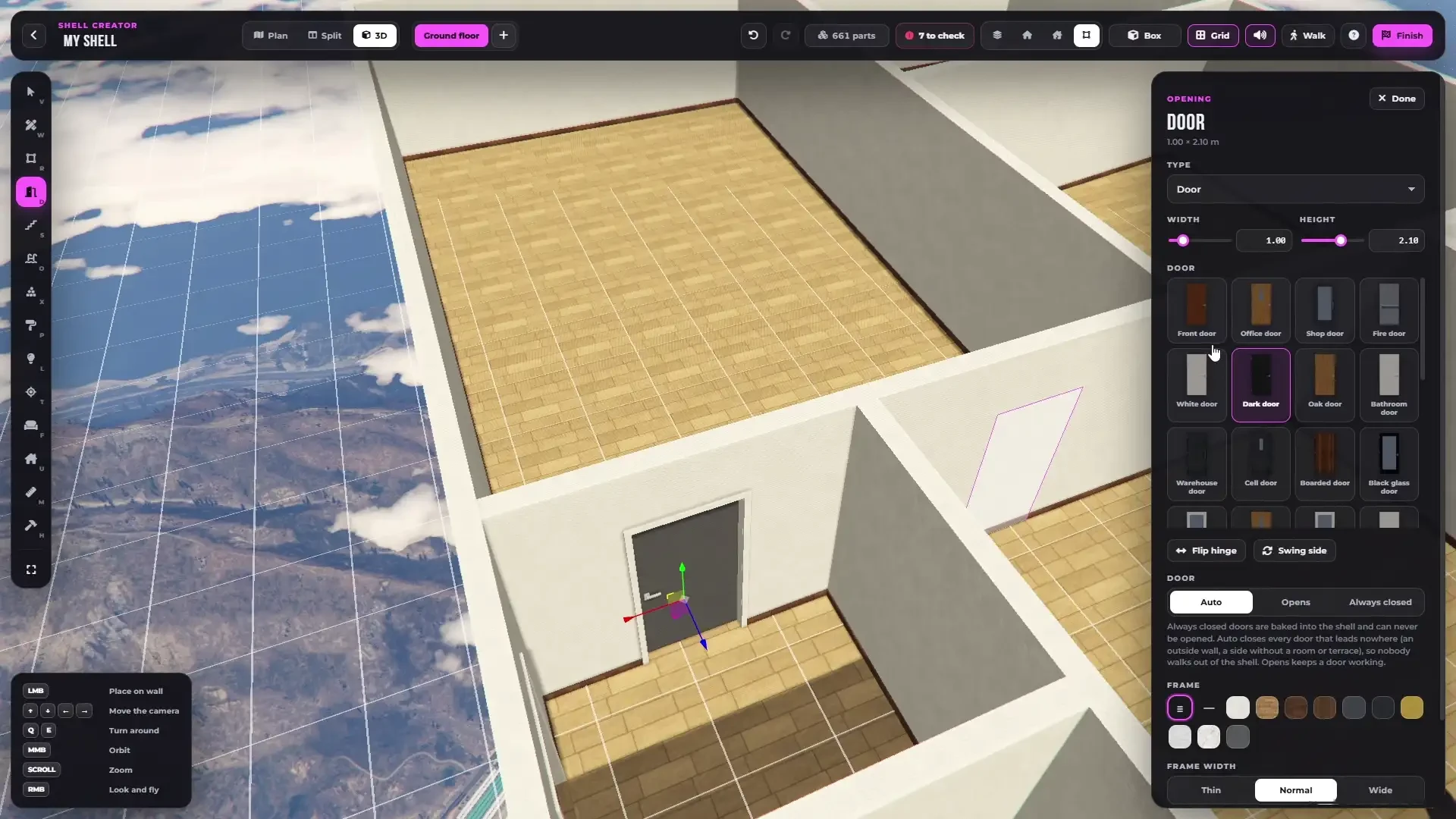
- 18 kinds of openings — doors, glass doors, double doors, French doors, sliding glass, fake doors, windows, tall windows, picture windows, strip windows, small, arched and round windows, doorways, arches, wide openings, half walls and garage openings
- 29 door styles with a picture of each — flip the hinge and the side it swings to
- Doors that lead nowhere close by themselves, the ones you want stay working, or lock them for good
- Put a door into any doorway or arch — wider than 1.5 m becomes a double door
- Garage doors in white, anthracite or wood that slide up into the ceiling, opened with one key
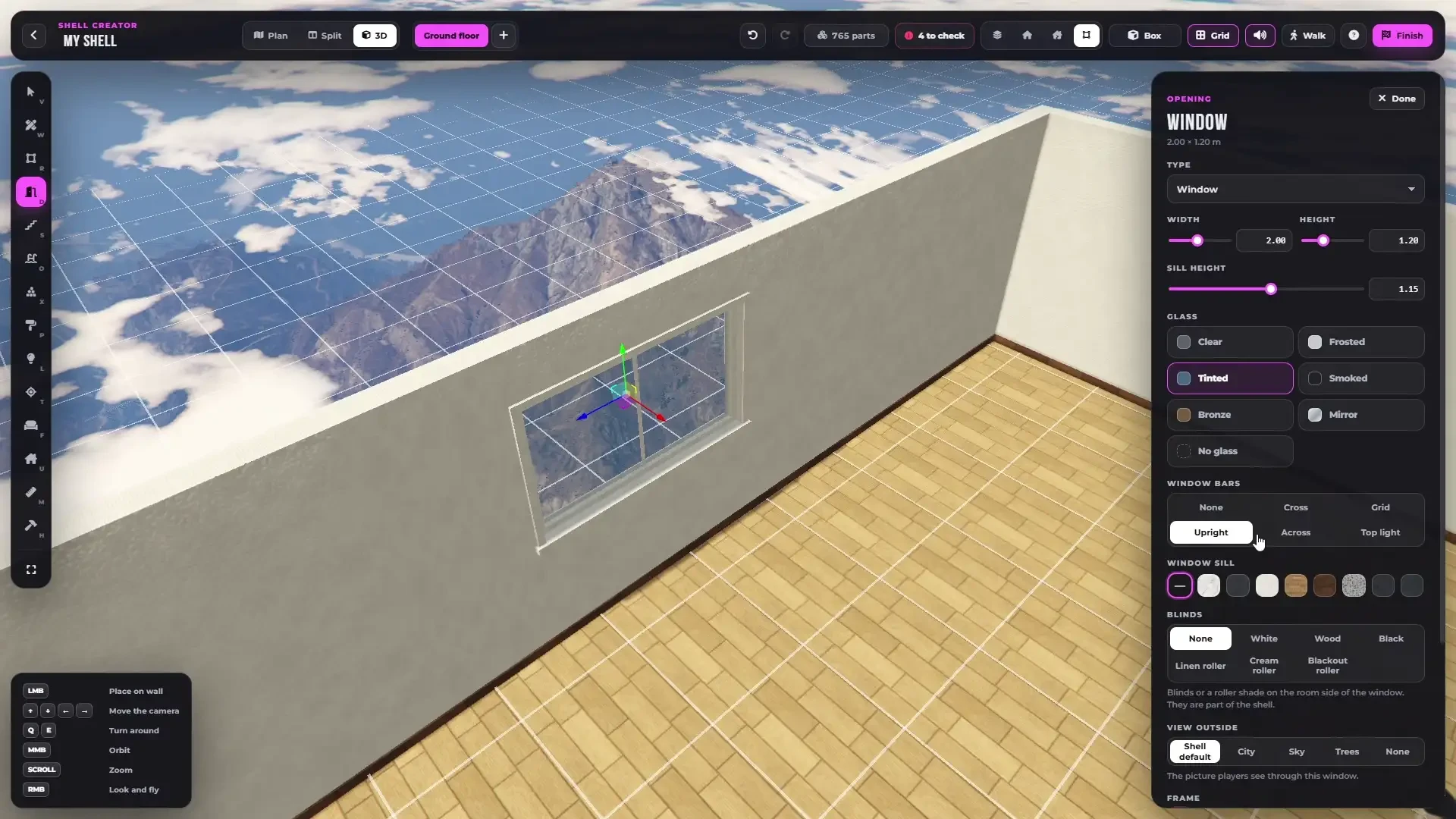
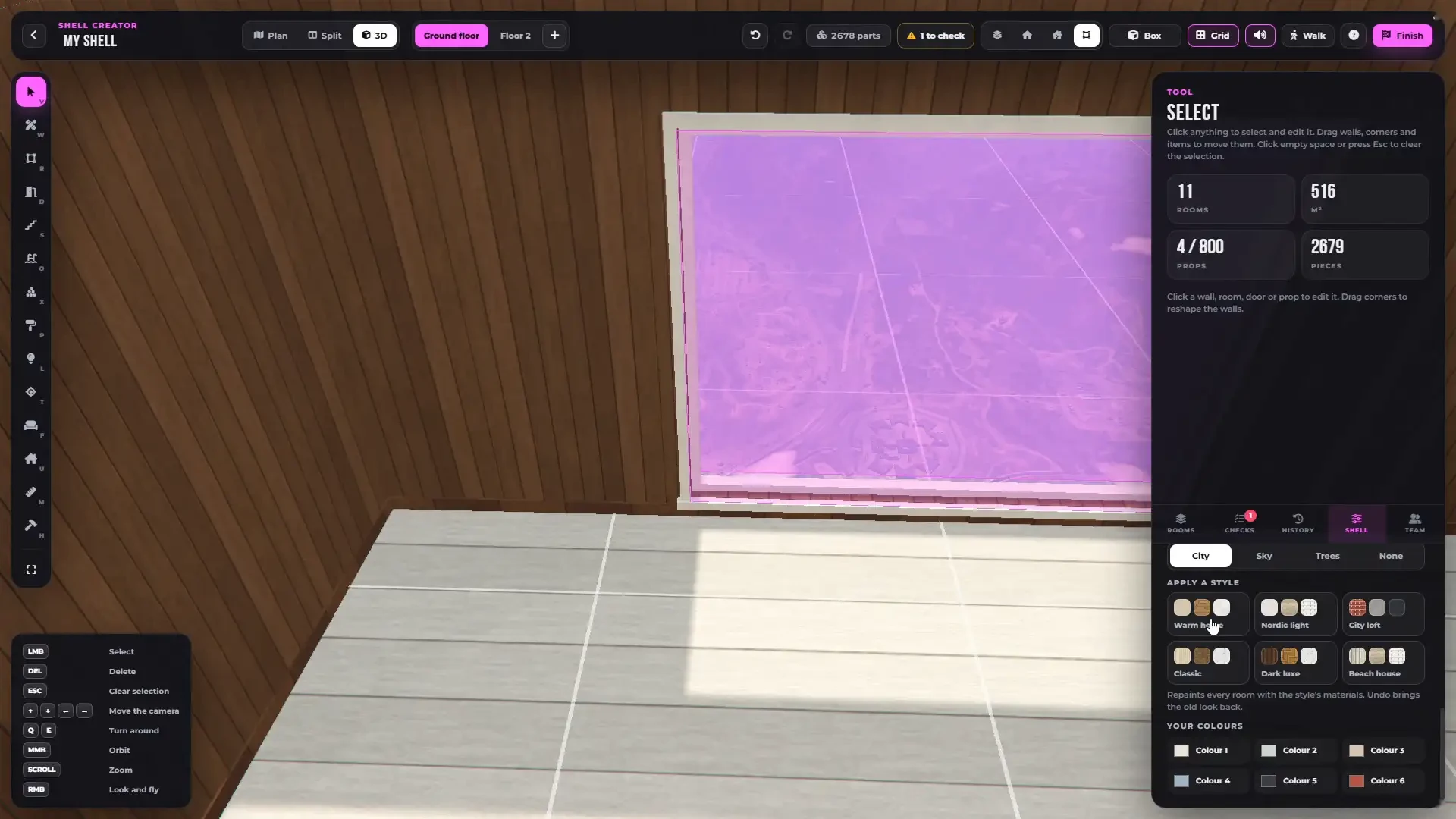
- Every window resized freely — pick the glass (clear, frosted, tinted, smoked, bronze, mirror), the bars, the sill, the blinds and the view outside (city, sky or trees)
- Real 3D frames and reveals in many materials, thin, normal or wide
Stairs, Floors & Roofs
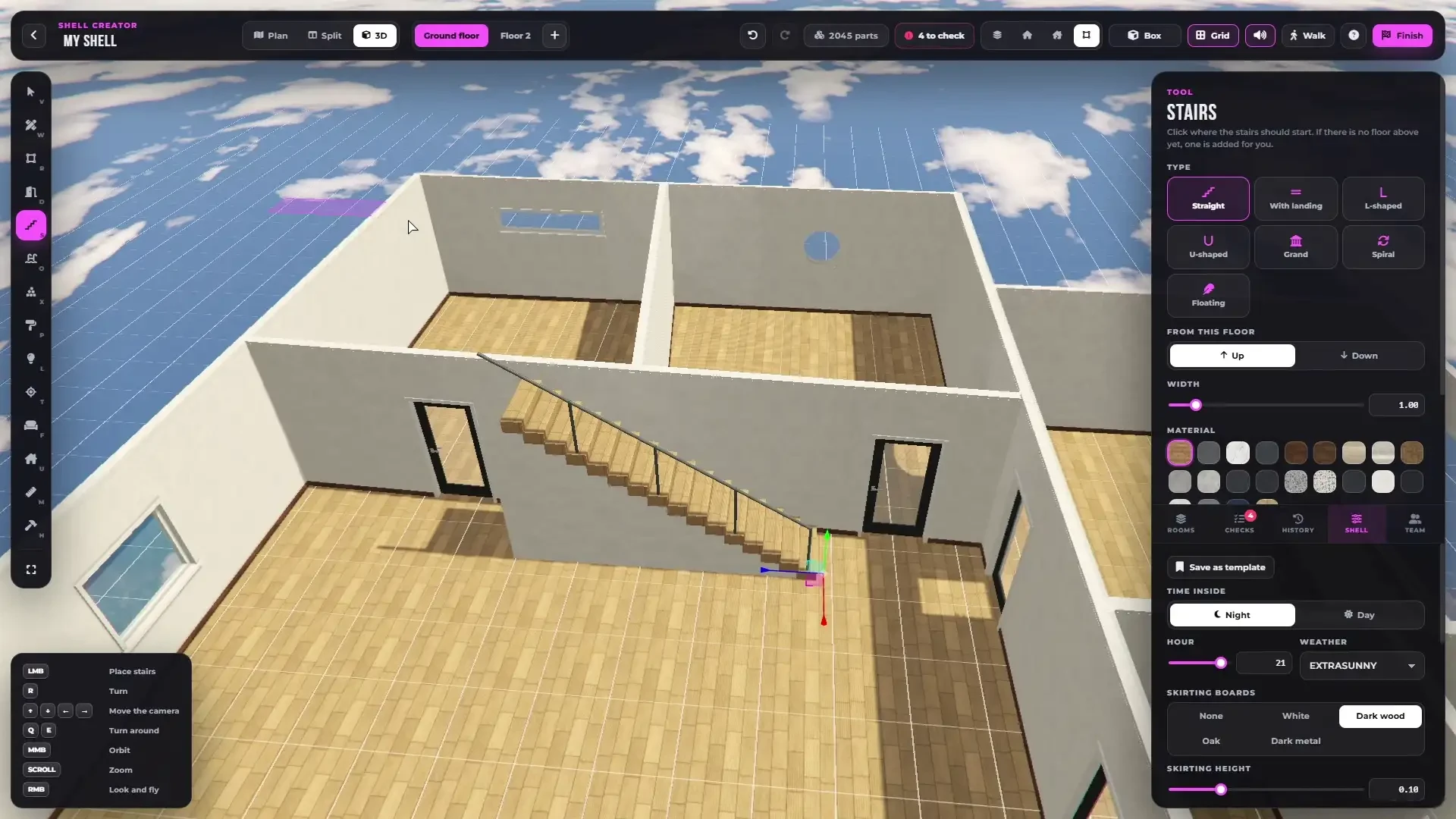
- 7 stair types — straight, with landing, L-shaped, U-shaped, grand, spiral and floating
- Width, 22 materials, handrail and an open or closed underside
- Stairs build the floor — the floor above gets its hole and railing on its own, and if there is no floor yet, one is added for you
- Add floors above or basements below, copy the outer walls or the whole floor
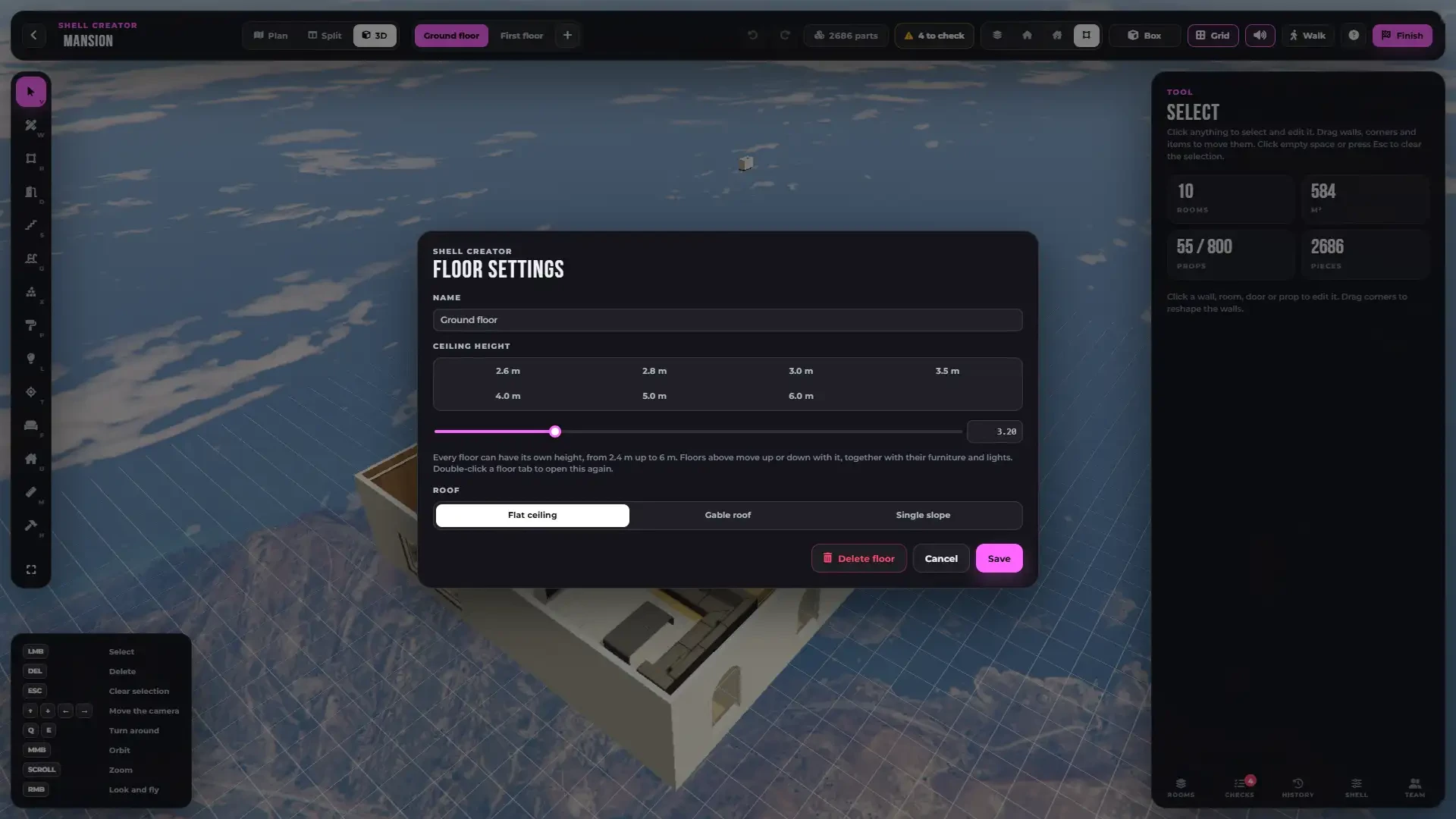
- Every floor its own wall height — set the ceiling height of each floor from 2.4 to 6 m, a low basement, a tall hall or a high ground floor. The floors above move with their furniture and lights
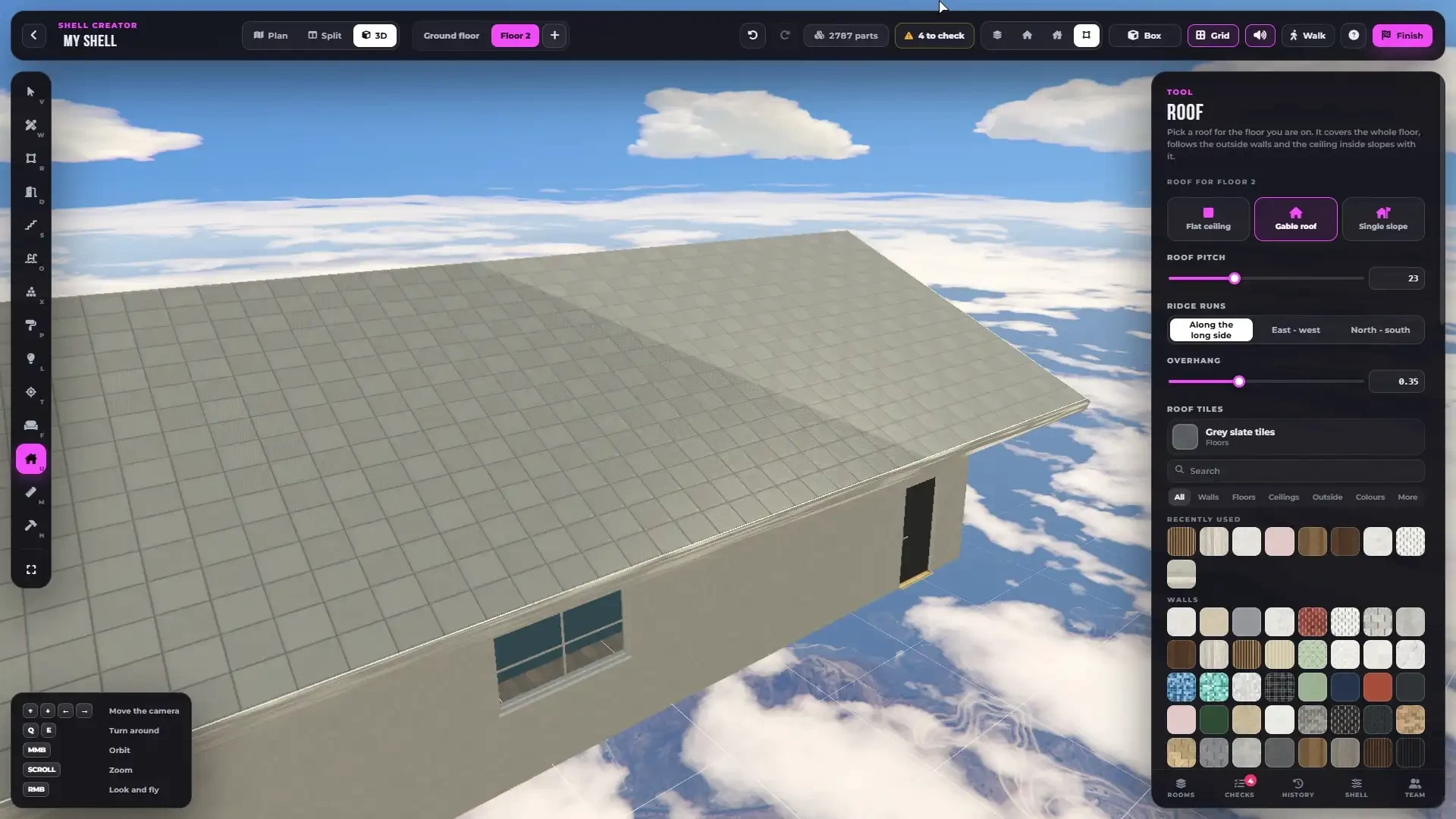
- Roofs — flat ceiling, gable roof or single slope with pitch, ridge direction, overhang, roof tiles and the inside of the roof. Rooms under it get a real sloped attic ceiling
Pools, Kitchens & Built-Ins
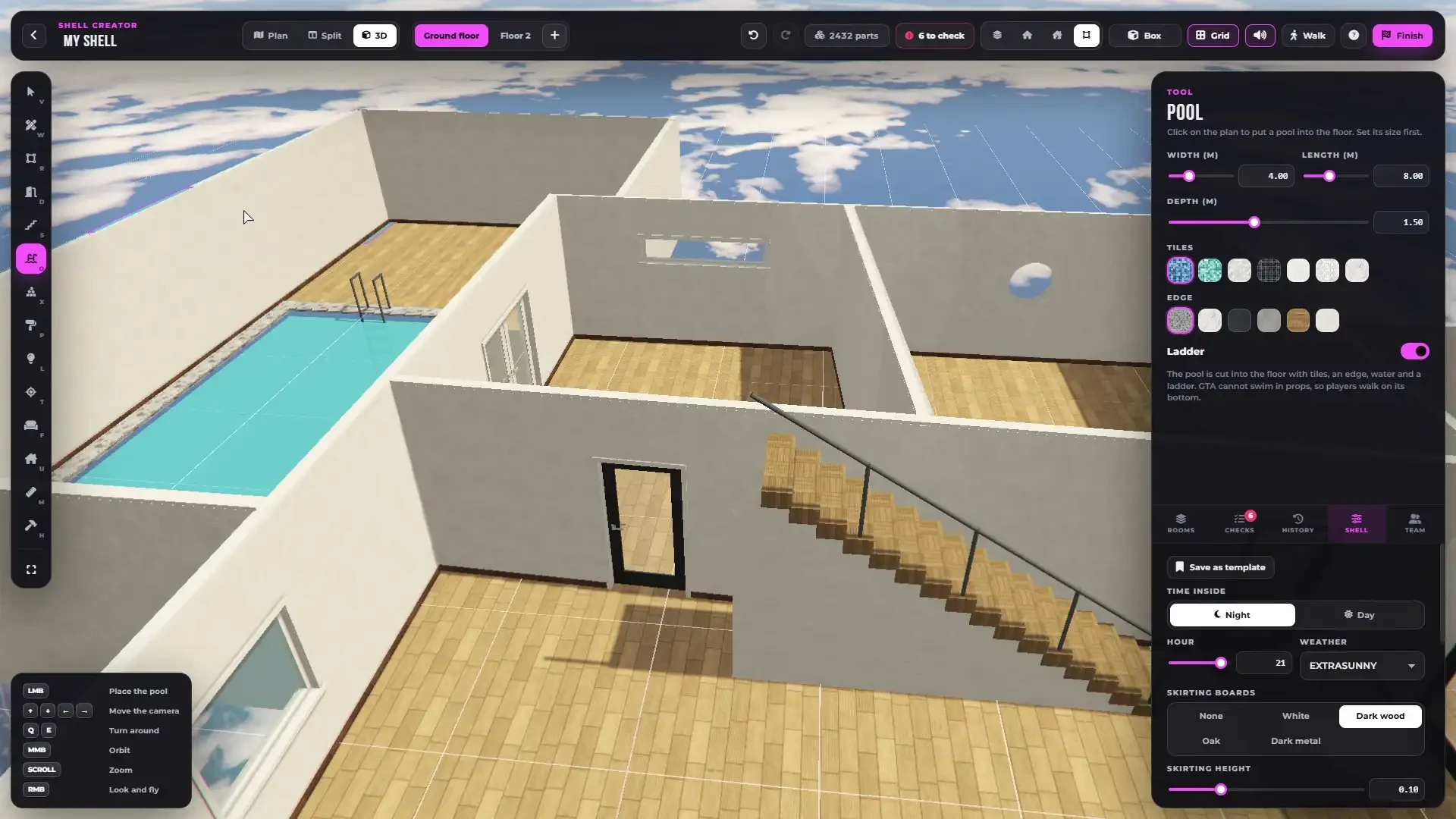
- Pools cut into the floor with tiles, an edge, water and a ladder, sized with sliders
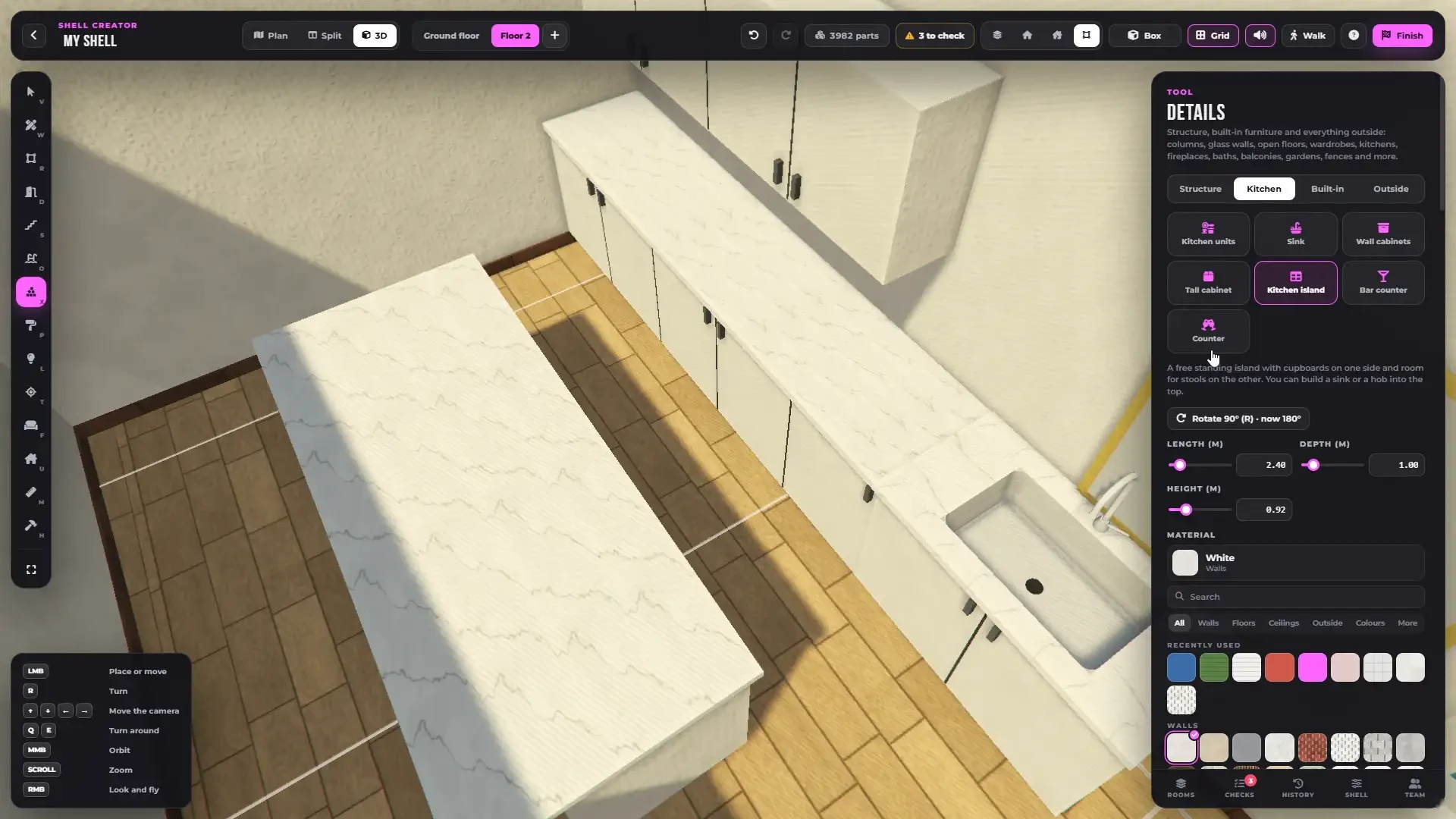
- Kitchens — units with a built-in sink and hob, wall cabinets, tall cabinets, islands, bar counters and counters, with fronts, handles and worktops
- Built-in furniture — wardrobes, bathroom vanities, media units, bookshelves, fireplaces, window seats, walk-in showers, bathtubs, wall panelling and mirrors
- Everything sized with sliders, snapped flat to the wall and into the corner
Structure, Balconies & Gardens
- Columns, pillars, beams, half walls, glass walls, platforms, open floors and floor areas
- Glass and metal railings, fences, hedges and garden walls drawn like a wall
- Climbable ladders to the floor above
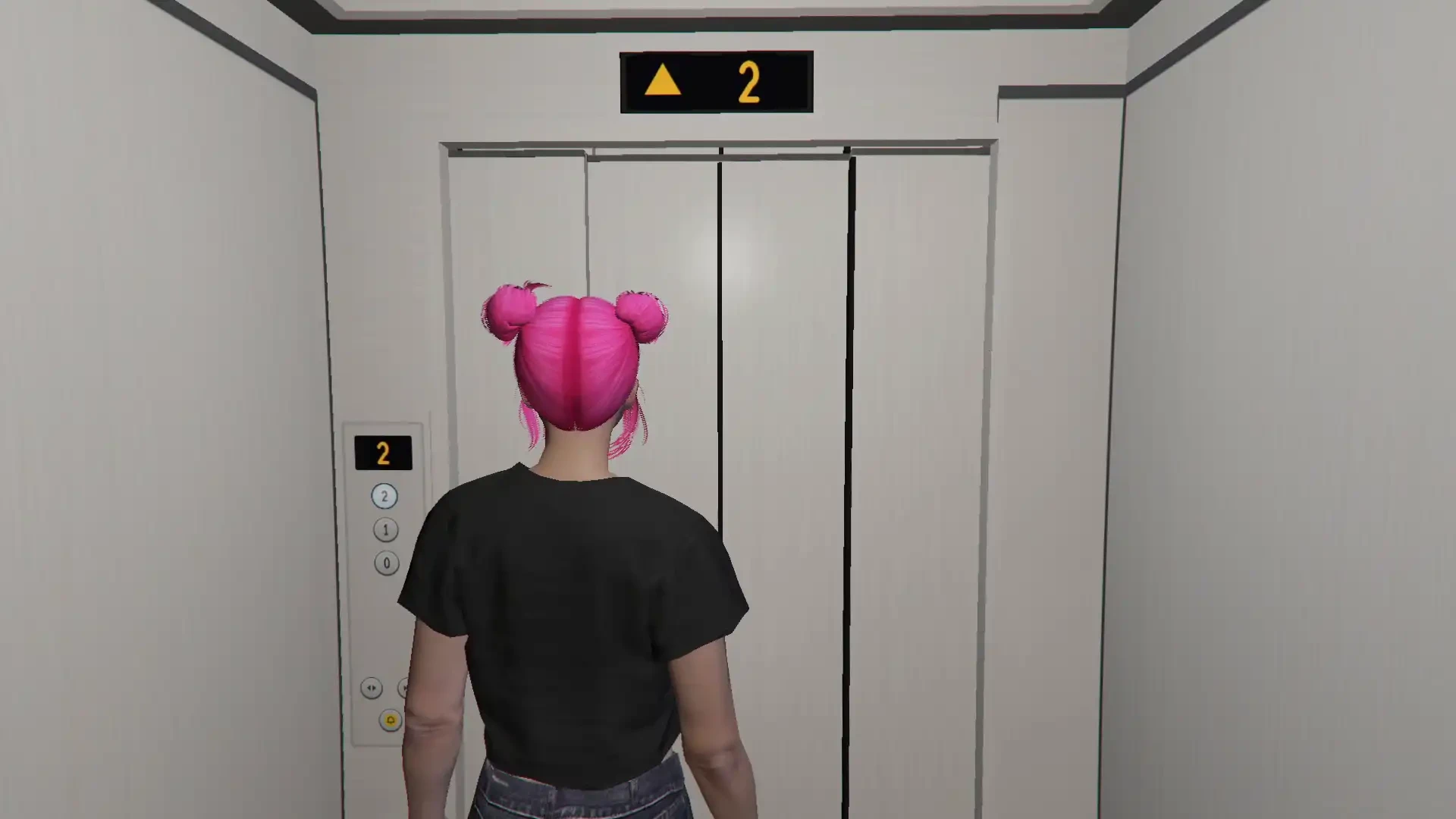
- Working elevators — a shaft through every floor, sliding doors on each floor, a moving cabin and real elevator sounds
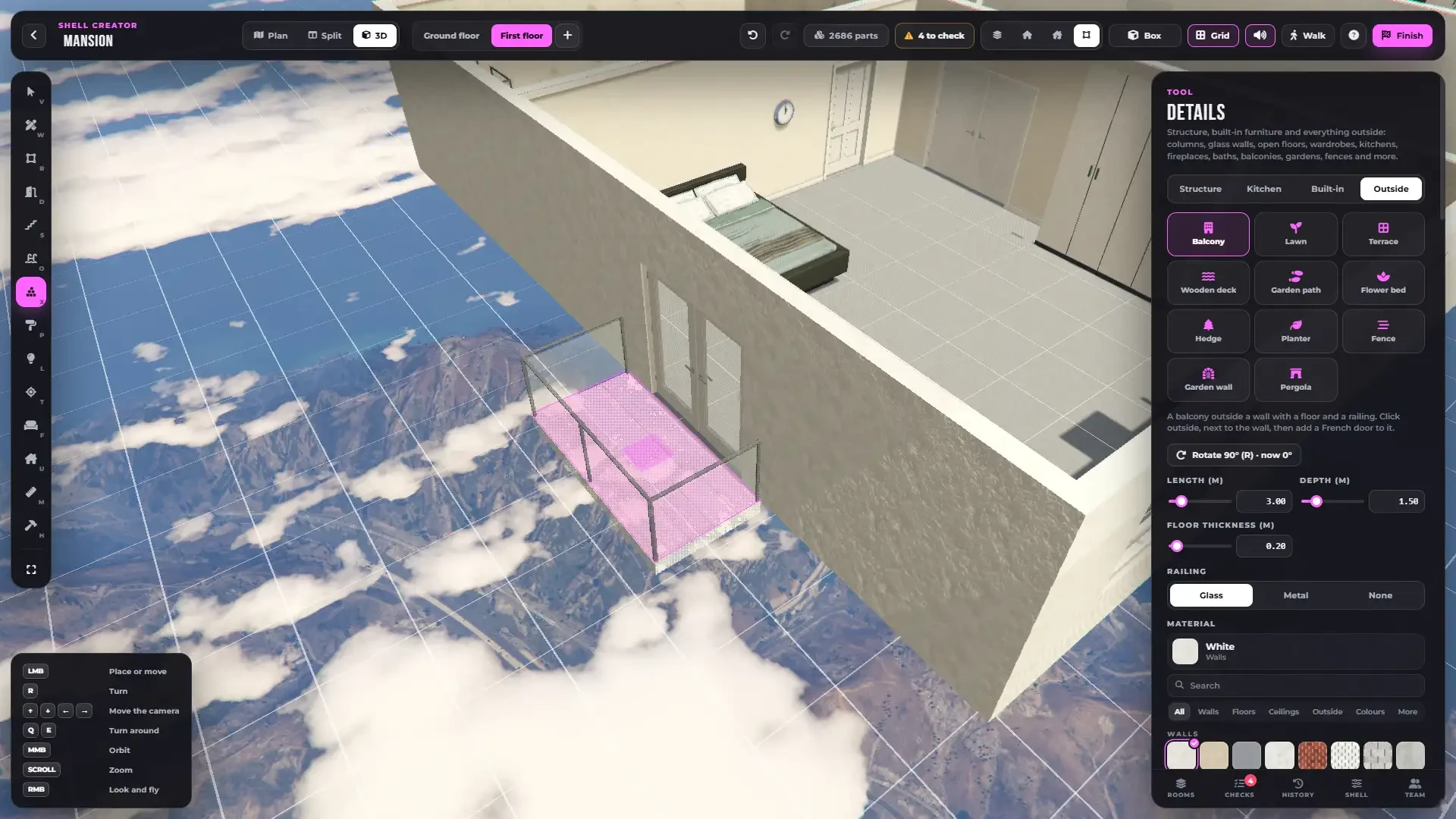
- Balconies, terraces, wooden decks, lawns, garden paths, flower beds, planters and pergolas
Paint & Materials
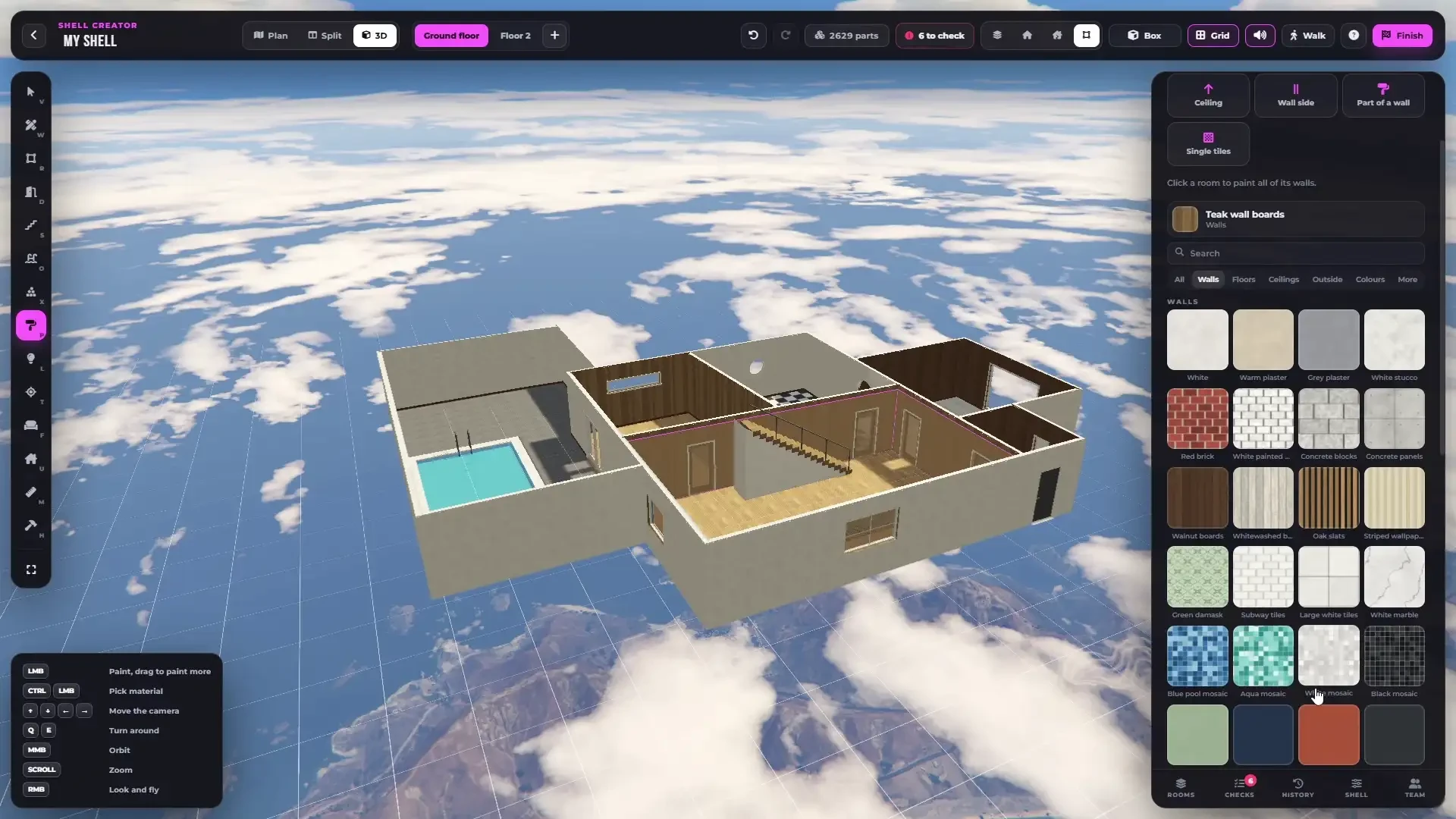
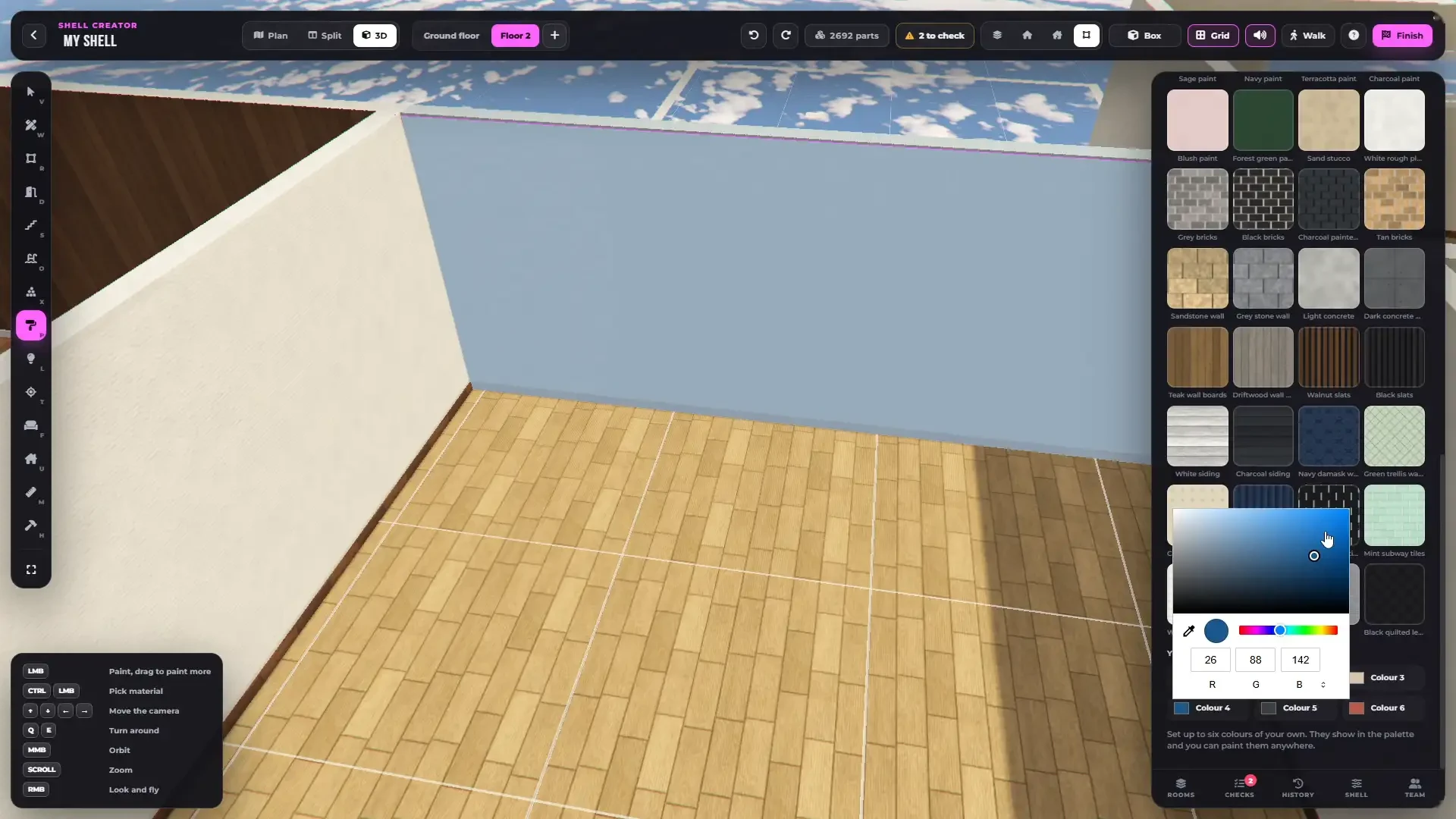
- 104 materials — wood, parquet, tiles, marble, terrazzo, brick, stone, concrete, plaster, wallpaper, carpet, grass, gravel, pavers and metals
- 64 tint colours on plaster and on painted wood
- Add your own colours — 6 colours per shell from a colour picker, paintable anywhere
- Add your own textures — drop square PNG files into the
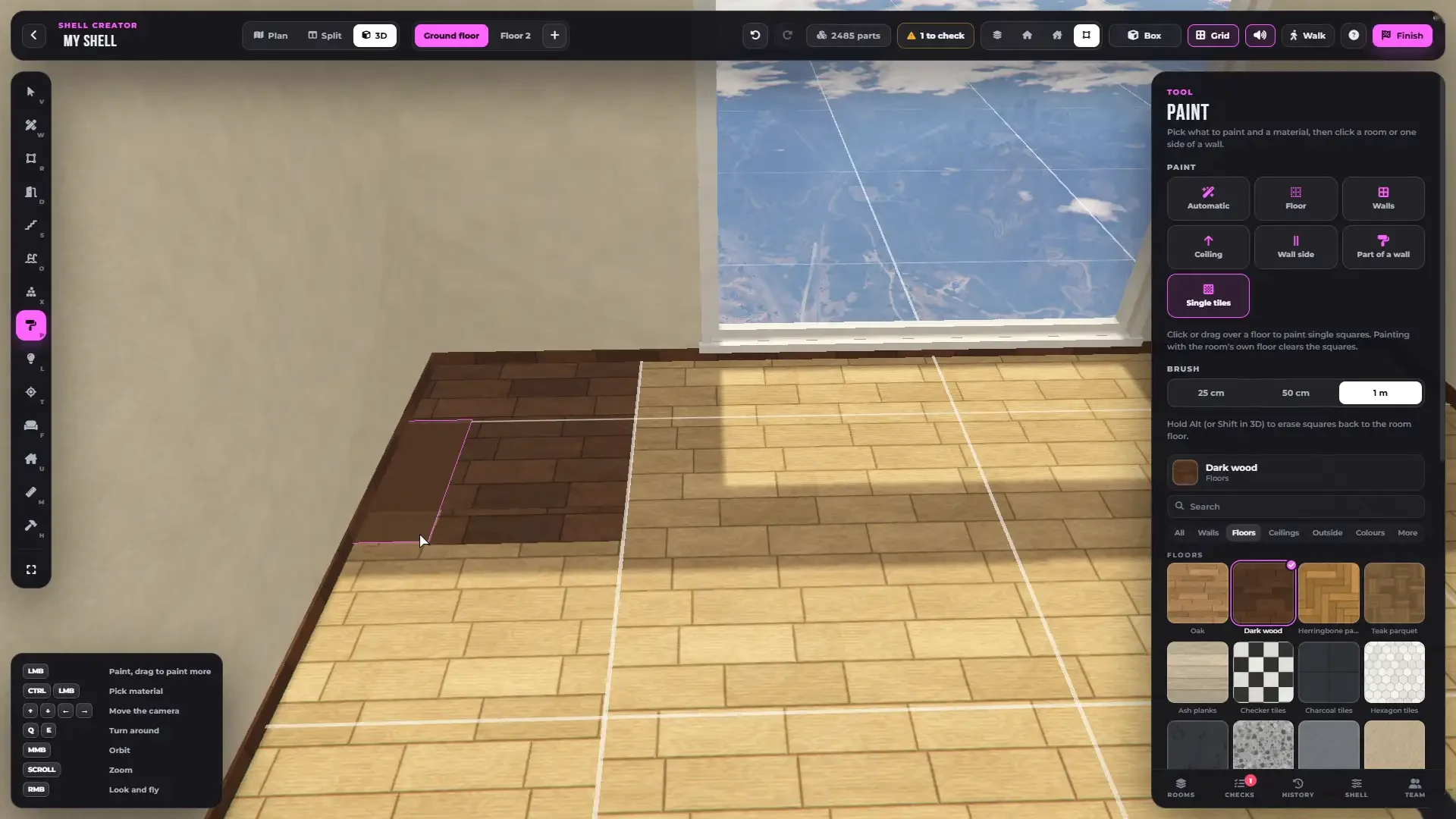
customfolder, up to 200 in the library. Finished shells bake them in, so players don't need the files - Paint a whole room, all walls, the ceiling, one side of a wall, only part of a wall, or tile by tile
- Floors run on without seams from room to room
- Skirting boards and crown mouldings as real 3D trims
- 6 styles repaint the whole shell in one click — Warm home, Nordic light, City loft, Classic, Dark luxe and Beach house
- Eyedropper, search and recently used materials
Real Lights
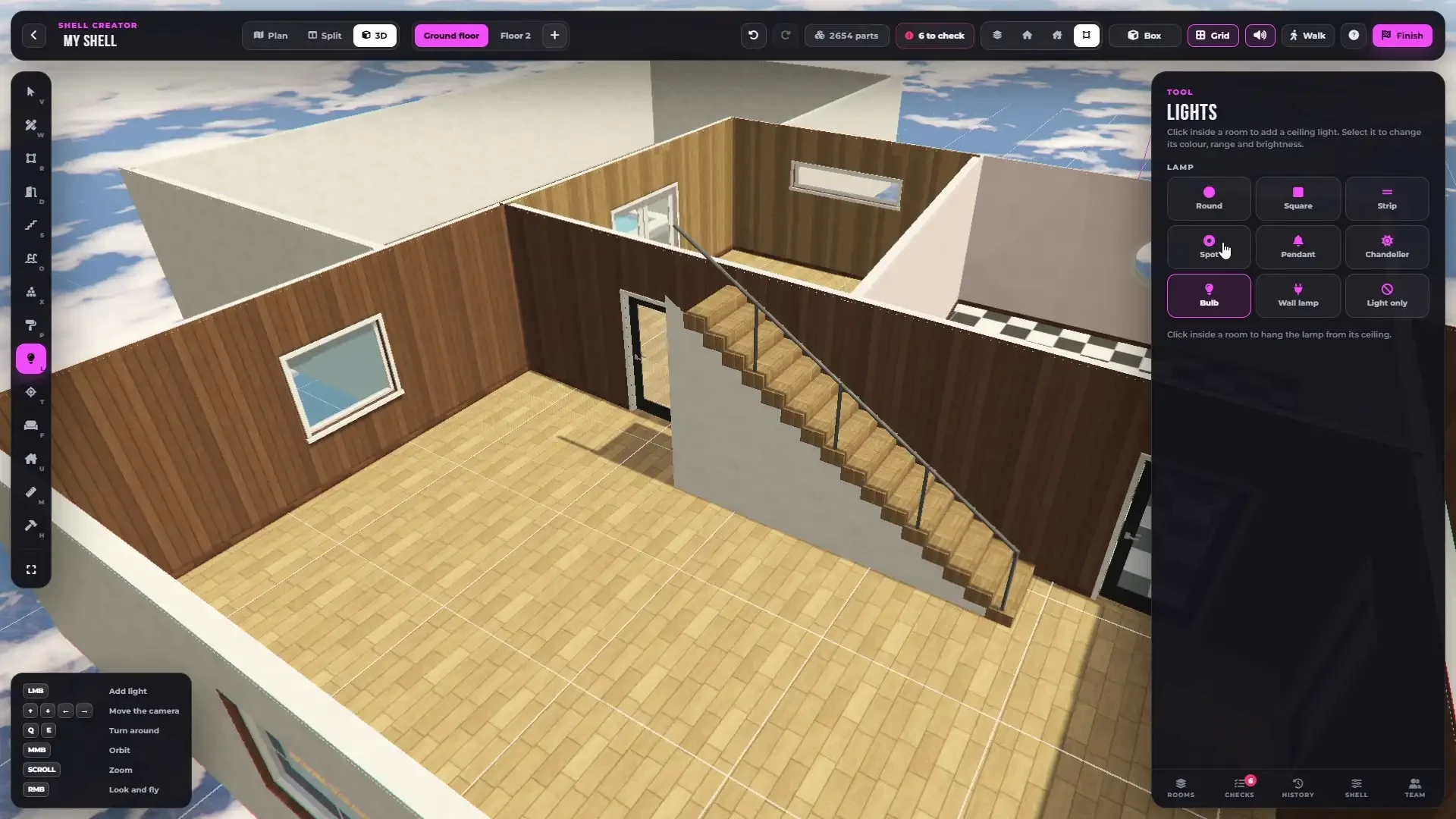
- 9 lamp types — round, square, strip, spot, pendant, chandelier, bulb, wall lamp or light only
- Any colour, range, brightness and shadows of every light
- Real game lights in the finished shell
- Time of day and weather inside the shell, night or day per room — no rain inside, ever
2,793 Props — and Your Own
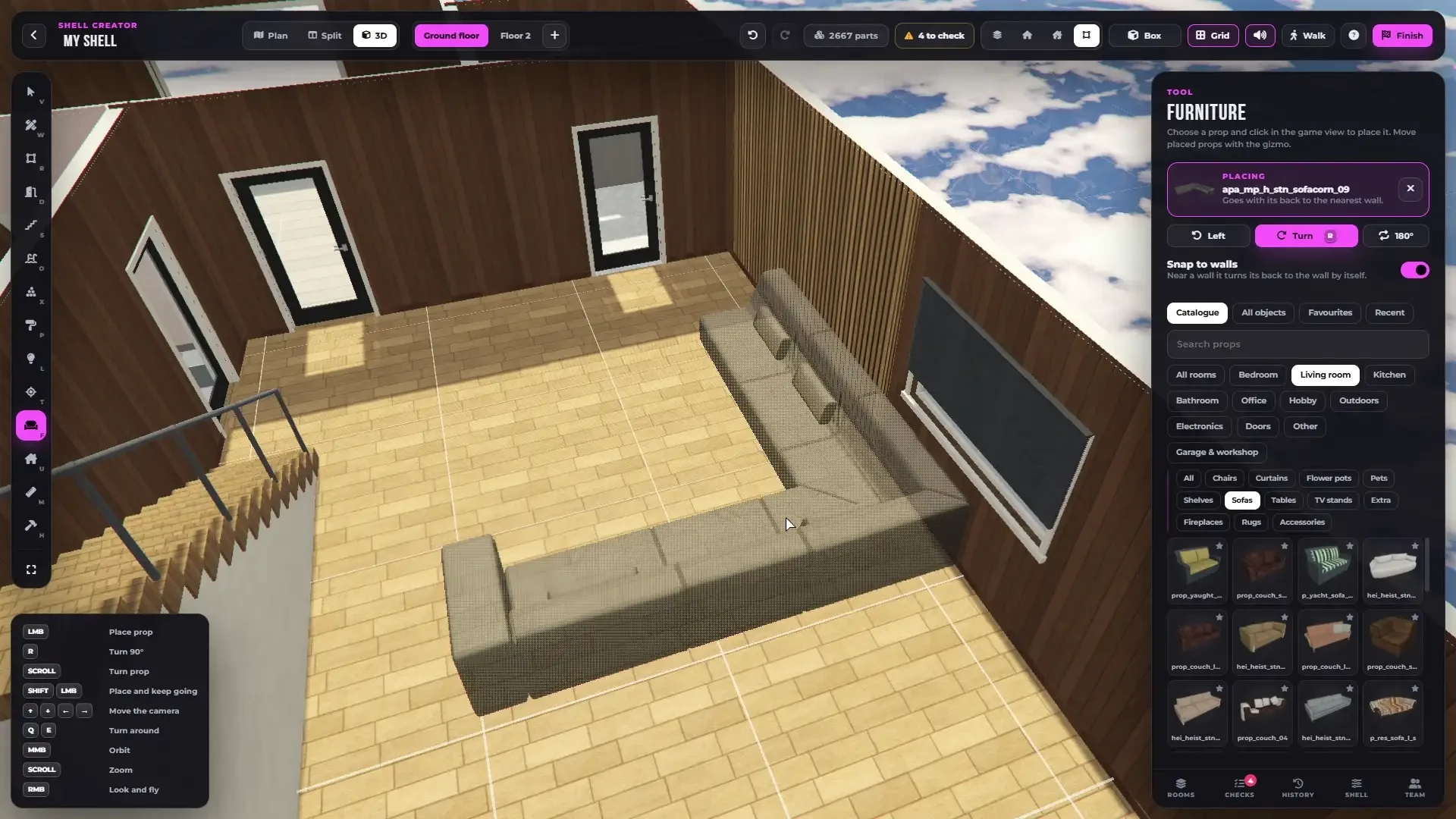
- 2,793 furniture props sorted by room and category, with a picture of every one
- Add your own props — stream them in any resource and place them by their model name, or add them to the catalogue with their room and category so they show up with the rest
- Favourites, recently used, search — or any other game object by its name
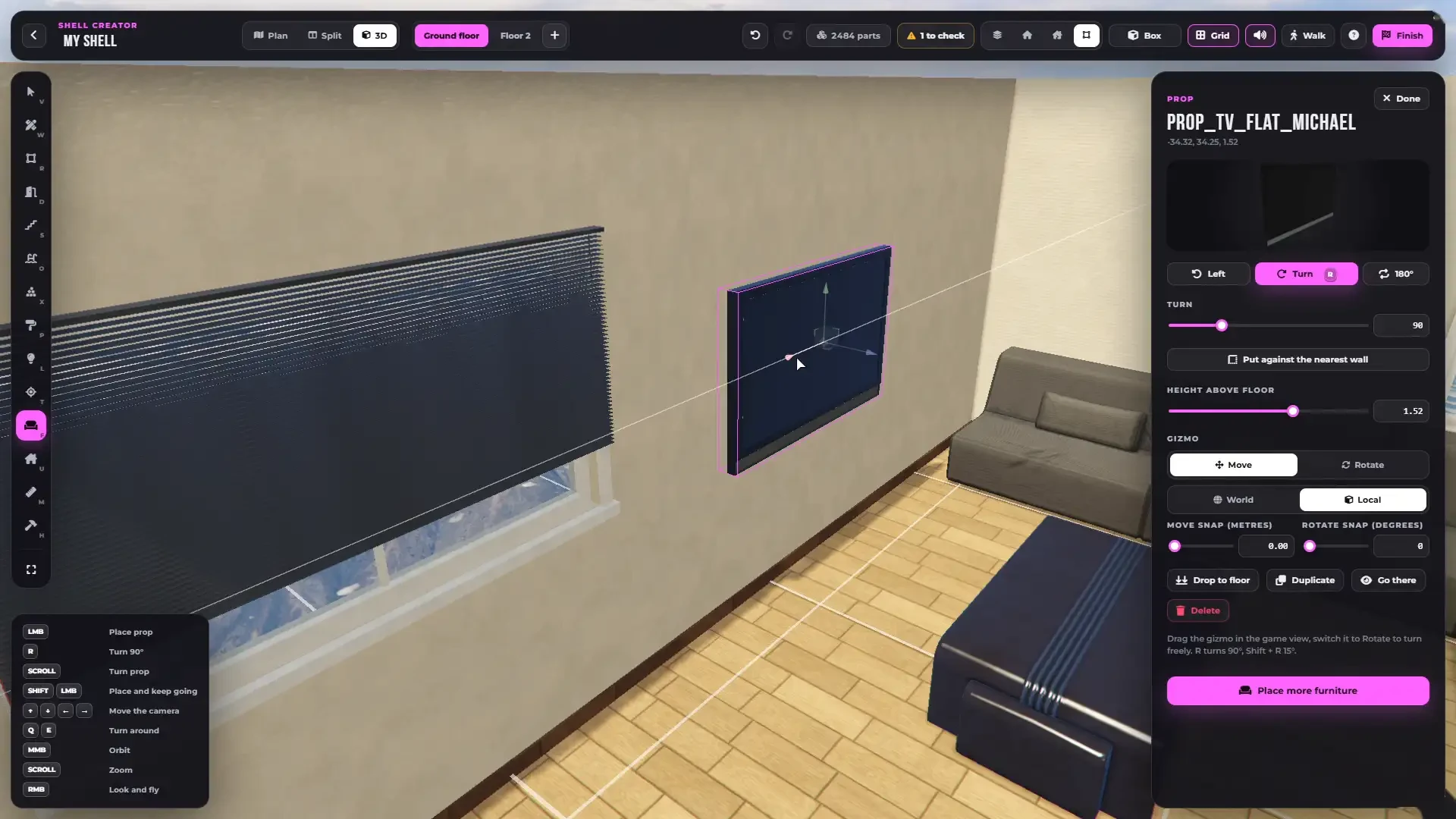
- Smart placement — pictures and mirrors hang on the wall, beds and sofas go against it, TVs at TV height
- Move and turn everything with a gizmo, snap to walls, drop to the floor, place several at once
- Furnish a room in one click — the right furniture for its type, your own props included
- Copy a whole room with its furniture, to the same floor or the next one
Housing Points
- Place the exit, management, wardrobe, storage, cooking, sinks, showers and cleaning spots right in the shell
- Aim them on the plan or pick the exact spot in the game
- They go straight into the housing config of your shell
Build Together
- Several admins build in the same shell at once — every change is live for everyone
- Each builder has a colour, and you see their cursor, selection and tool
- Team tab with everyone who is editing
- Every saved shell stands in the build zone, visible to anyone nearby
Walk Through It
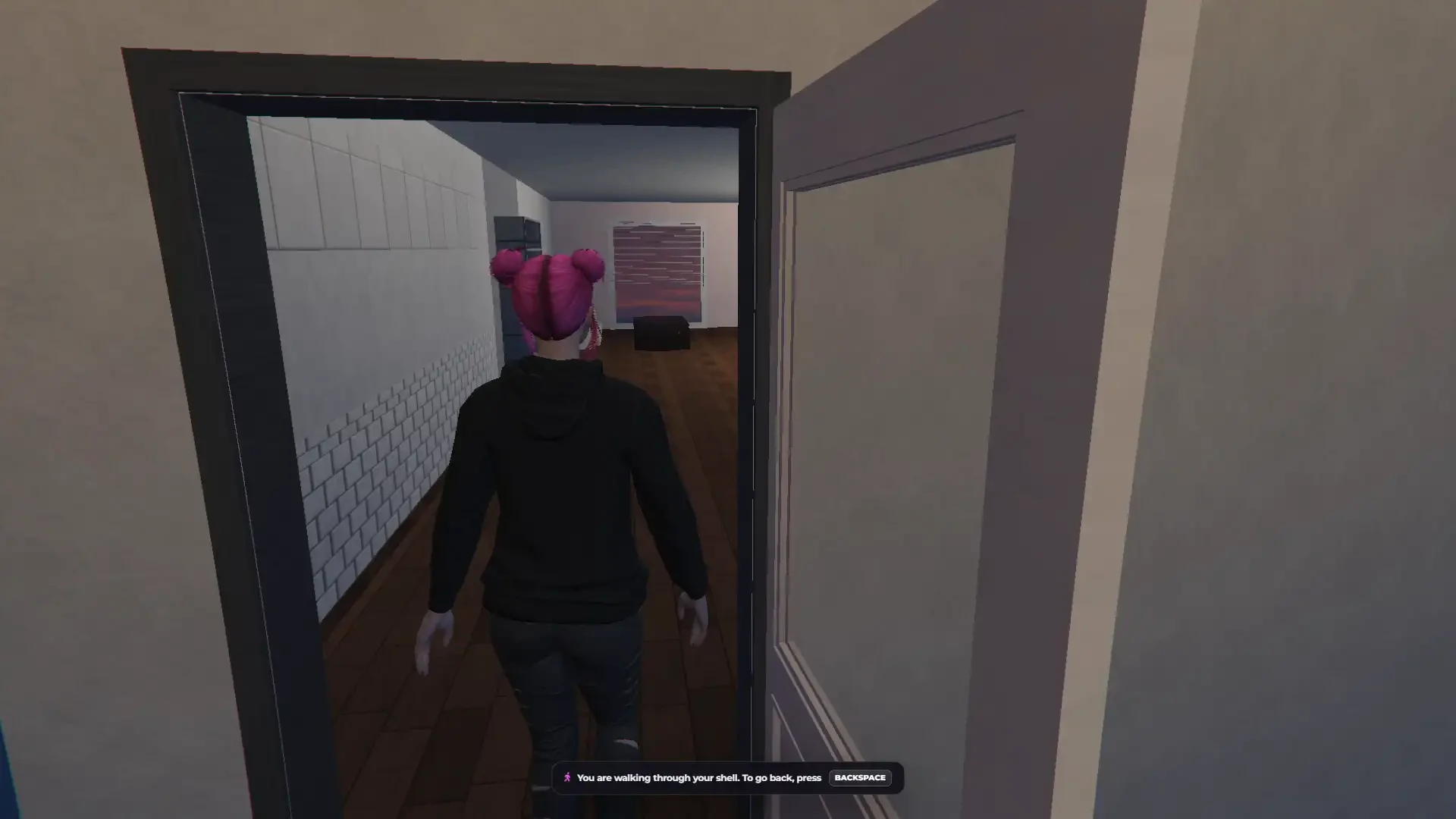
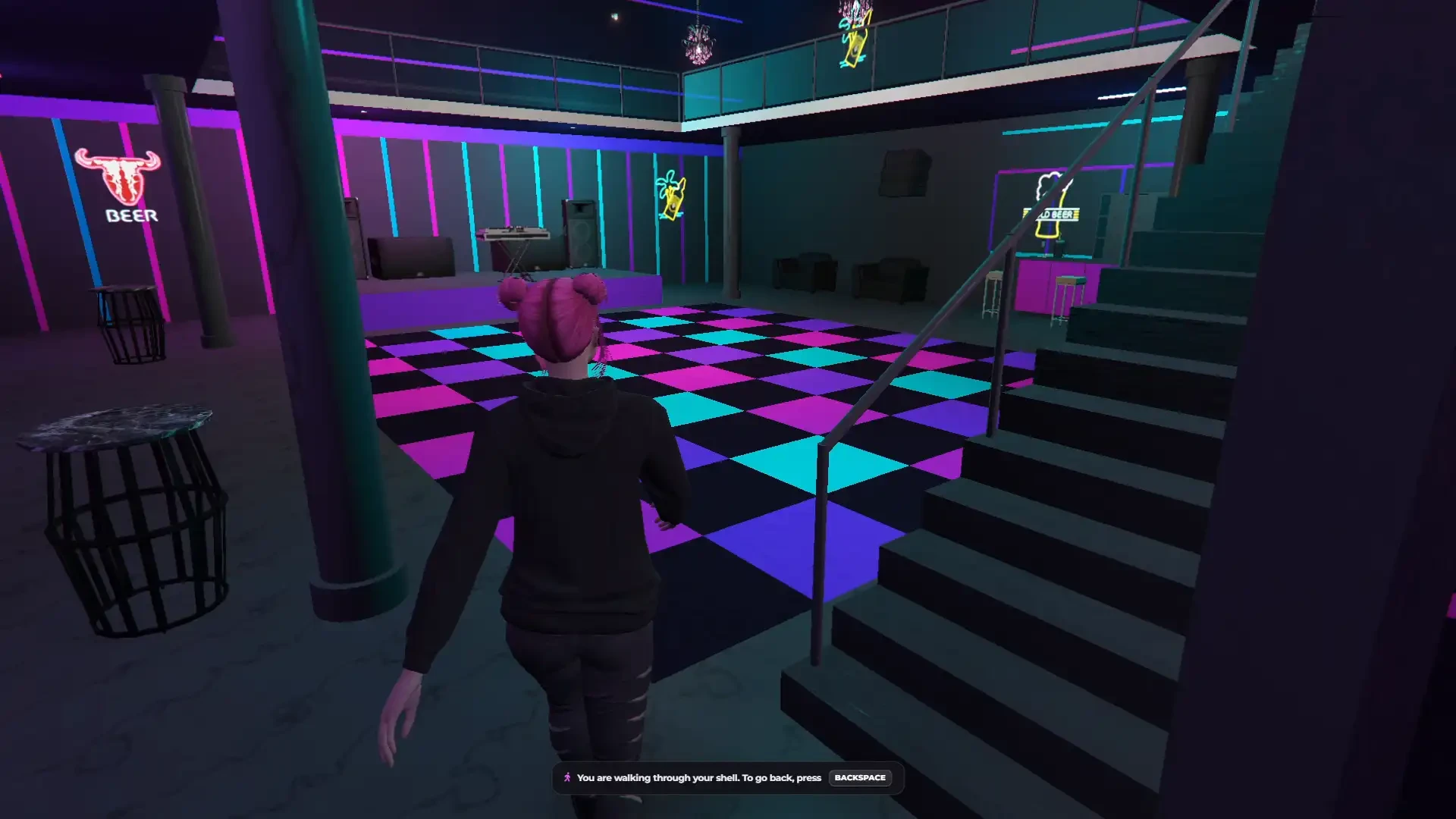
- Walk through your shell with your own character before your players ever see it
- Inner doors swing, garage doors open, ladders climb and elevators take you between floors
- Back to the editor with one key
Checks, Undo & History
- Checks tell you what is missing — open walls, rooms without a door, dark rooms, stairs with no floor above, missing housing points and more
- Fix most of them with one click
- Undo and redo, 120 steps
- History — automatic and named versions of every shell, restored in one click
- Saved automatically, all the time
One Real Shell — or a Real MLO
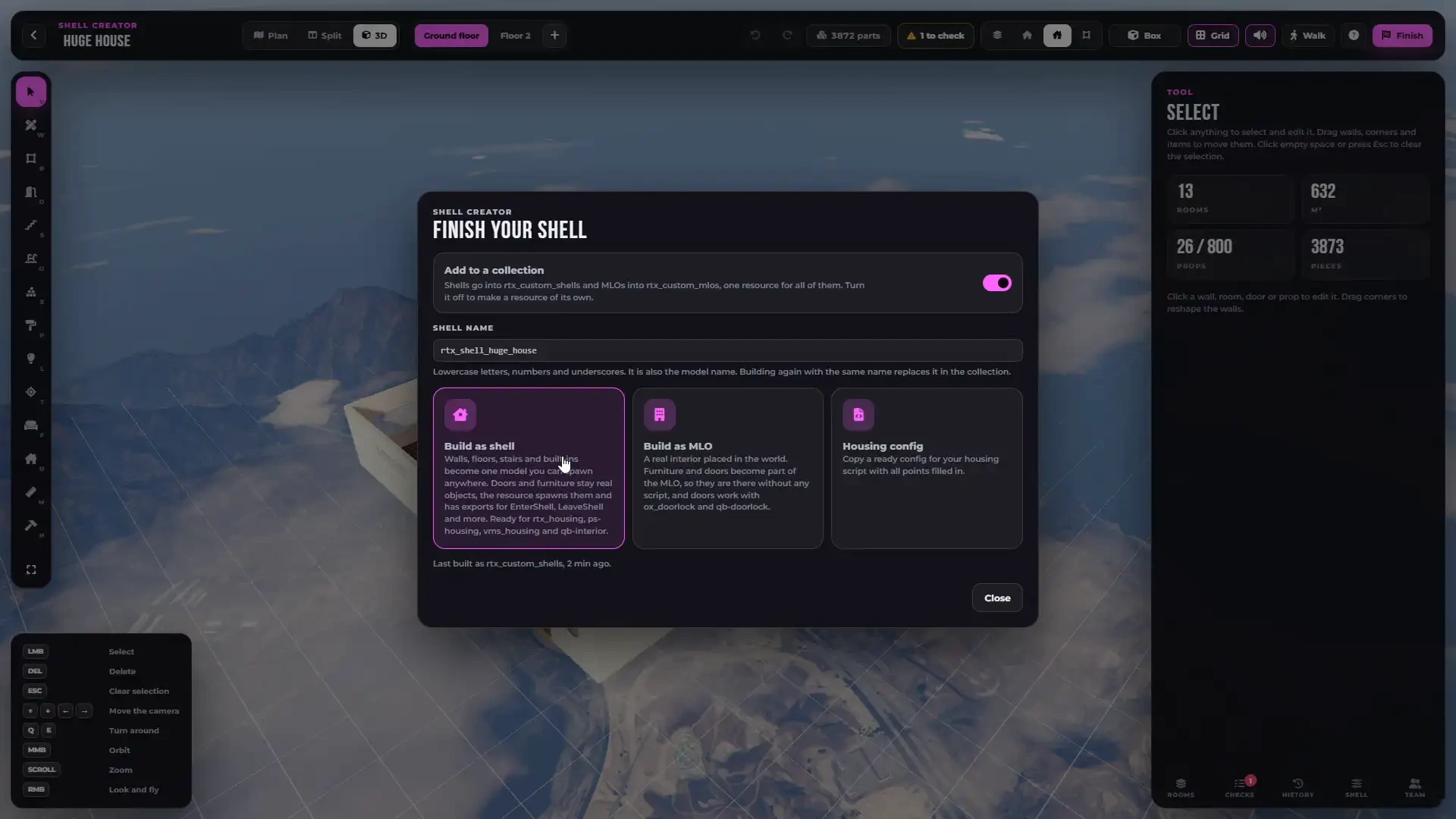
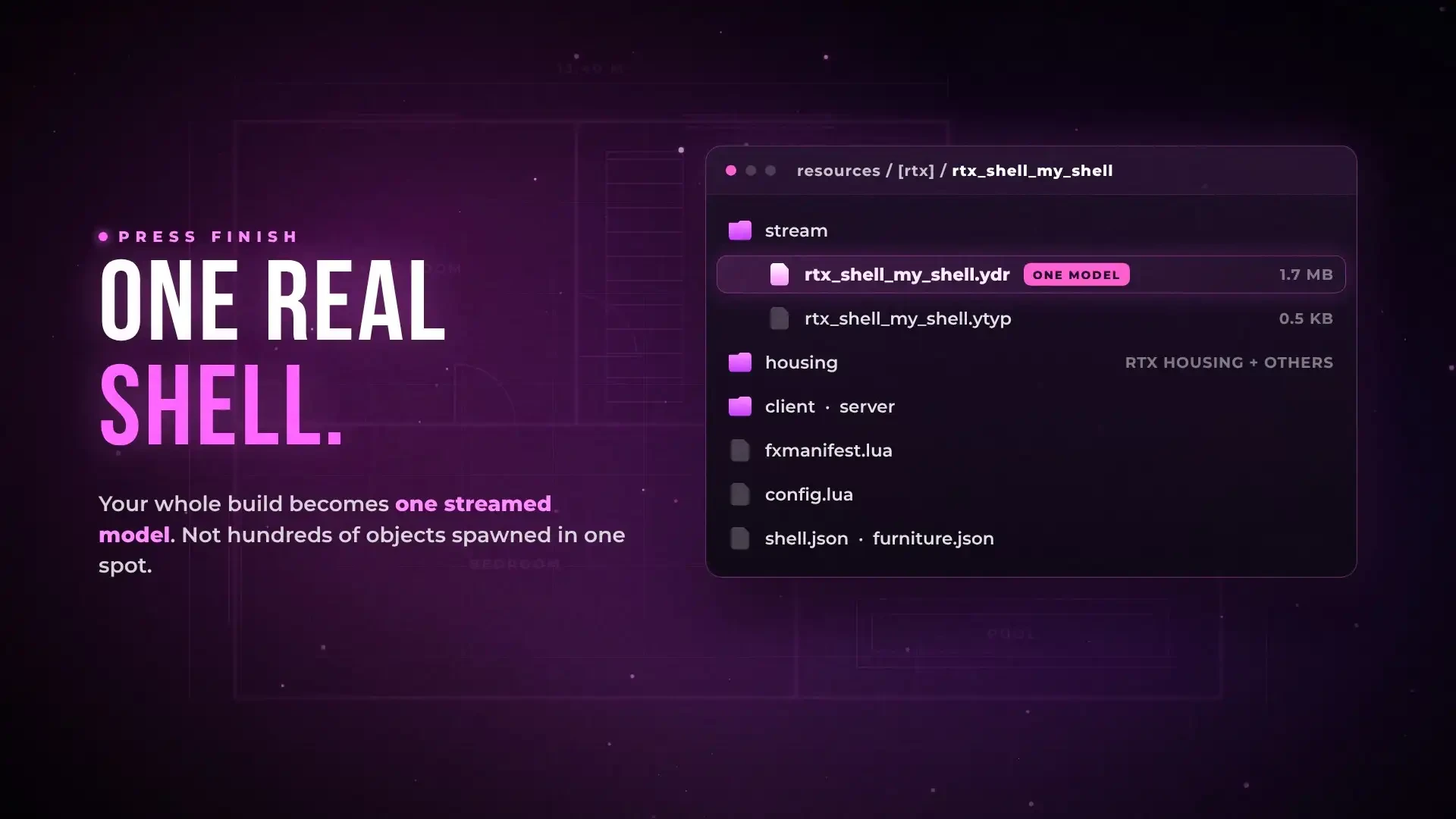
- Press Finish and your whole build becomes one streamed shell model with its collision and textures — not hundreds of objects spawned in one spot
- Or build it as a real MLO at any place on the map, with its furniture and doors
- Installed on your server with one click and started straight away
- Put all your shells into one resource, or give each one its own
- Doors and furniture spawn with the shell, garage doors and elevators are synchronized
- The previous version is backed up every time you build again
Ready for Any Housing
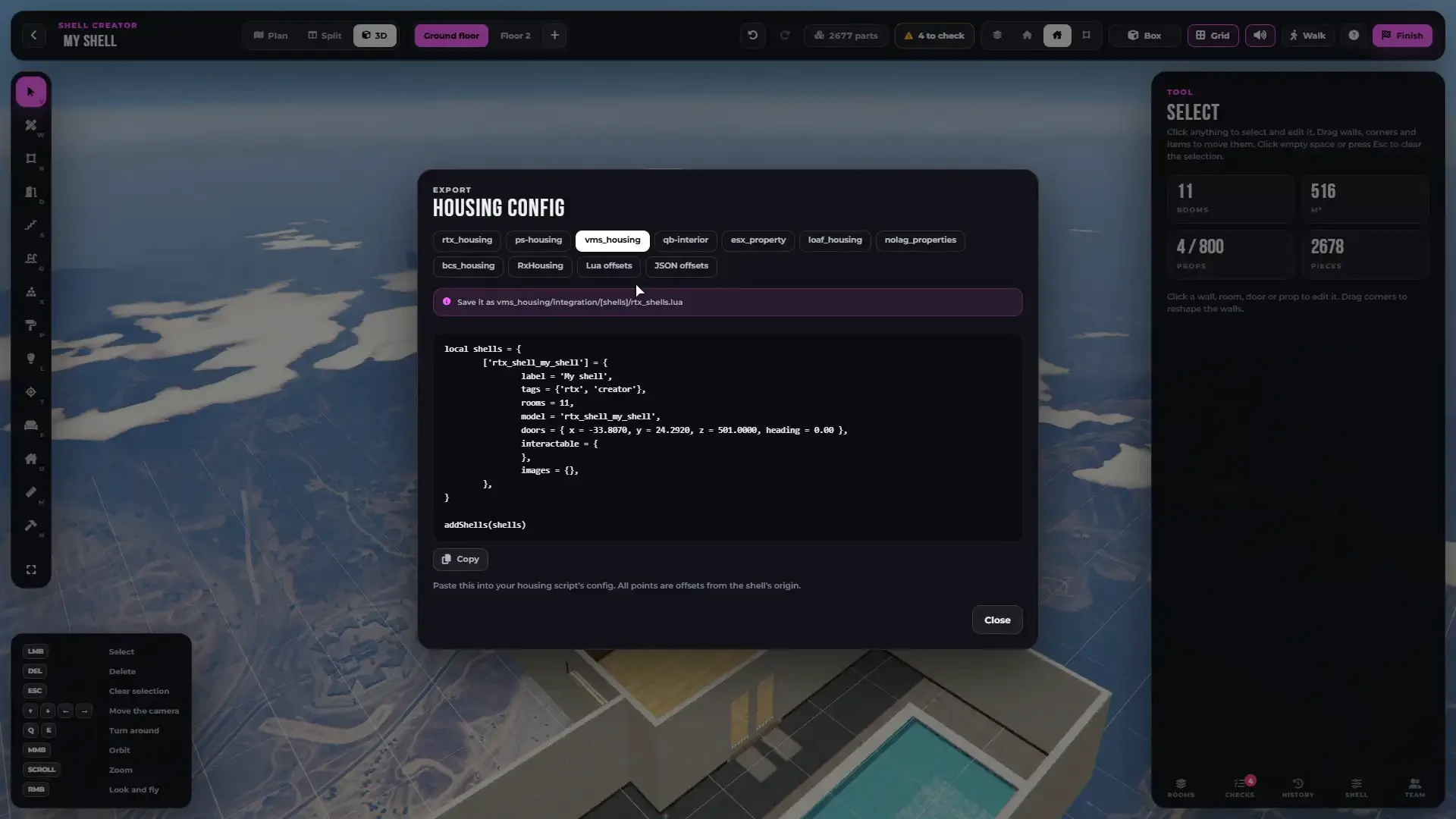
- A ready config for RTX Housing and any other housing system, with your housing points already in it — copy, paste, done
- Added to RTX Housing automatically when you finish
- Your own housing script — plain Lua and JSON offsets with the model and every point
- Exports to enter, leave and spawn your shells from any script
Templates & Share Codes
- Save your own templates — any shell becomes a starting point for new ones
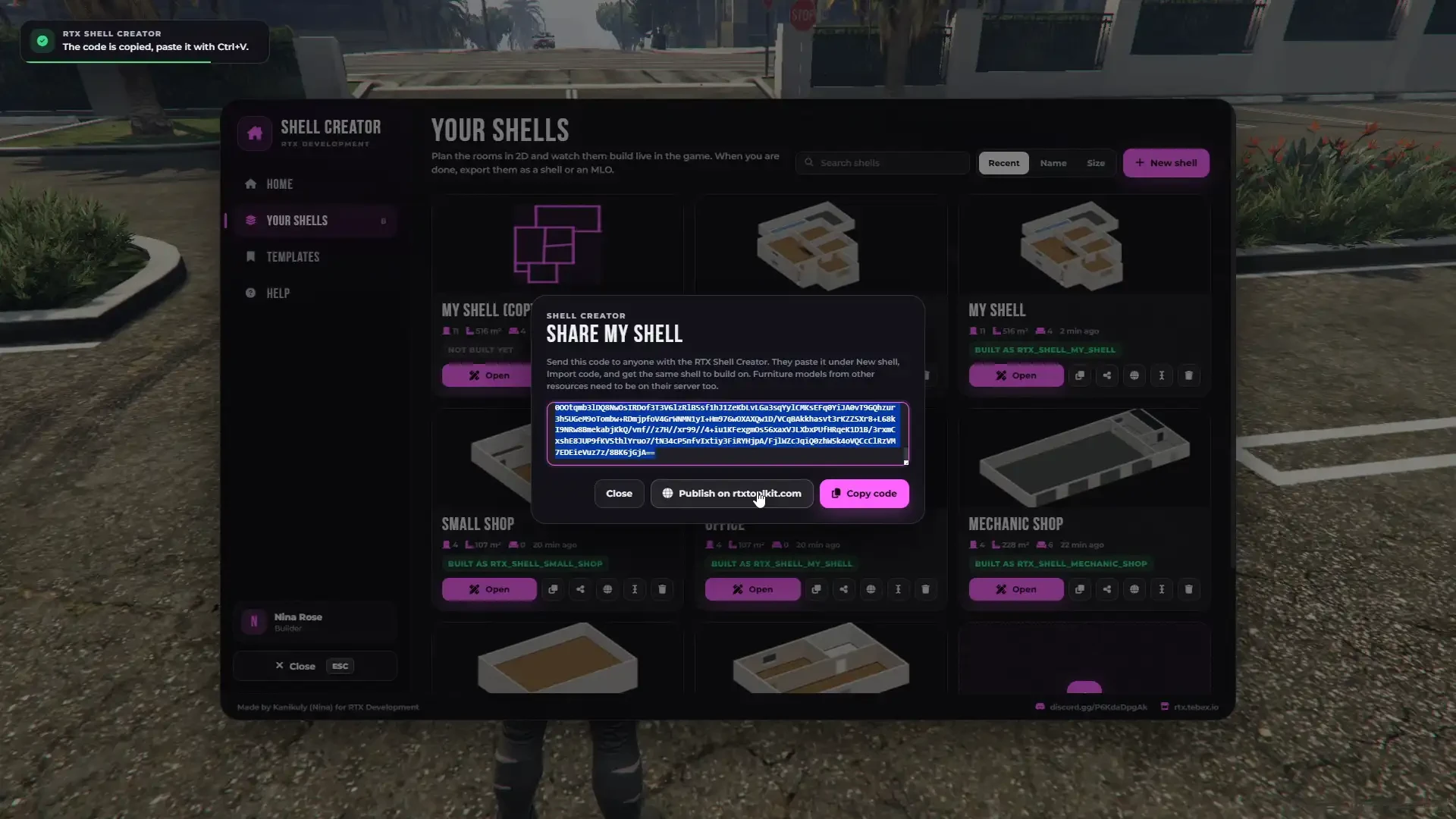
- Share codes — send a whole shell as one code, anyone with the Shell Creator gets their own copy
- Publish your best shells for the community
- Duplicate, rename, search and sort all your shells
Built-In Guide & Documentation
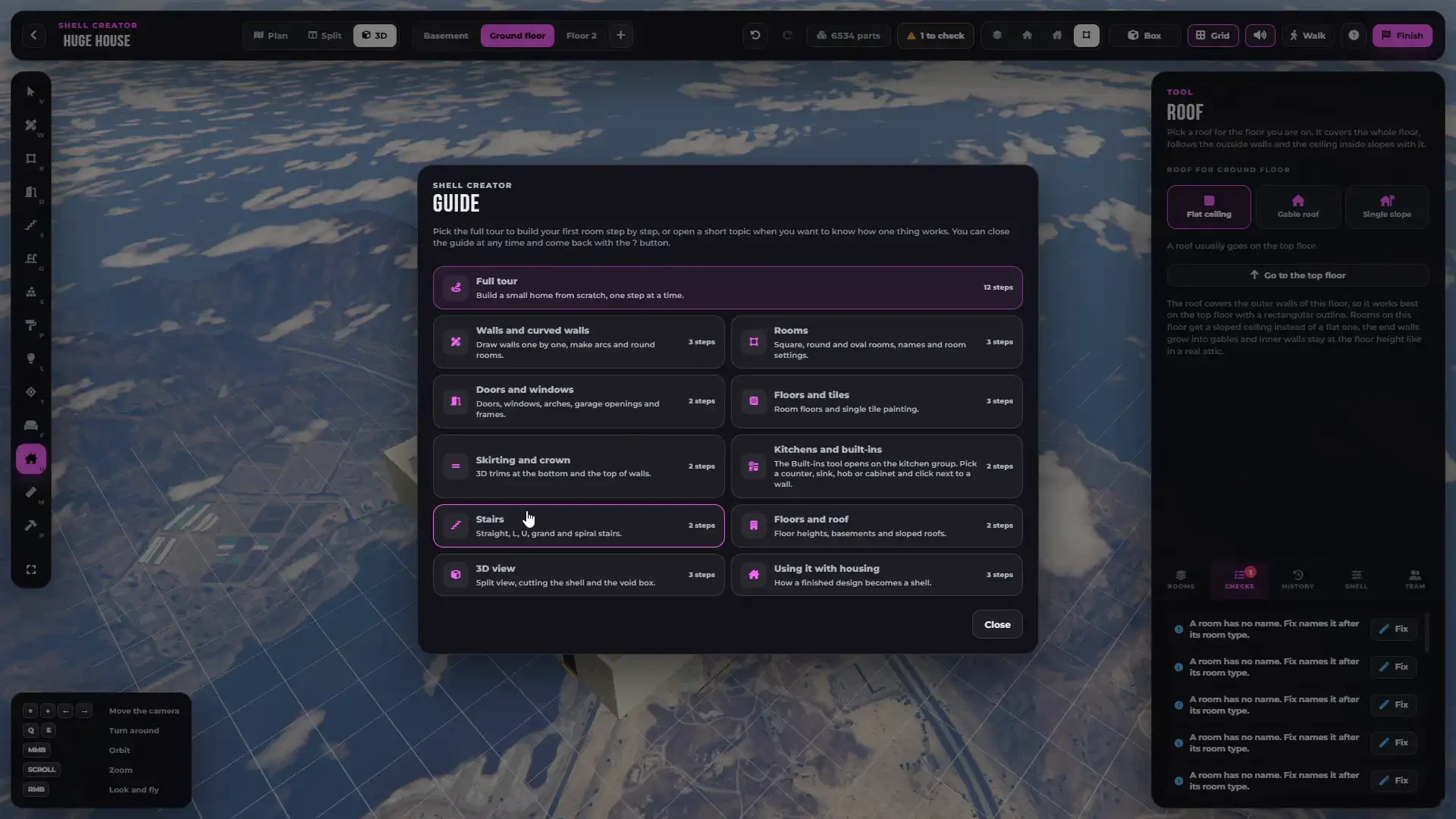
- New to it? A two-minute tour walks you through every tool step by step, right inside the editor
- Do every step yourself or press Do it for me
- Topics for walls, rooms, doors, floors, kitchens, stairs, roofs, the 3D view and housing
- Full documentation with a guide for every tool and for adding your own props, textures and languages — rtx-dev.gitbook.io/rtxdev/rtx-shell-creator
Brand New RTX Interface
- A completely new interface in the RTX style — clean dark panels, pictures for every material, door and prop, and smooth animations
- Home screen with your recent shells and a 3D picture of every shell
- Box mode puts your shell in a clean studio, cut views show one floor or all of them
- Soft editor sounds, muted with one click
- Interface accent colour and scale changed in one line
- Built-in notifications
Make It Yours
- Your own props — any streamed prop, in the catalogue with its room and category
- Your own textures — PNG files in the
customfolder - Your own colours — a colour picker in every shell
- Your own templates — save any shell as a template
- Your own language — every text is in an open language file
- Your own admins — ACE, framework groups, single players, or your own check in the open-source bridge
- Your own notifications, HUD and weather sync — open hooks in
client/other.lua - Step-by-step guides for all of it in the documentation
Developer Friendly
- Every finished shell comes with exports to enter, leave and spawn it, read its points and open or lock its doors
- Exports to spawn the doors and furniture of a creator-made shell around any shell entity
- Events when a player enters or leaves a shell and when a resource is installed
- Open hooks for admins, notifications, the HUD, weather sync and player checks
- Discord logs
- Commands renamed in the config, an optional key to open it
Everything Included
- The Shell Creator and its building kit with all walls, floors, doors, windows, stairs and details
- Everything you need is included in the price — ready to use immediately after installation
- No external programs — everything happens in the game
- Built-in notification system
- Optional support for your own notification system
Performance & Optimization
- A finished shell is one model — light for every player, no pile of props
- Shells in the build zone spawn only for players near them
- Big shells load the floor you work on first
- Every action is checked on the server, only your admins can build
- Designed to scale reliably on both small and large FiveM servers
Escrow & Configuration
- Protected via FiveM Escrow System
- Config, language files, the furniture catalogue and the client and server bridges are open
- One fully documented config for the framework, admins, commands, camera, shells, sounds and installing
- All texts are configurable and can be translated into your own language
RTX Shell Creator turns every admin of your server into an architect. Draw it, furnish it, walk through it — and press Finish.
Built for servers that want their own interiors — not the same shells as everybody else.
- Standalone
- ESX
- QBCORE
- QBOX
