
- Standalone
- ESX
- QBCORE
- QBOX
DJ
Bring a new level of atmosphere to your FiveM server with a fully developed DJ script, built from the ground up for immersive entertainment and dynamic roleplay. Whether you want to host a nightclub, rooftop party, or outdoor festival — this is the only DJ script your server will ever need.
This resource does not contain or provide any third-party audio or music integrations. All sound effects are played exclusively from predefined local audio files stored within the resource.
Any audio files added or replaced by the user must be content for which they hold all necessary rights and permissions, and must comply with the applicable Cfx.re Creator Platform License Agreement requirements.
Advanced Music Player
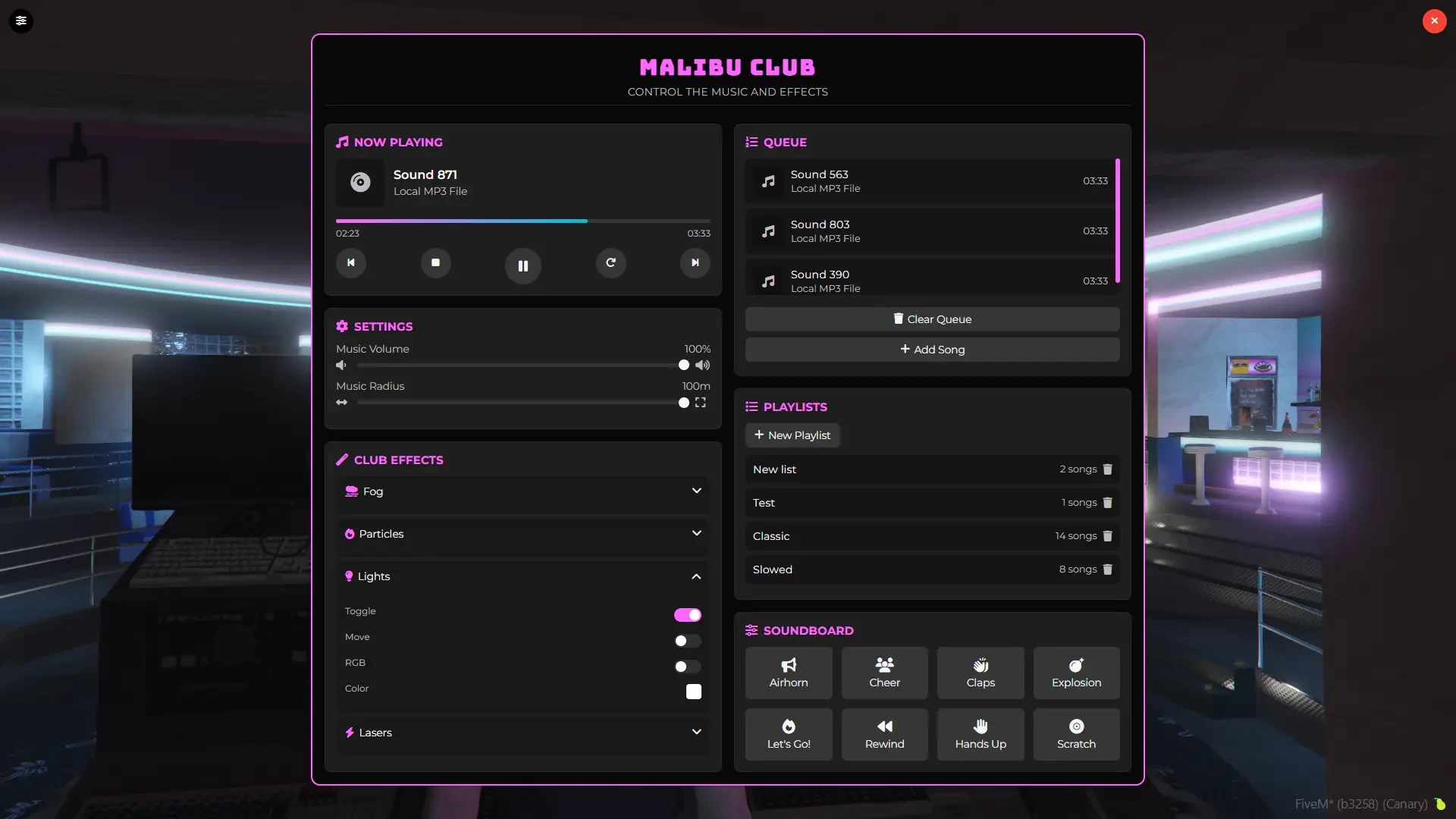
- Play your own music directly from MP3 Files
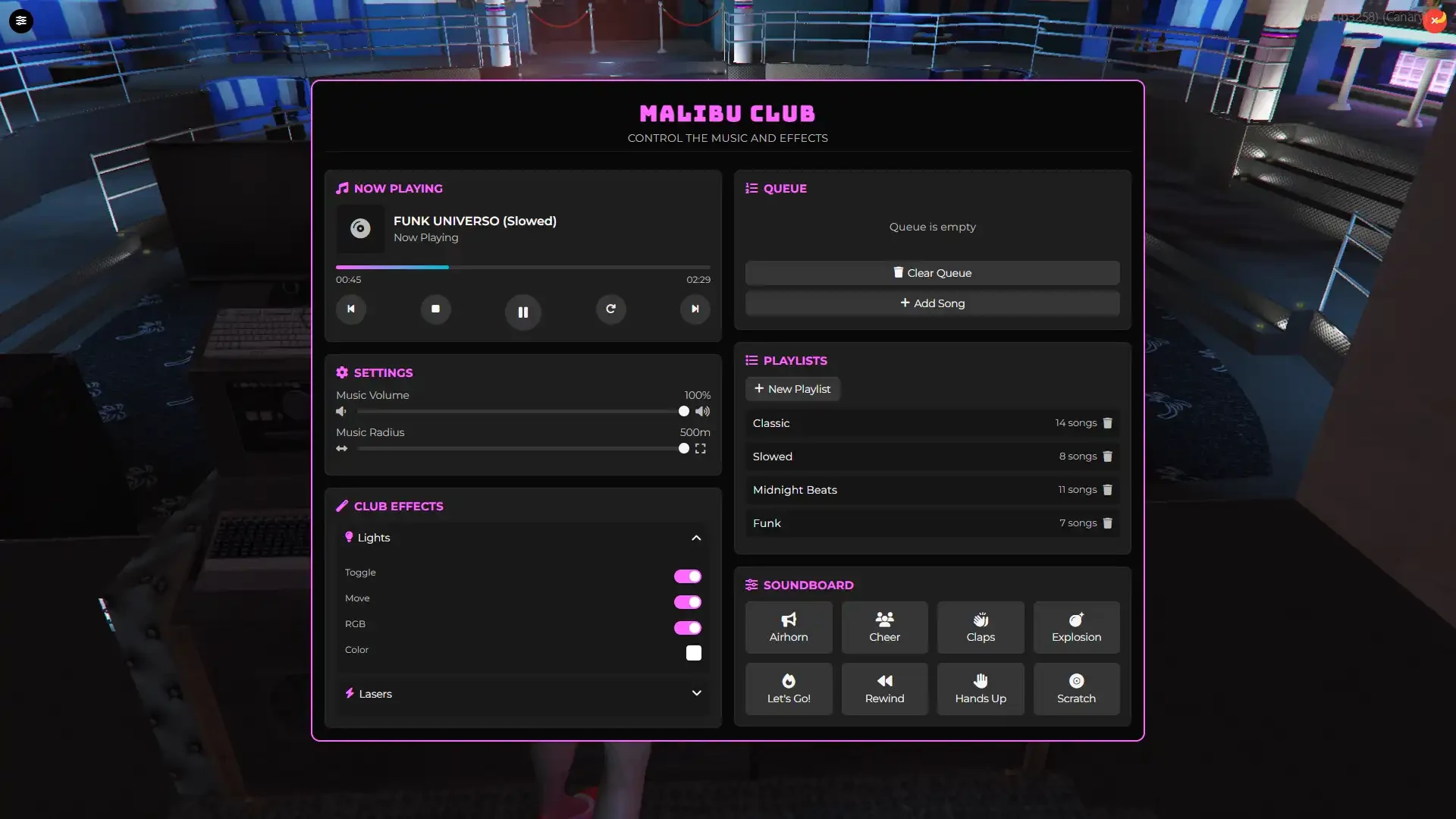
- Full playback controls: play, pause, stop, resume, loop, forward, backward
- Progress bar with time control to skip or rewind songs
- Seek system to jump to any part of a track
- Volume and distance controls for immersive sound
Song Queue & Playlists
- Dynamic song queue system to manage upcoming tracks
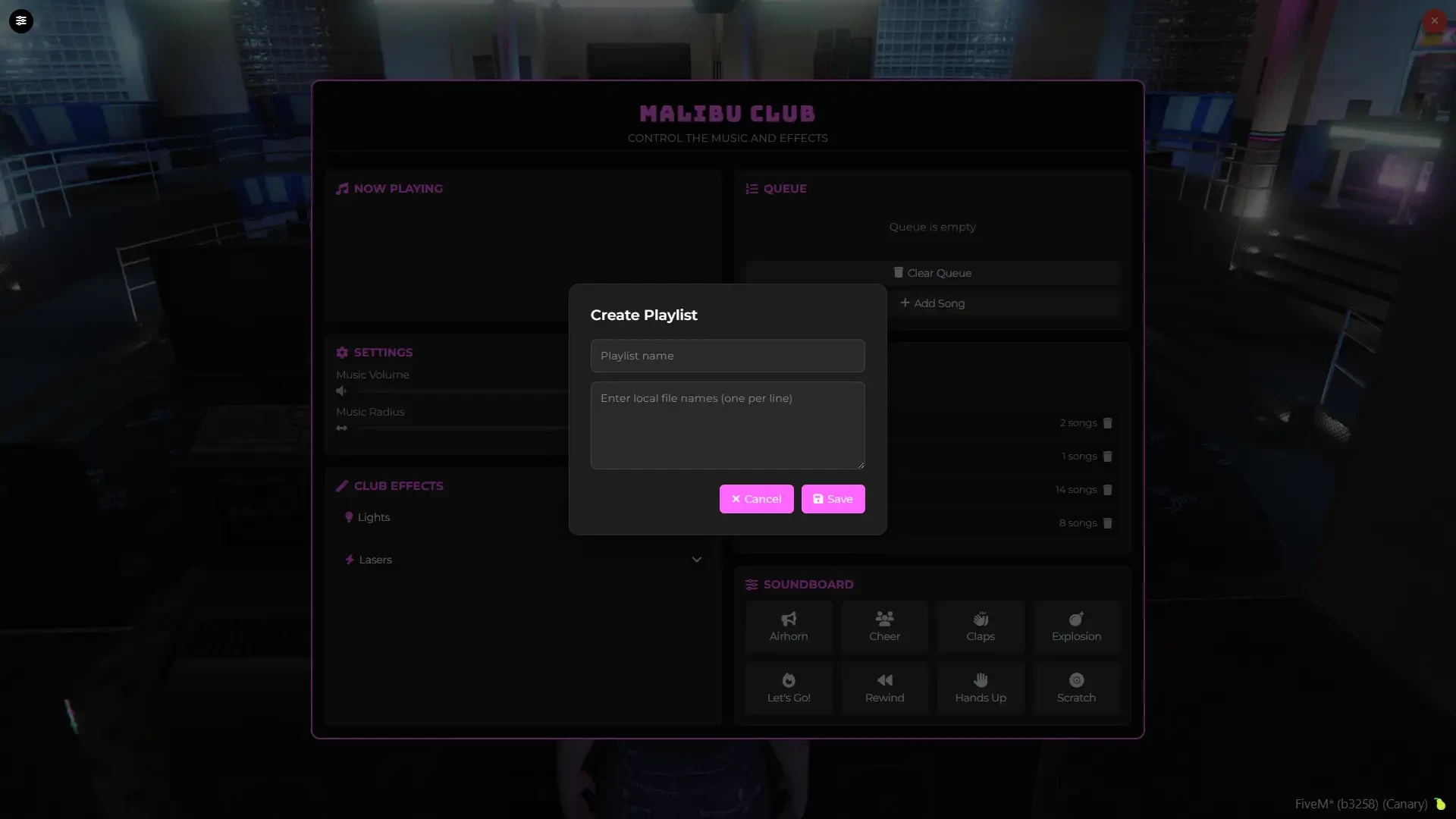
- Create, save, and play your own playlists
- Seamless transitions between songs for continuous playback
In-Game Club Locations
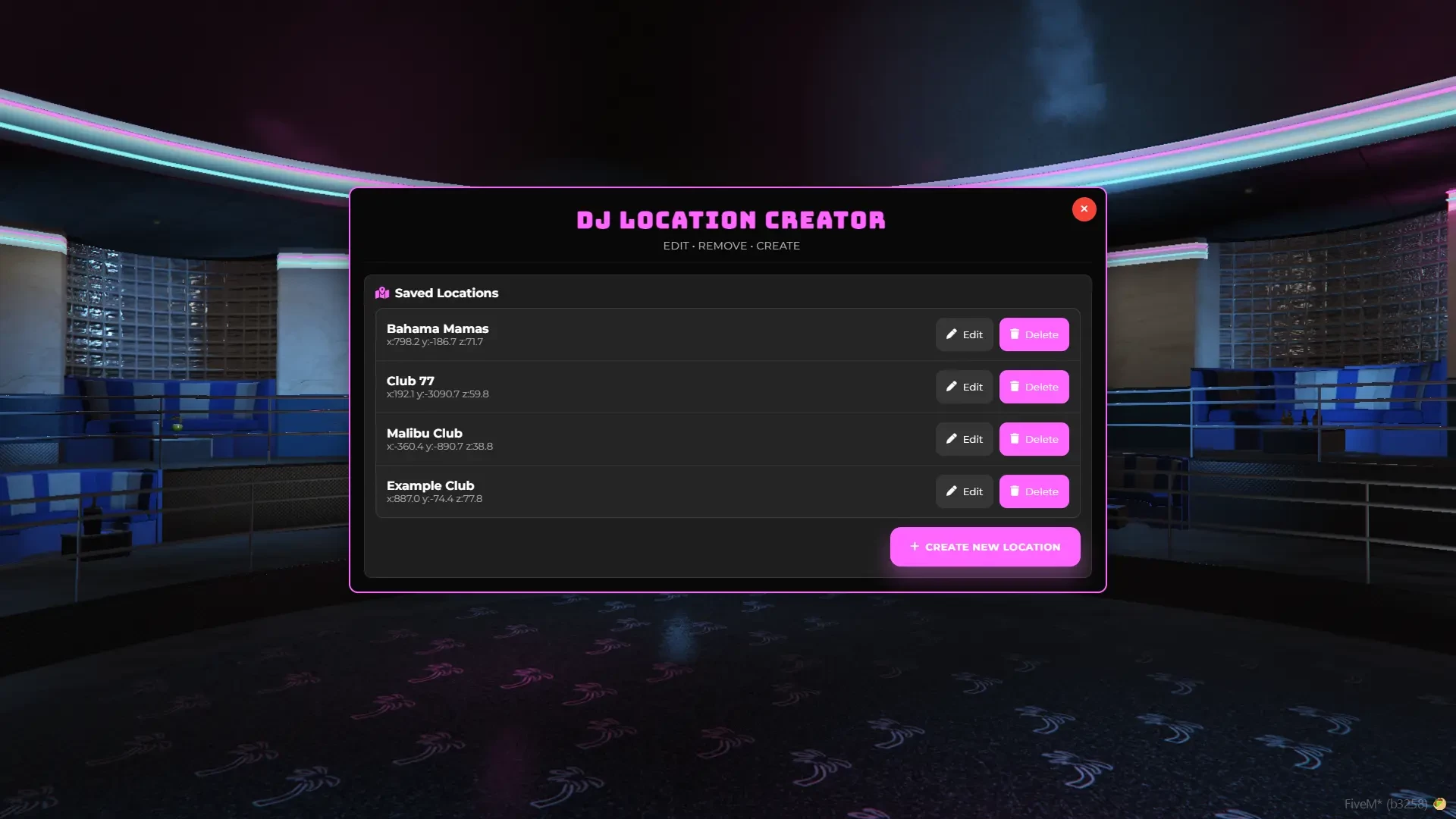
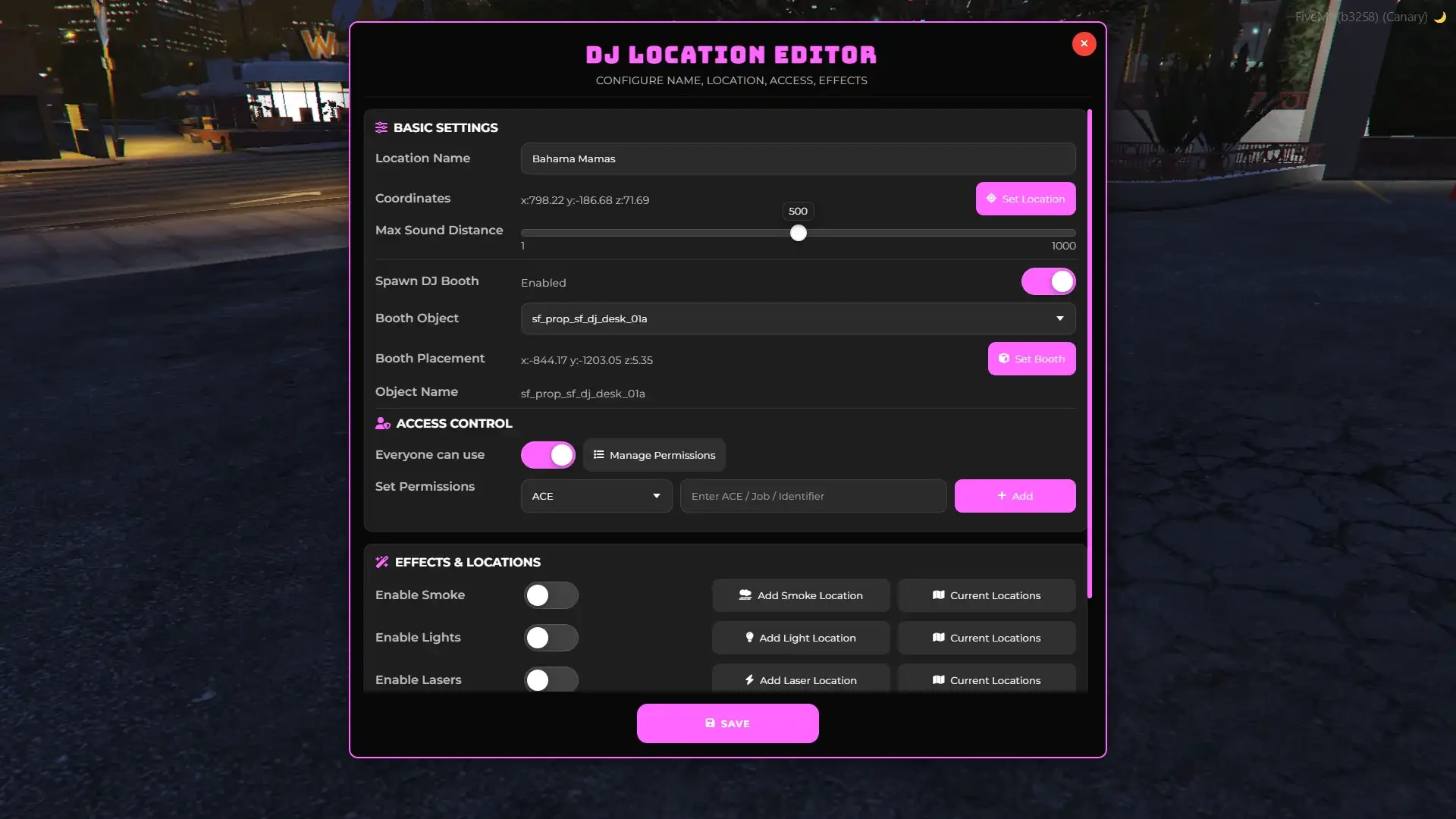
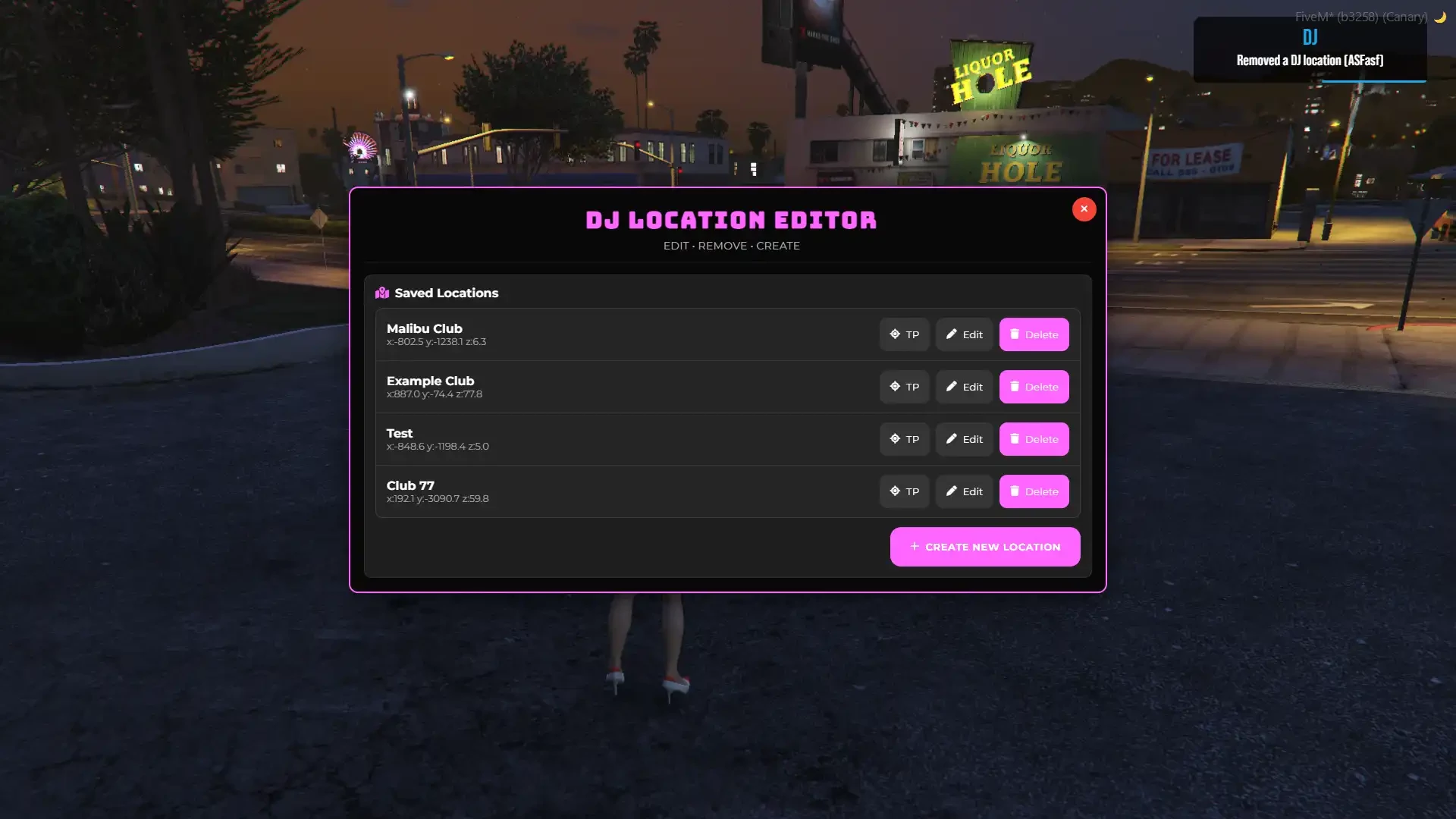
- Create unlimited DJ spots anywhere on the map
- Persistent locations remain after server restarts
- Each location has its own audio type, permissions, soundboard, and effects
Location-Based Permissions
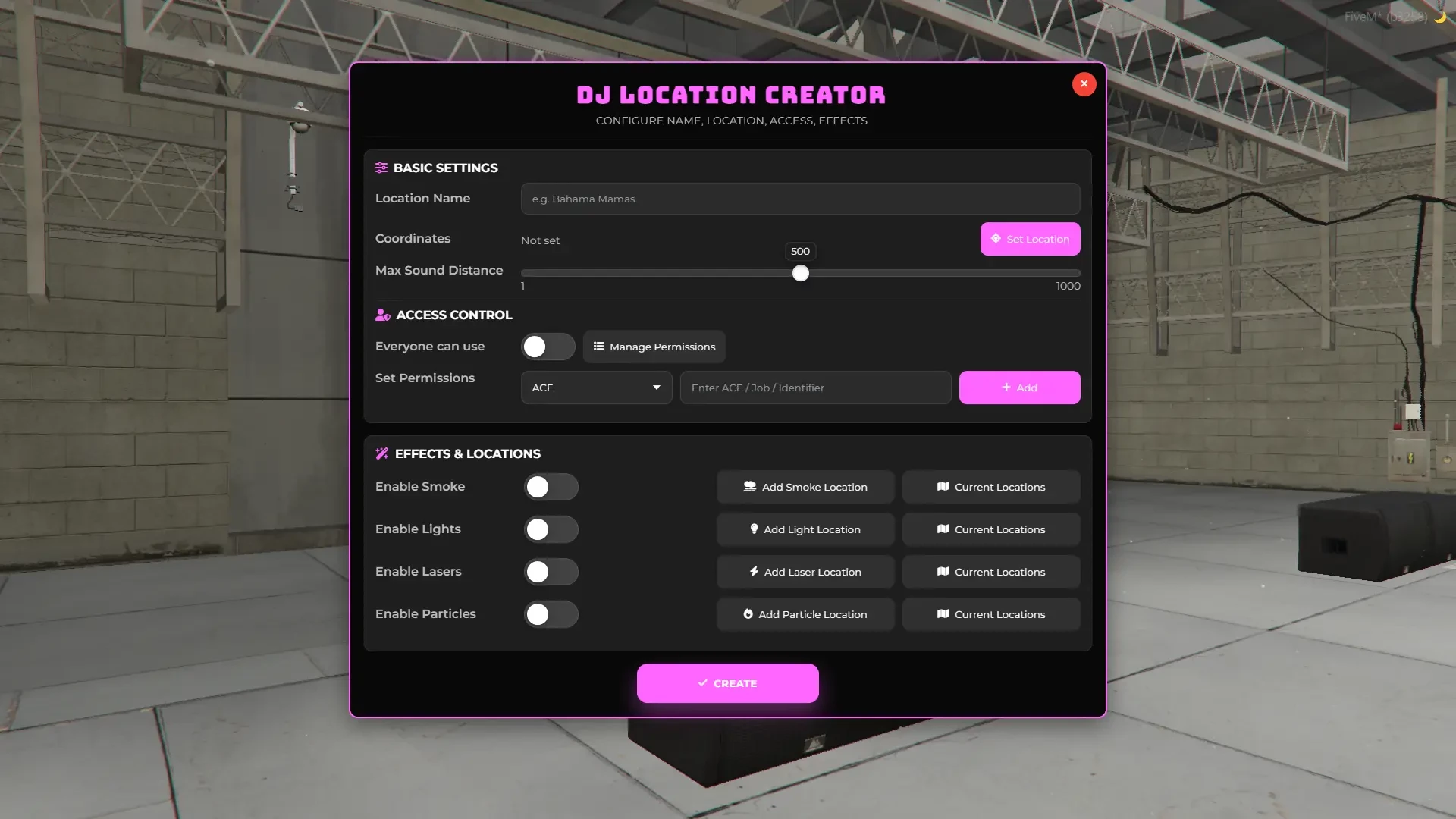
- Configure permissions individually for each DJ location
- Restrict access by job, identifier, ace, or leave it open for everyone
Club Effects
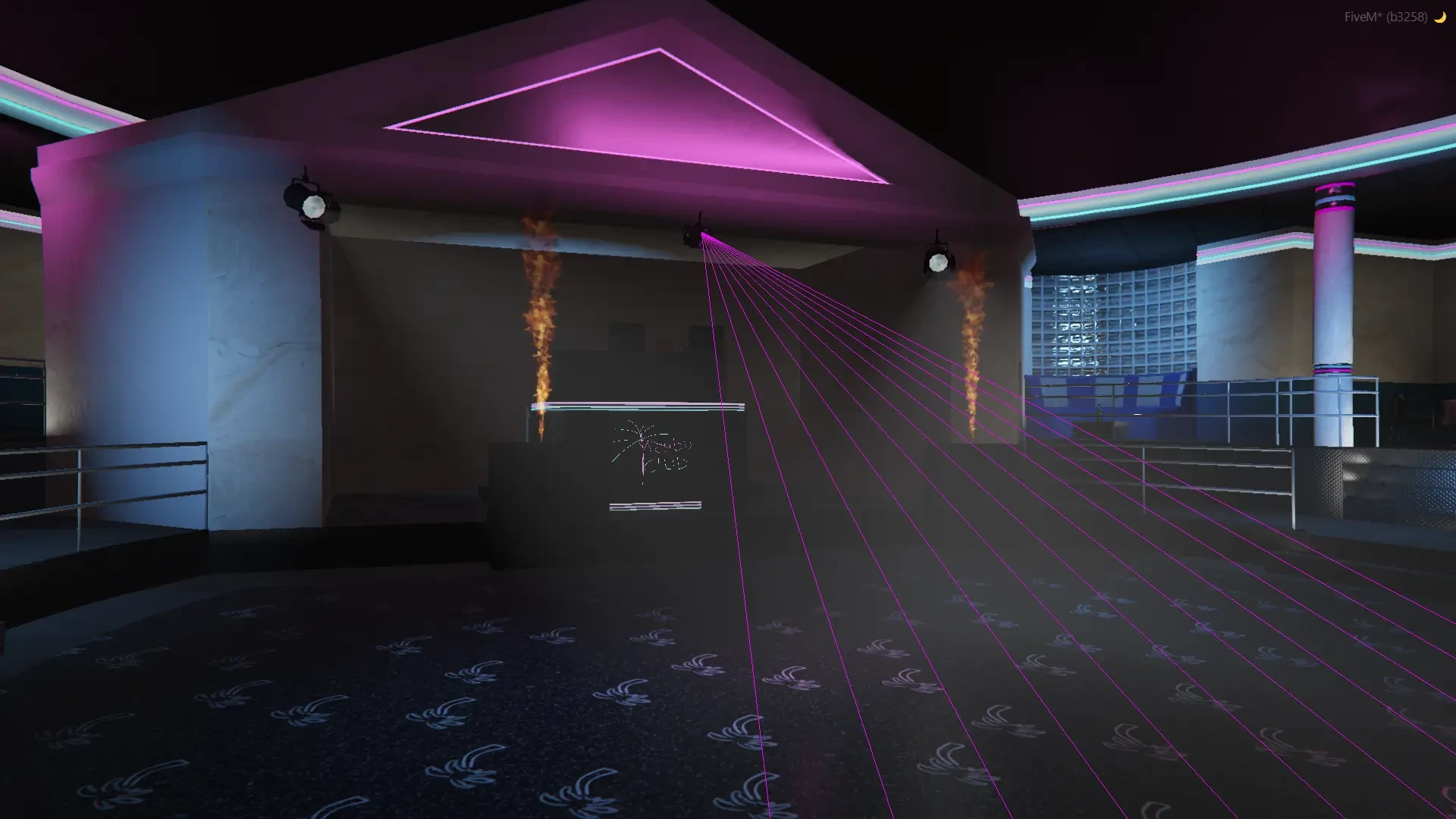
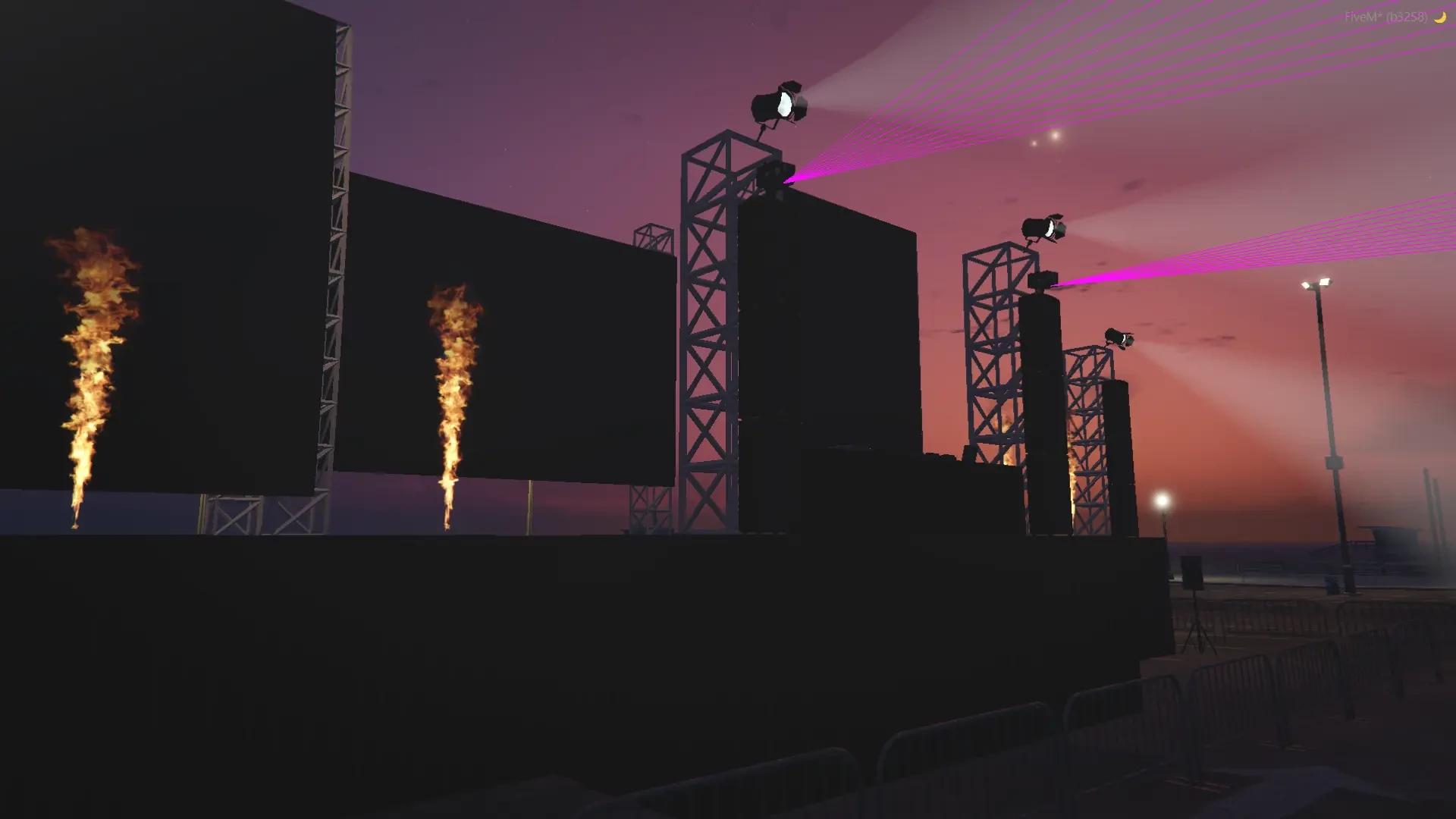
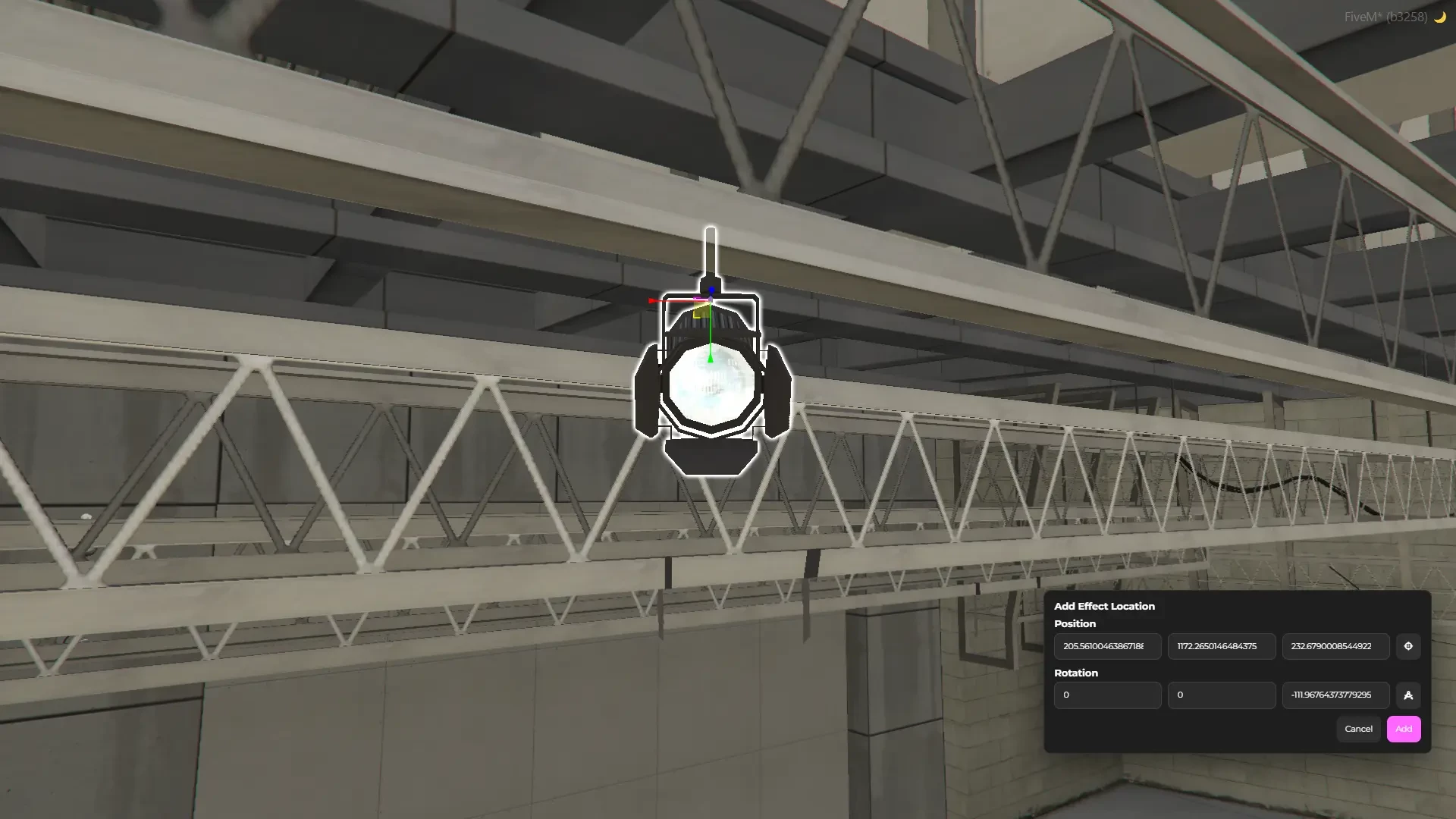
- Add lights, lasers, smoke, and particle effects to your DJ spots
- Customize color, intensity, and positioning for each effect
- RGB color cycle for both lasers and lights
- Dynamic movement options — lights and lasers can move and rotate
- Combine multiple effects for a complete nightclub experience
Soundboard System
- Use and manage your custom sounds effects through the config
- Perfect for hype moments and transitions
Audio Customization
- Choose from multiple dynamic audio types per location
- Linear – sound fades naturally with distance
- Quadratic – realistic drop-off for indoor venues
- Exponential – sharp fade for tightly packed spaces
UI & In-Game Settings
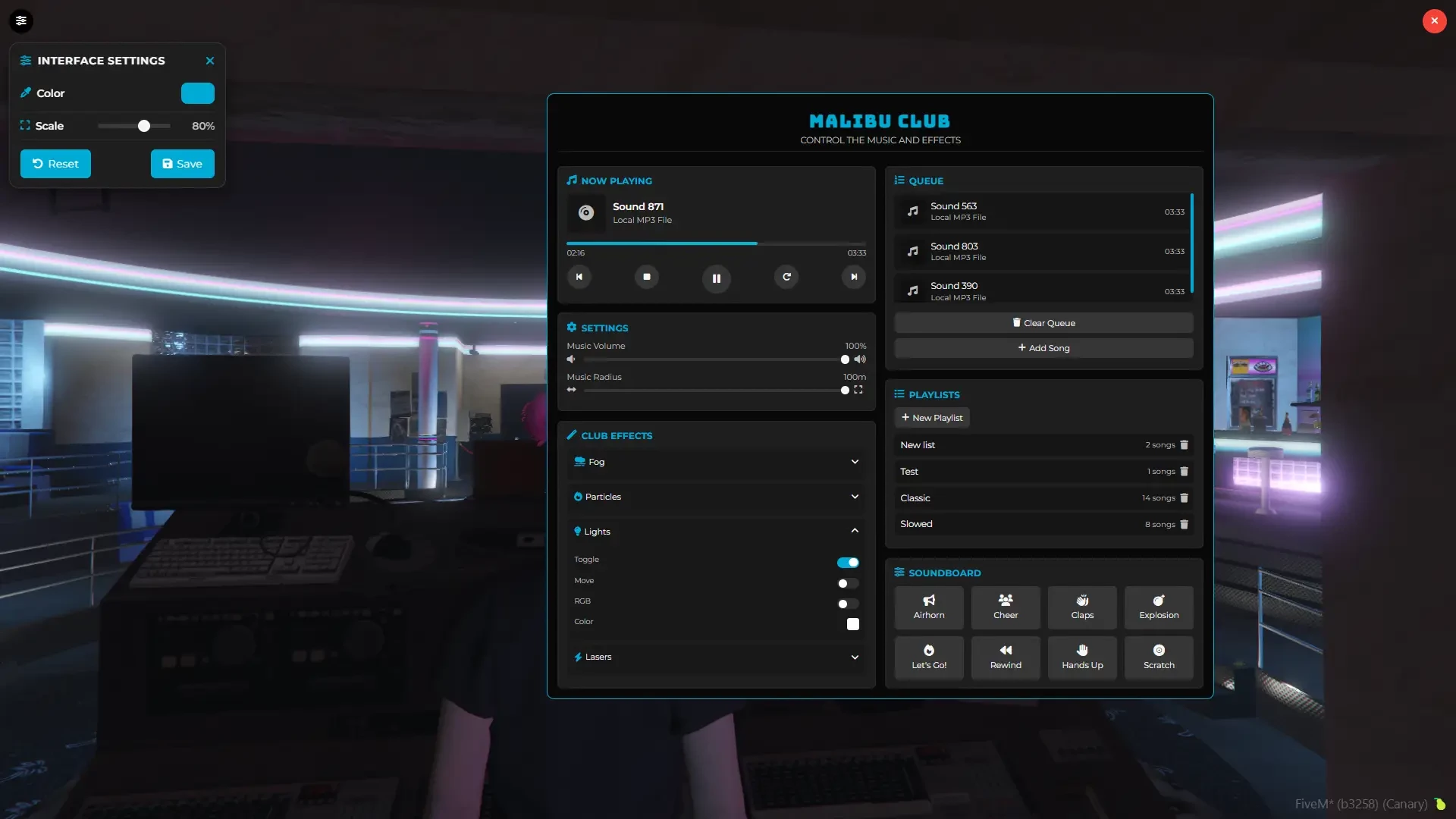
- Fully customizable UI and in-game settings menu
- Adjust colors, size, and position to fit your server’s theme
- Clean and intuitive interface for DJs and players
DJ Booth System
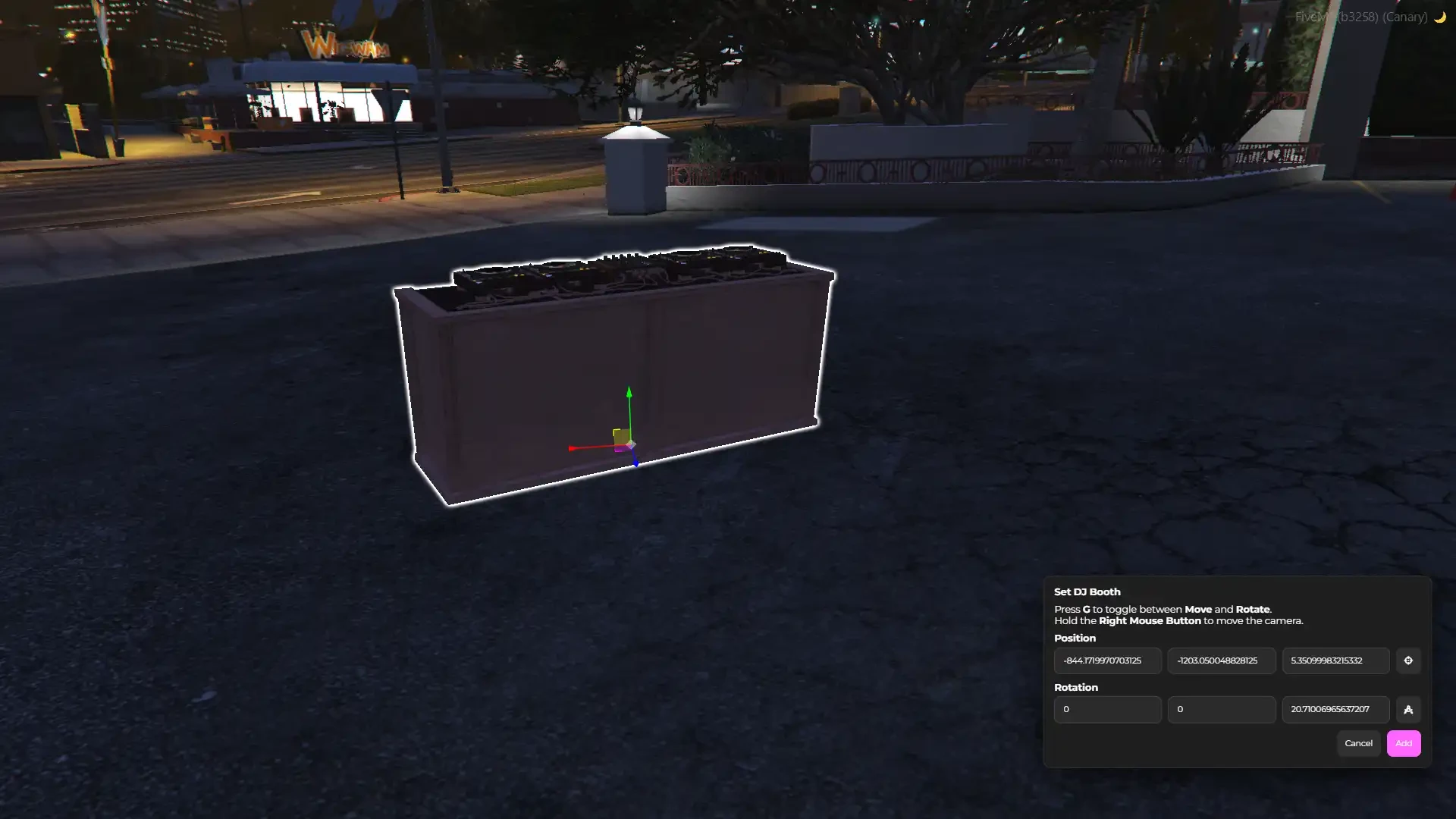
- Place a fully physical DJ booth object in the world
- Supports multiple models configurable in config
- Can be placed via config or in-game DJ creator
- Enhances immersion with visible DJ equipment
Advanced Sound Points System
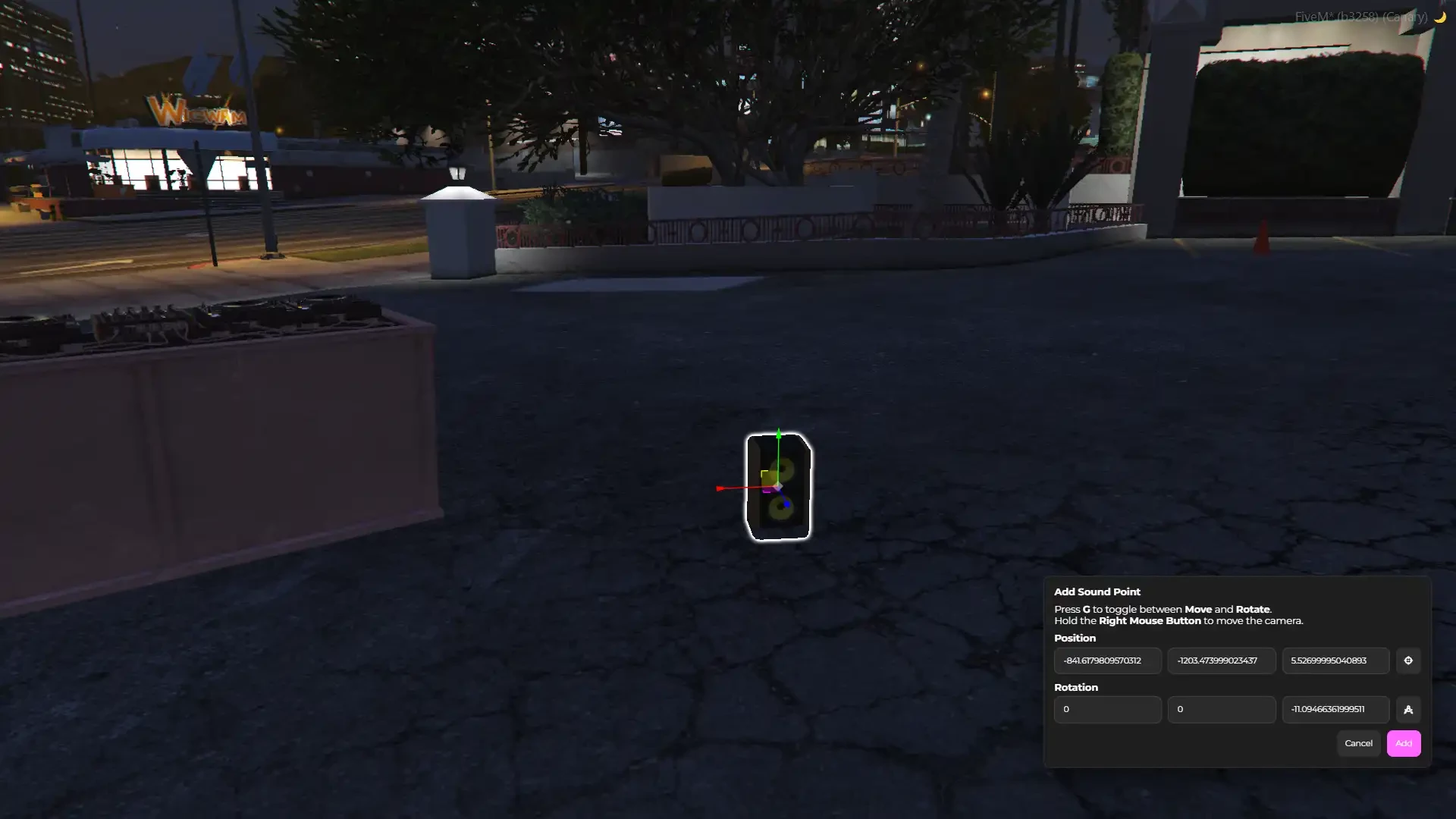
- Audio is no longer limited to the DJ menu position
- Fully configurable sound points system
- Sound plays from custom sound points placed in the world
- Supports multiple sound sources per DJ location
- Can be configured via config or in-game creator
- Creates more dynamic and realistic audio positioning
Optimized & Player-Friendly
- Fully synchronized between all players
- Streamer mode support to avoid copyright issues
- Performance-friendly and optimized for smooth gameplay
Everything needed for the DJ System is included in the price.
Our DJ System is standalone, works for all frameworks such as ESX, QBCore, vRP, and also works on other frameworks.
Our script is completly synchronized between players.
All interactions are available through 4 different systems (our built-in system, 3D texts, help notifications, and target systems - qtarget, qbtarget, oxtarget), or you can easily implement your own interaction system.
This product is protected via Escrow System, you can still configure almost everything in config.lua, language.lua, and you can also change it’s style in html.
Platform License Agreement (PLA) Disclaimer
You should only use music that you own or have the proper rights and licenses to use and distribute. Broadcasting or streaming content without proper permission may violate the PLA and applicable laws in your jurisdiction
— FEATURES —
Music player via your own MP3 files
Volume and distance control
Loop, forward, backward, resume, stop buttons
Full time control – skip or rewind songs via progress bar
Seek control – move forward or backward in the track
Song queue system – manage upcoming tracks
Playlist system – create and manage your own playlists
Special effects – lights, lasers, smoke, and particles
In-game club location creator – add new DJ spots via config or our in-game creator
Permission system – set access per location via job, identifier, ace, or open for everyone
Soundboard system – configure your custom sounds through the config
Dynamic audio system – choose sound type per location: linear, quadratic, expo
In-game settings menu – customize colors, position, and size
Unlimited DJ locations – create them anywhere, indoors or outdoors
Streamer mode support
Synchronized between players
Quality code
OneSync Infinity Ready
Standalone
Target support
Configurable
Easy to install
Good optimization
Everything needed for the DJ System is included!
Works for all frameworks such as ESX, QBCore, vRP, and also works on other frameworks
- Standalone
- ESX
- QBCORE
- QBOX
