
- Standalone
- ESX
- QBCORE
- QBOX
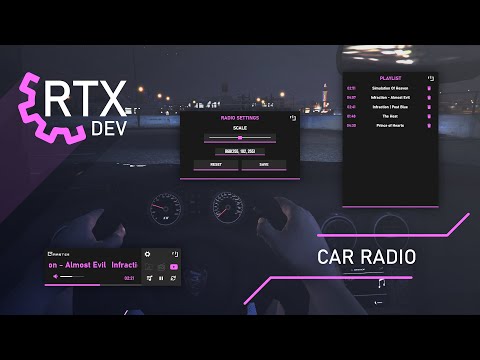
Car Radio
Works for all frameworks such as ESX, QBCore, vRP, and also works on other frameworks.
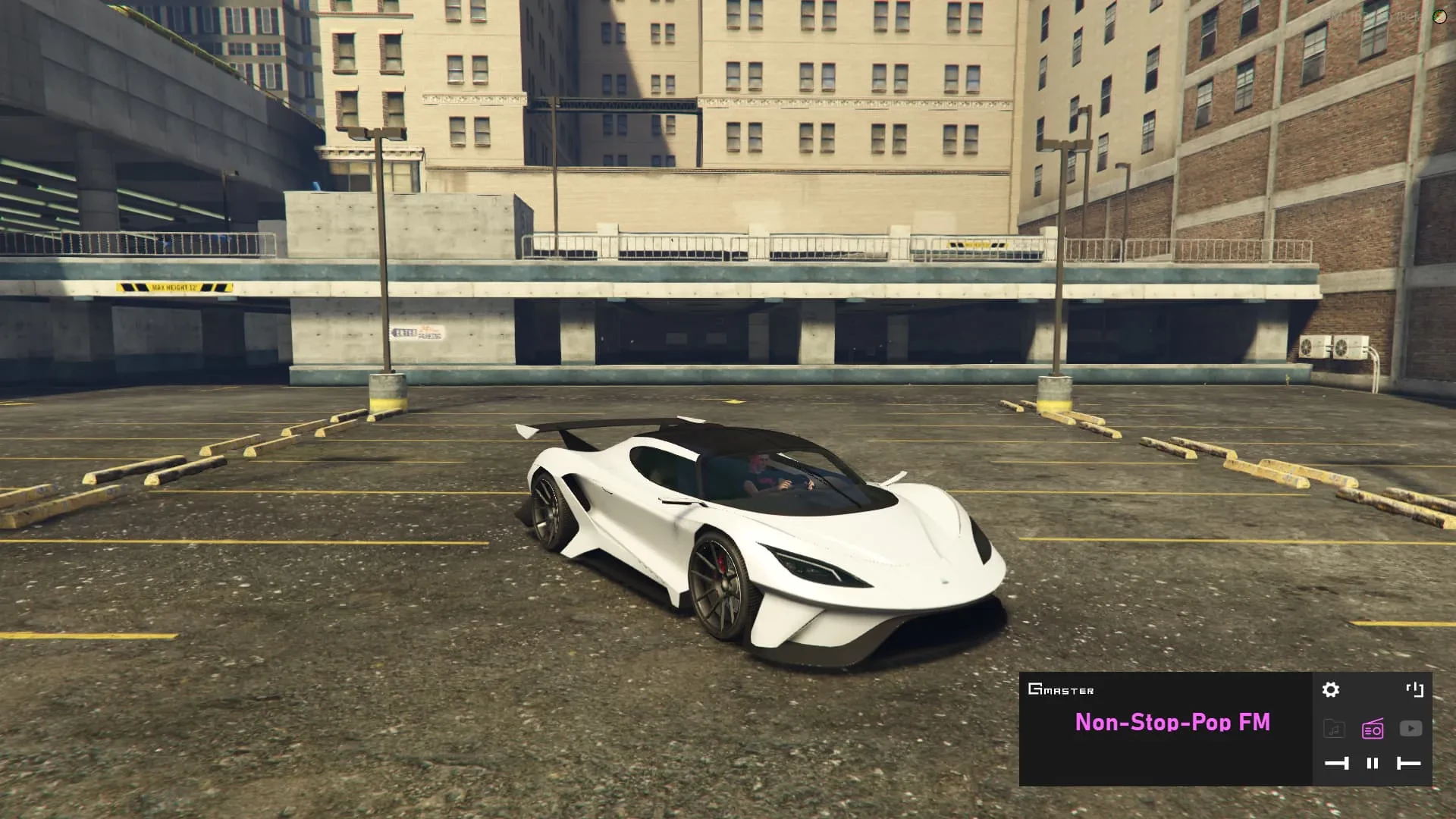
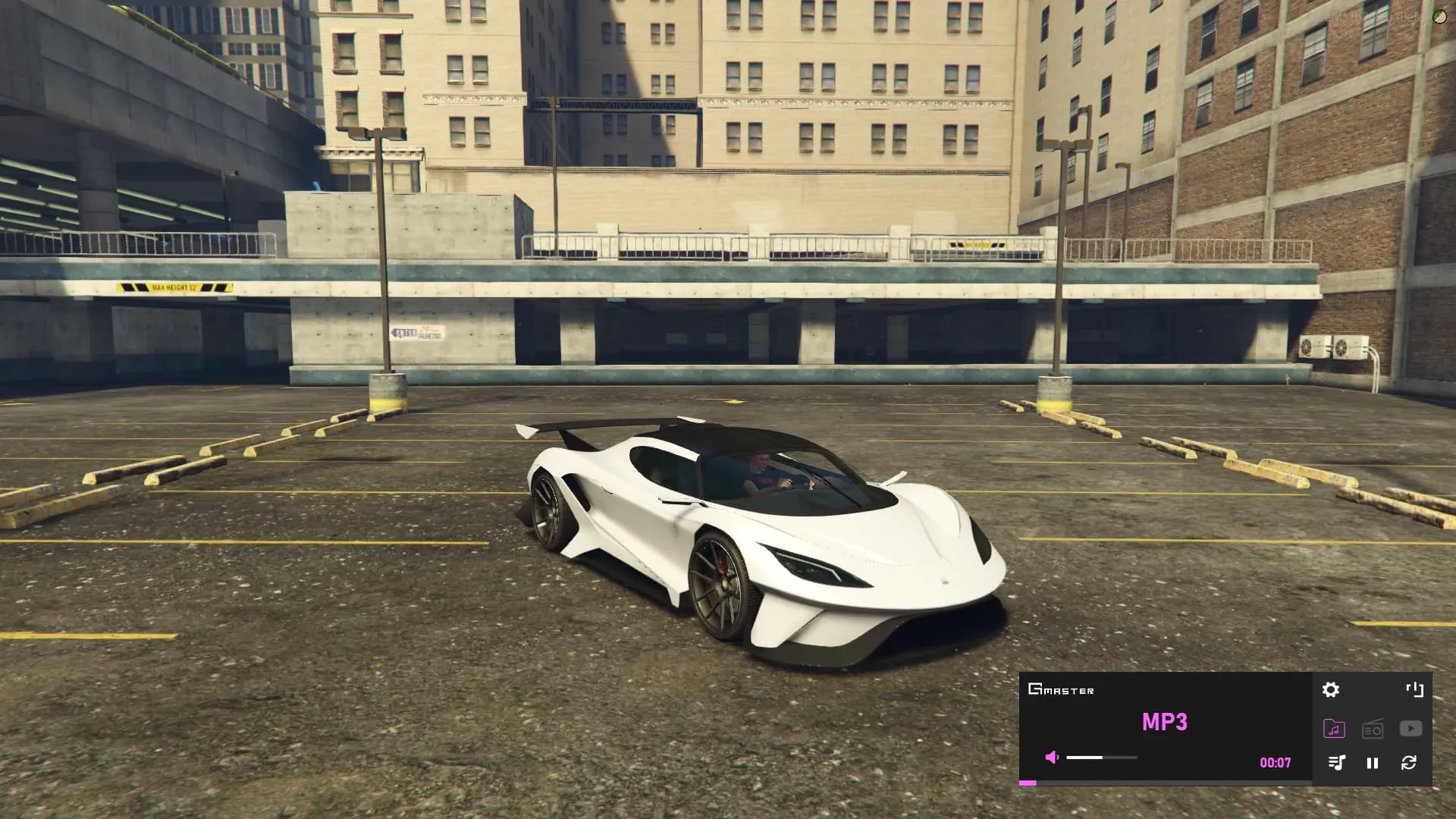
Our script offers 2 types of music playback (GTA Radio Stations, MP3).
You should only use music that you own or have the proper rights and licenses to use and distribute. Broadcasting or streaming content without proper permission may violate the PLA and applicable laws in your jurisdiction
This resource does not contain or provide any third-party audio or music integrations. All sound effects are played exclusively from predefined local audio files stored within the resource.
We use our sound system to play audio, so you don’t need an extra script.
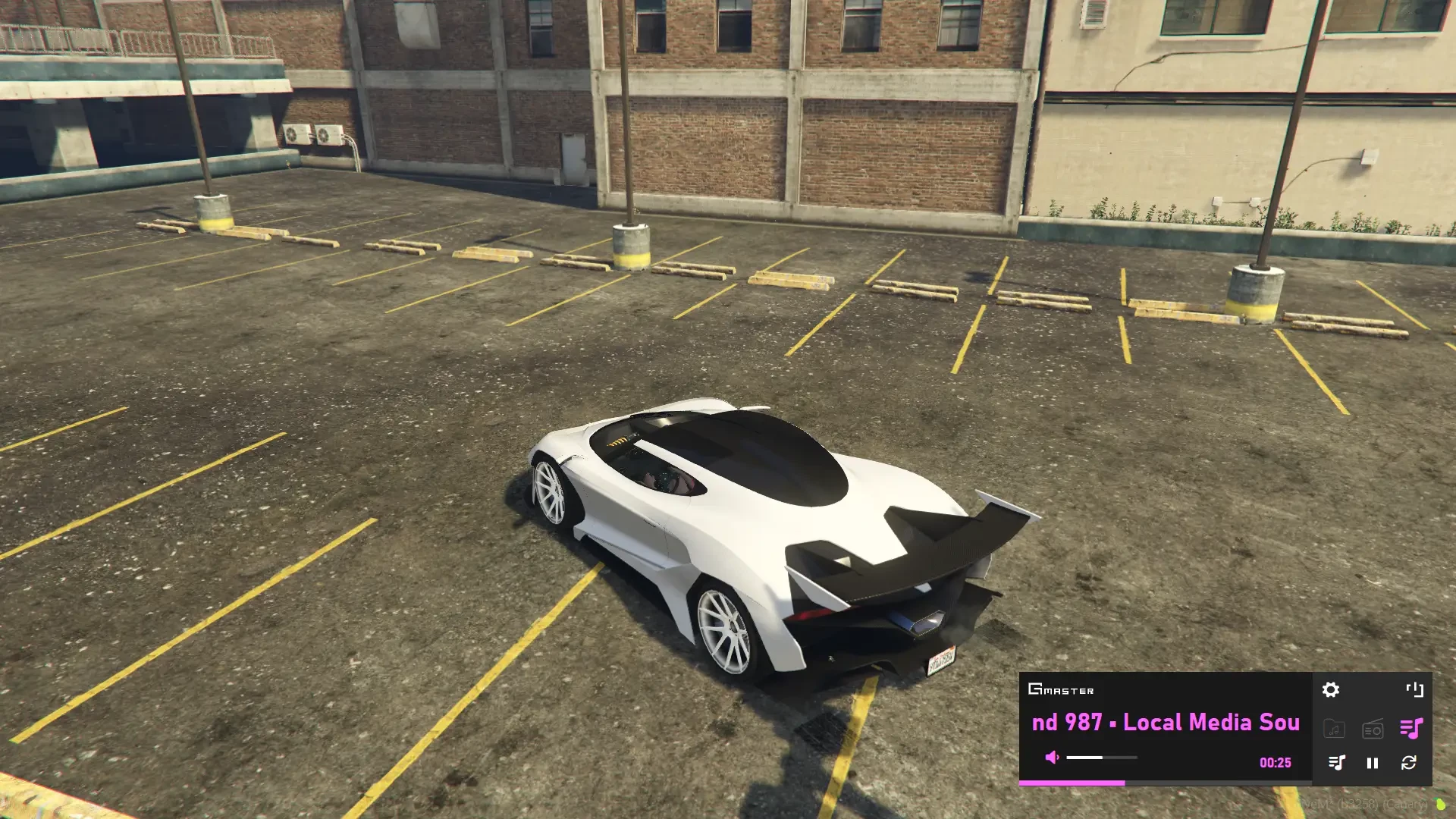
You can control the radio via command or by pressing a button.
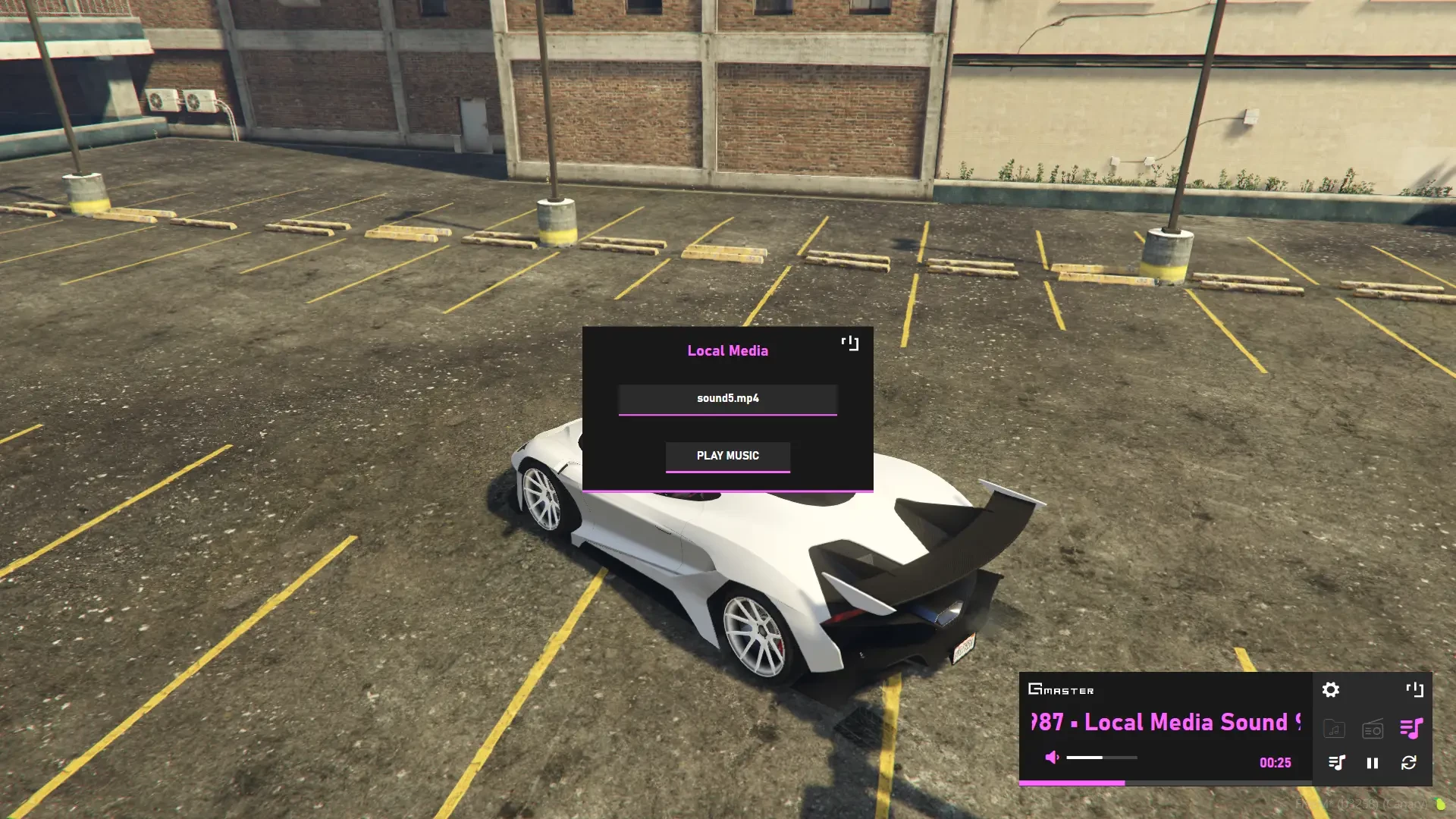
You can change the volume of the music you are playing, put it in loop, and also advance the time.
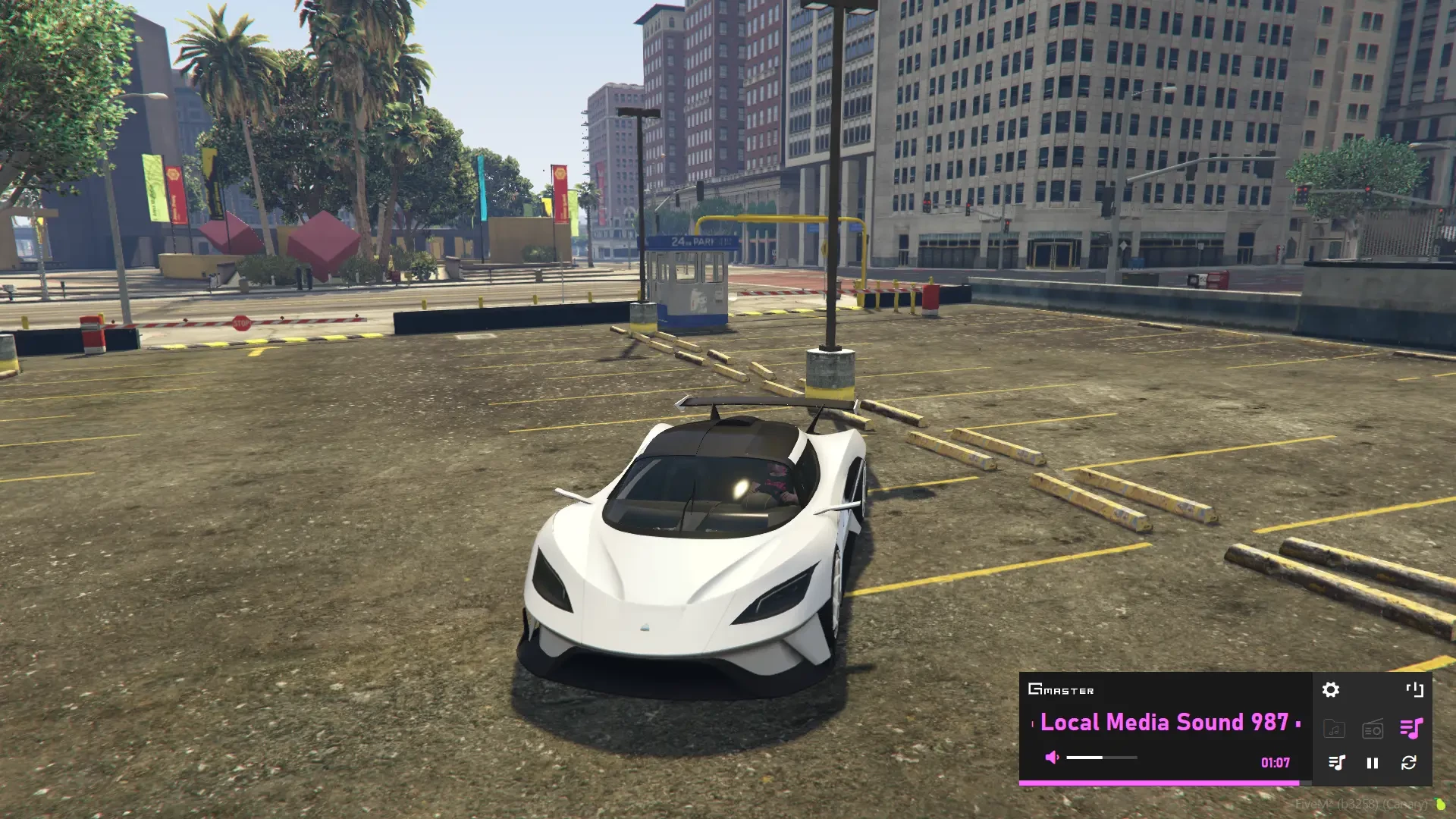
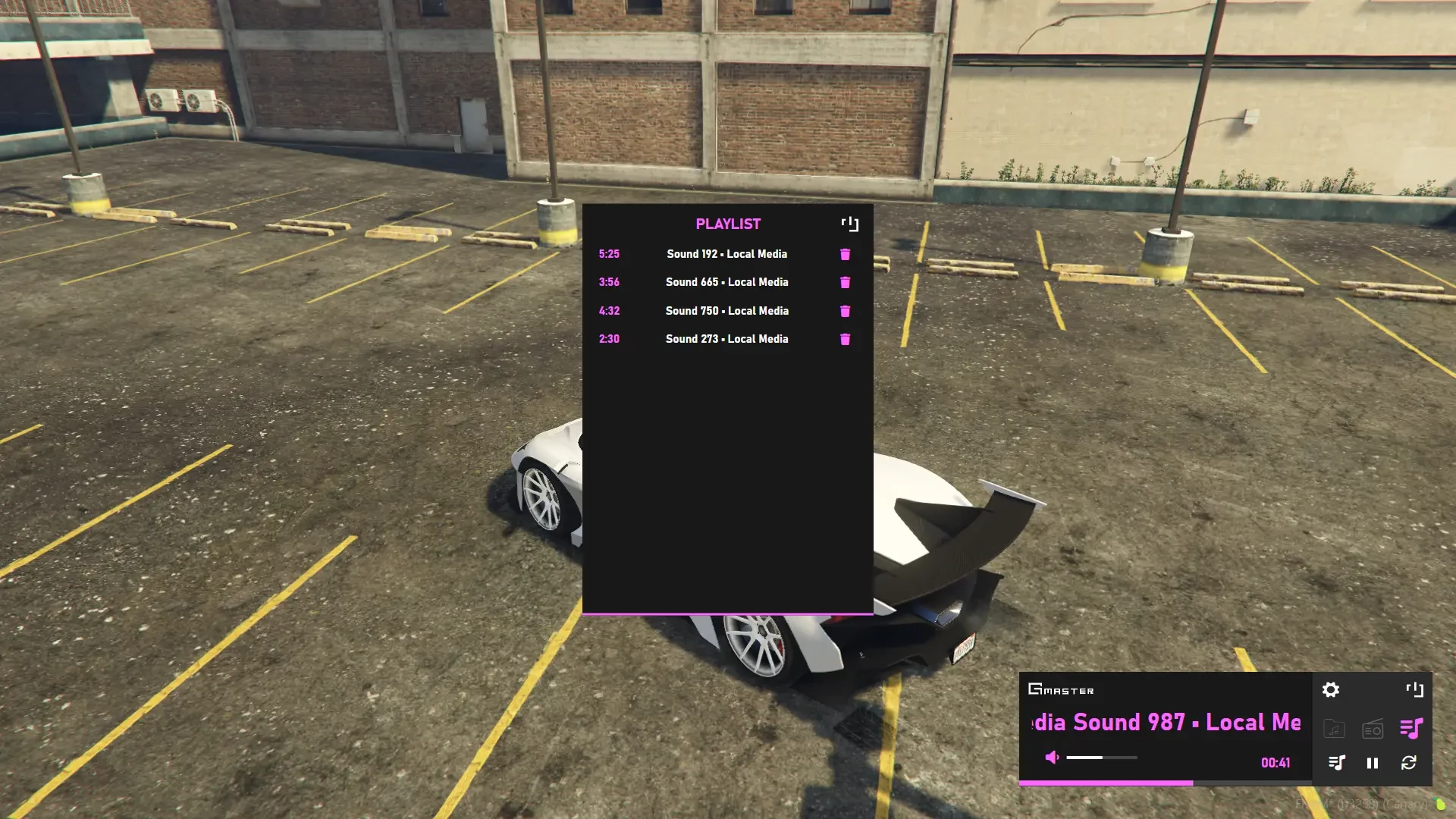
The radio also includes a playlist system so you can add music to a playlist and it will automatically play.
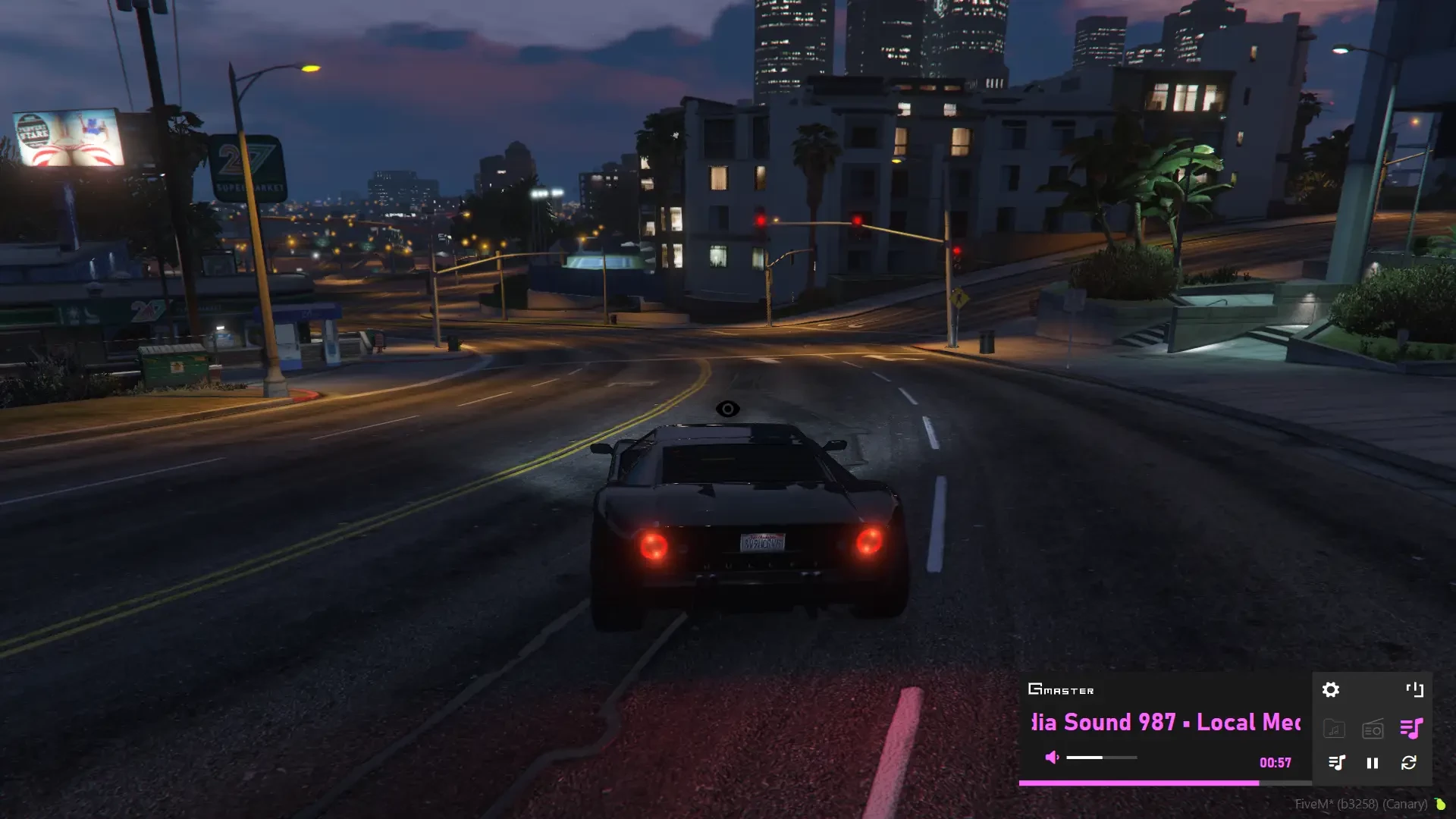
The audio doesn’t lag when driving fast.
Our radio disable GTA Radio Station Wheel (now you will control the Radio Stations through our menu)
You can play music over the radio via your own MP3 Files, and you can also play classic GTA radio.
You can edit the style of the radio, you can change the color, you can also change the size of the radio, and you can move it anywhere you want, all settings are cached so it will be the same after restarting the game or server.
Our radio is fully synchronized between players, so multiple people can control it at the same time.
Music can also be heard around the vehicle not just inside.
You can set the radio for all vehicles or you can specify in the config for which vehicles you want the radio.
It is also possible to turn on the function to install the radio via item or via mechanic, so the radio will only work for vehicles which have installed radio.
In config you can set the default color, position and size of the radio.
The script is completely standalone meaning you can use it with whatever framework you’d like to use it with. Only exception is with Installing the radio at the mechanics or via item, that’s for QBCore and ESX only.
It is possible to turn on vehicle blacklist, so the radio will not work for vehicles that are on the blacklist.
It is possible to turn on radio for only specified vehicle class, so the radio will not work for vehicle class which is not in config.
It is possible to set a maximum distance for music around the vehicle.
It is possible to turn on streamer mode via /streamermode command when you execute command you won’t hear any sound (Command can be changed in config)
It is possible to turn on a function that turns off the sound around the vehicle, so that the sound can only be heard inside the vehicle.
It is possible to add webhooks when the player adds a new song to the radio.
It is possible to enable a function where you can only see the radio when you operate it, for example when you press E the radio menu will be displayed, when you close the radio you will not see it but the sound will still be heard. (The radio display can be set to command, event, bind)
Possibility to play real radio streams.
This script is protected via Escrow System, you can still configure almost everything in config.lua, language.lua, and you can also change it’s style in html.
Platform License Agreement (PLA) Disclaimer
You should only use music that you own or have the proper rights and licenses to use and distribute. Broadcasting or streaming content without proper permission may violate the PLA and applicable laws in your jurisdiction
— FEATURES —
Synchronized between players
Quality code
OneSync Infinity Ready
Radio settings
Players can change size of radio via settings
Players can change position of radio via settings
Color changer (RGB)
MP3 Player
Volume control
Playlist
Loop control
Radio stations
the audio doesn't lag when driving fast
other players can control the same radio
Easy to install
Support included
Standalone
Configurable
ESX/QBCORE Special Features (install radio via item/mechanic)
Good optimization (0.01ms)
- Standalone
- ESX
- QBCORE
- QBOX
