
- Standalone
- ESX
- QBCORE
- QBOX
Television
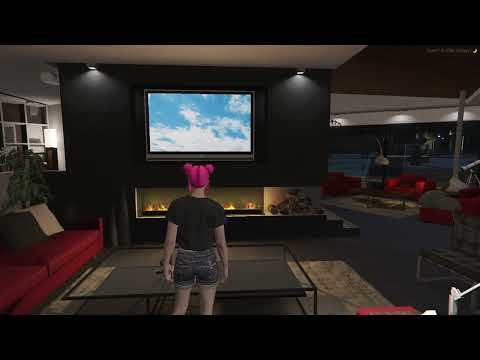
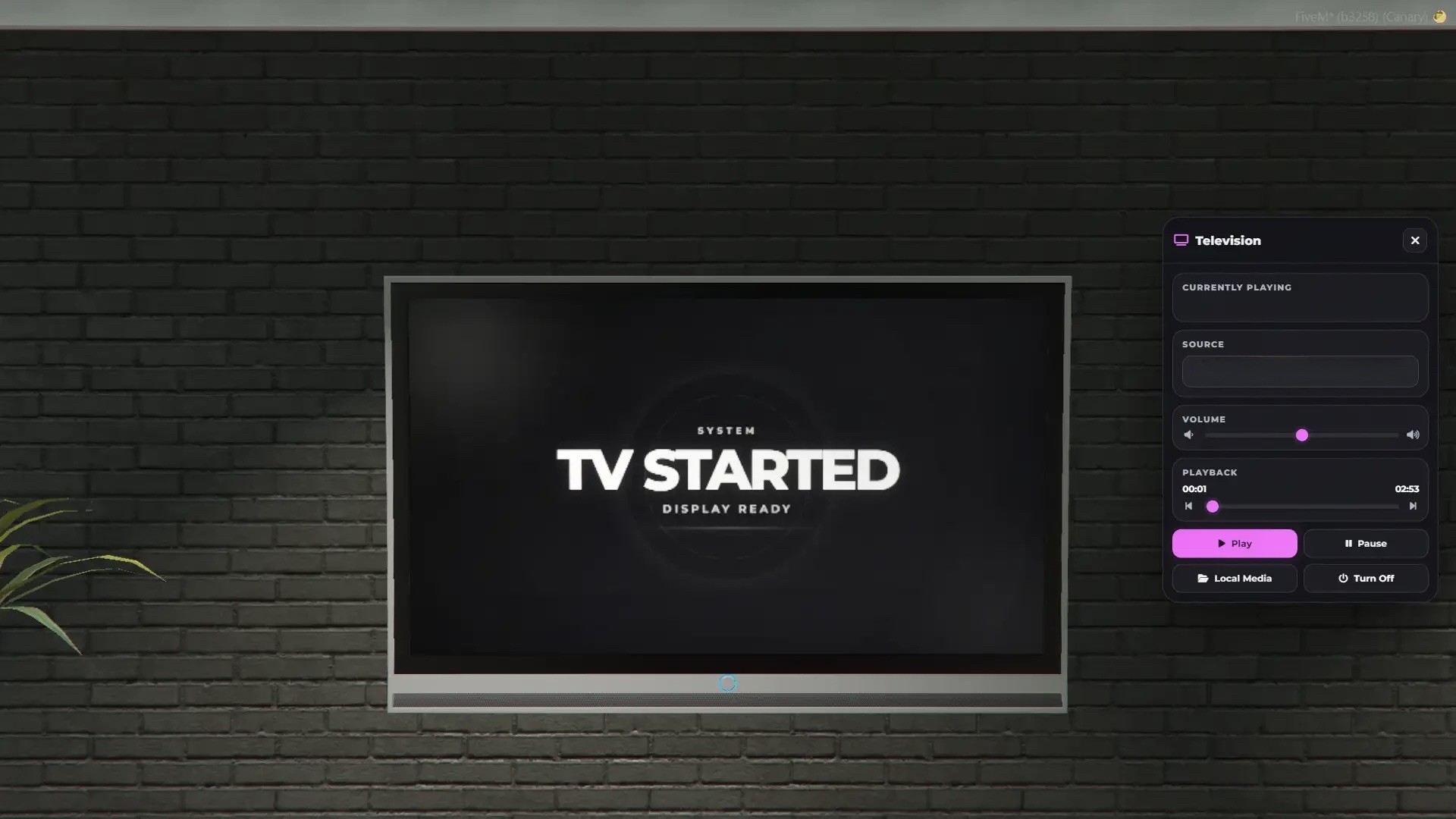
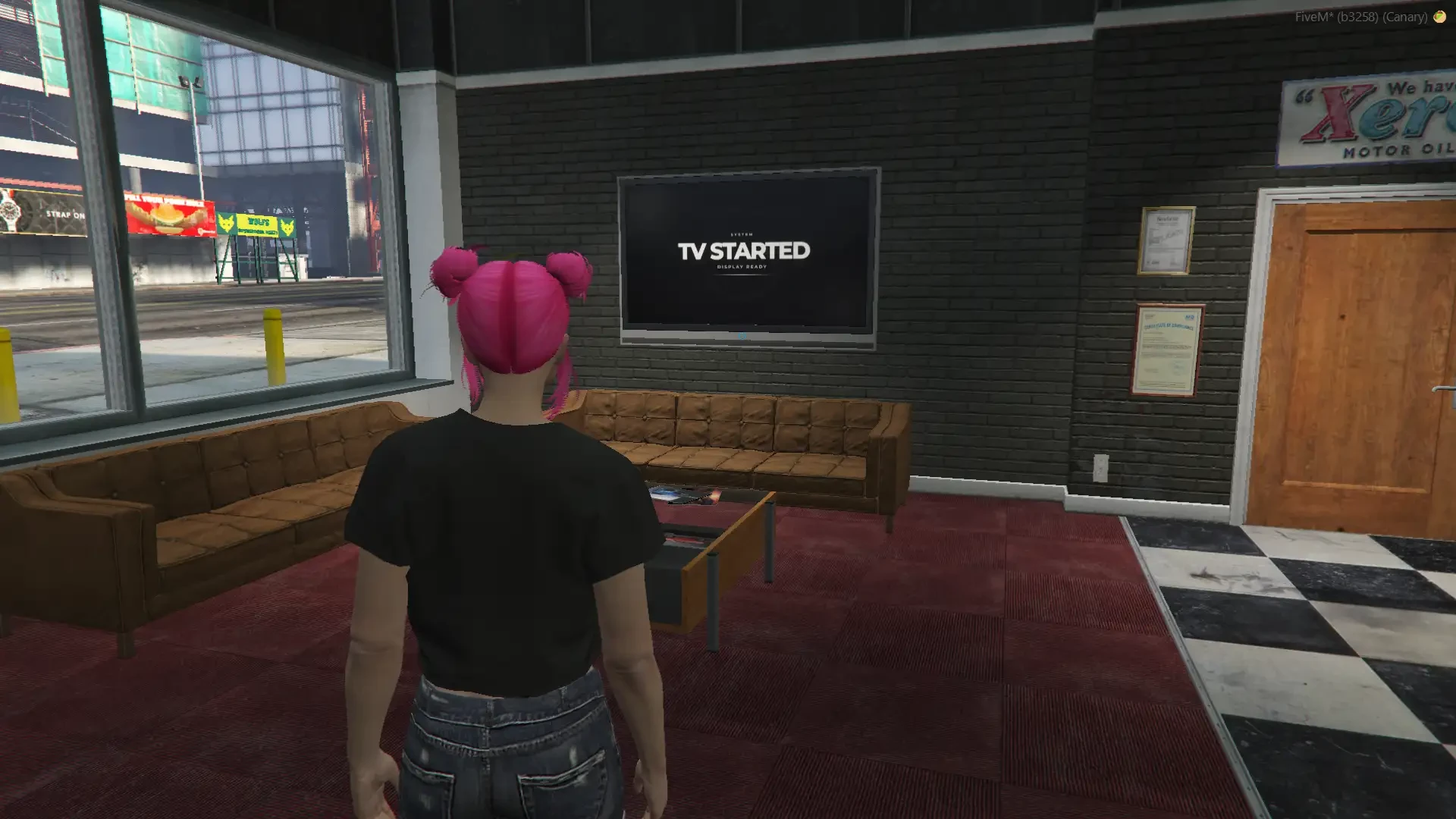
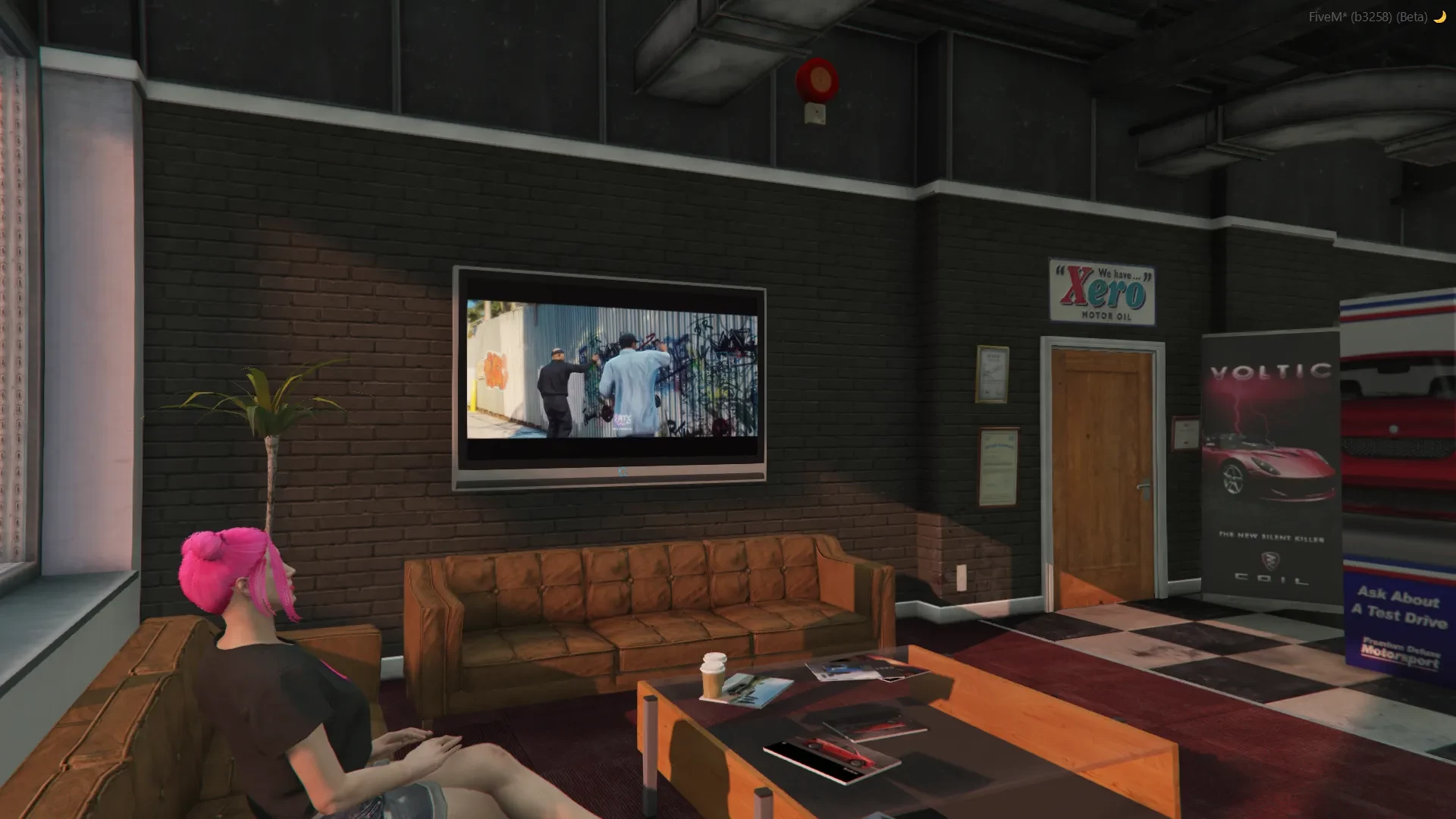
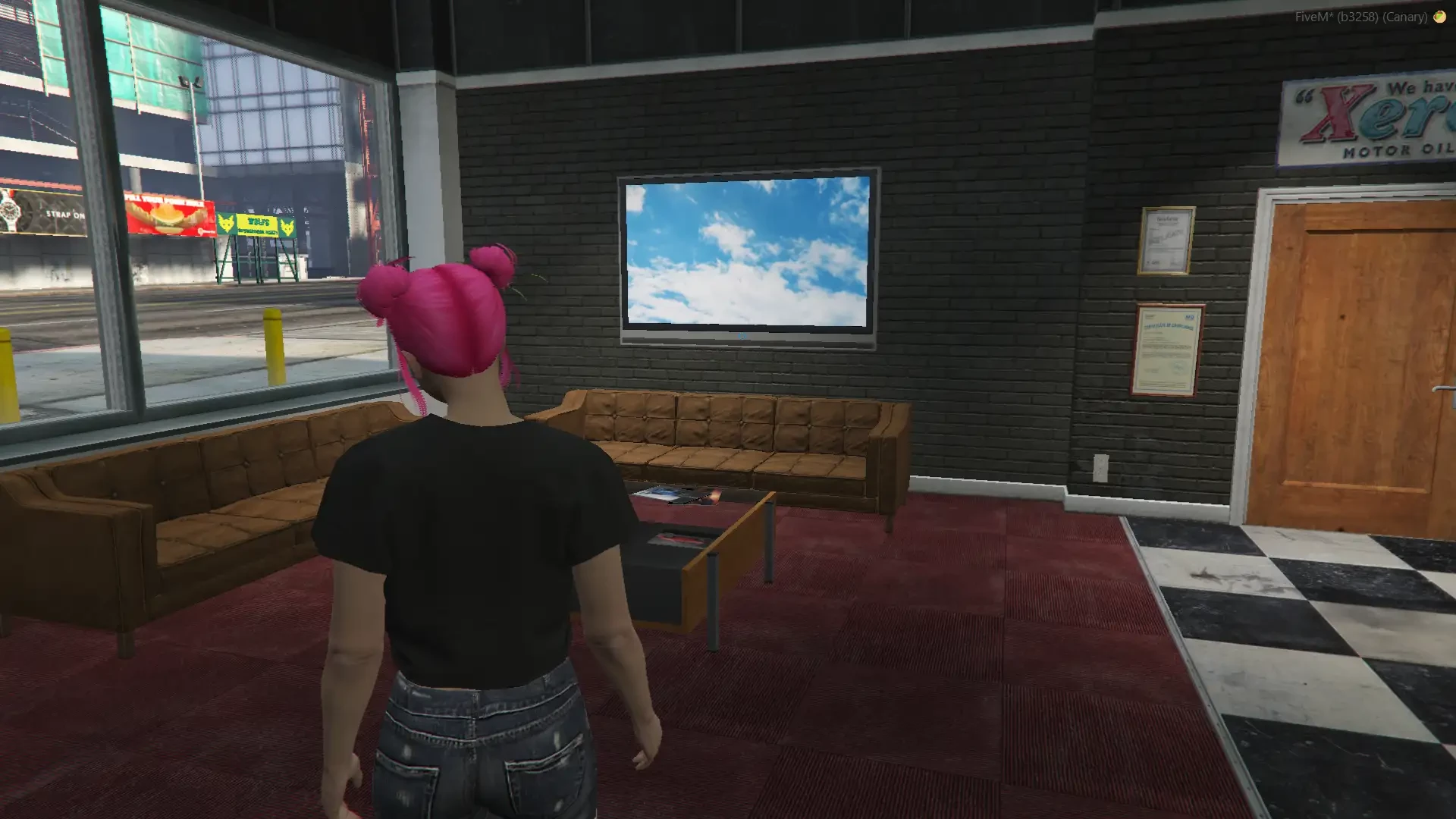
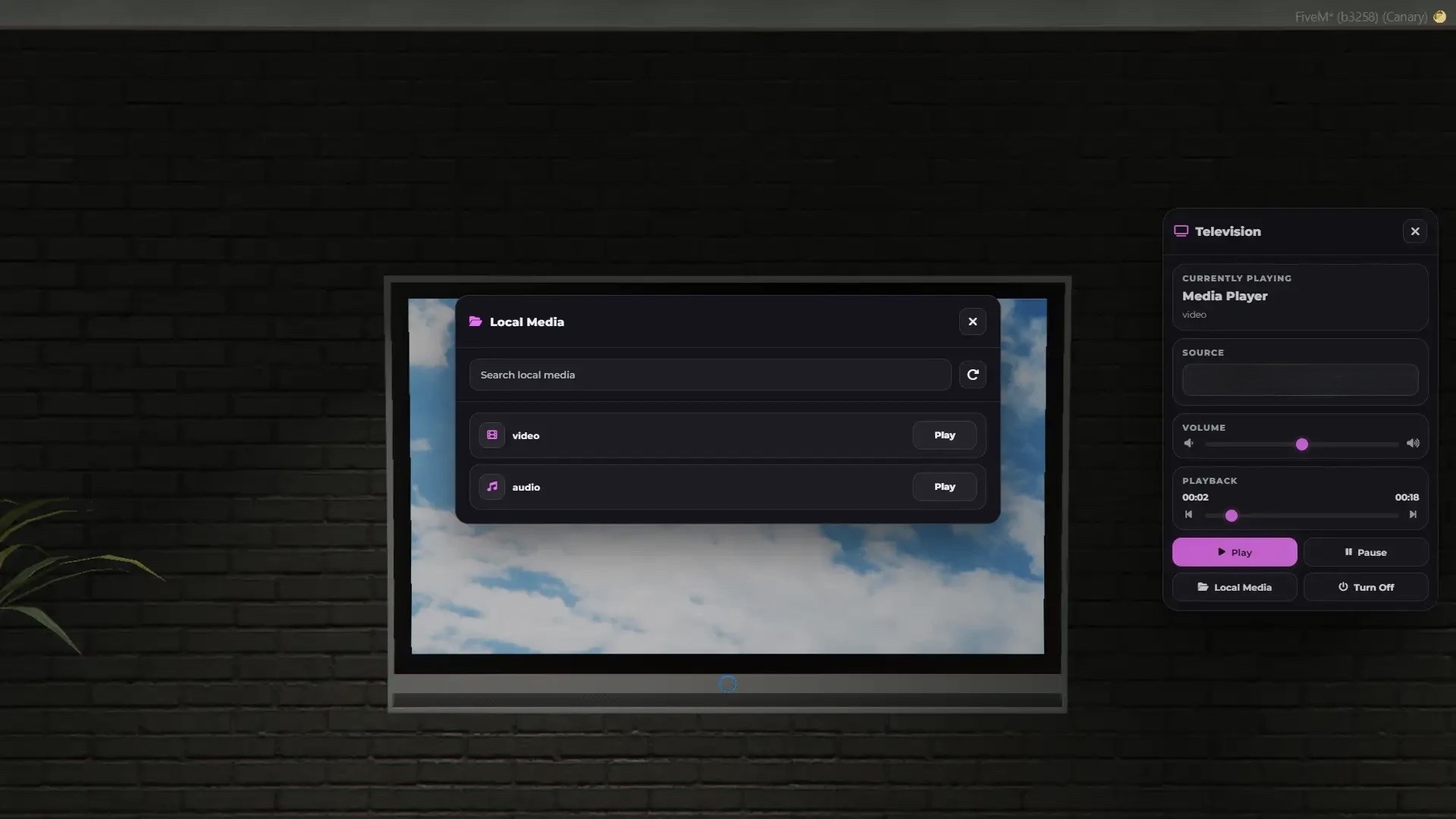
Our Television is a powerful and fully standalone in-game TV system. It delivers smooth and immersive playback directly inside your FiveM server, making it the perfect solution for interiors, vehicles, cinemas, and custom environments.
You should only use videos and music that you own or have the proper rights and licenses to use and distribute. Broadcasting or streaming content without proper permission may violate the PLA and applicable laws in your jurisdiction
This resource does not contain or provide any third-party audio or video integrations. All videos/sounds are played exclusively from predefined local files stored within the resource.
Works on all frameworks such as ESX, QBCore, vRP, QBox, and any custom framework.
Our TV supports rendertarget, which means it can be used even on curved or custom-shaped displays.
Supports a wide range of TV objects and allows you to easily expand or customize your setup.
Includes an in-game screen creator which allows you to easily create custom screens or place TVs anywhere in the world.
You can open the TV using a command, item (remote control), or event.
Permissions system allows you to restrict usage to specific players using ACE, jobs, or identifiers.
You can create unlimited TVs using either rendertarget objects or Generic DUI 2D/3D rendering.
Advanced Playback Features
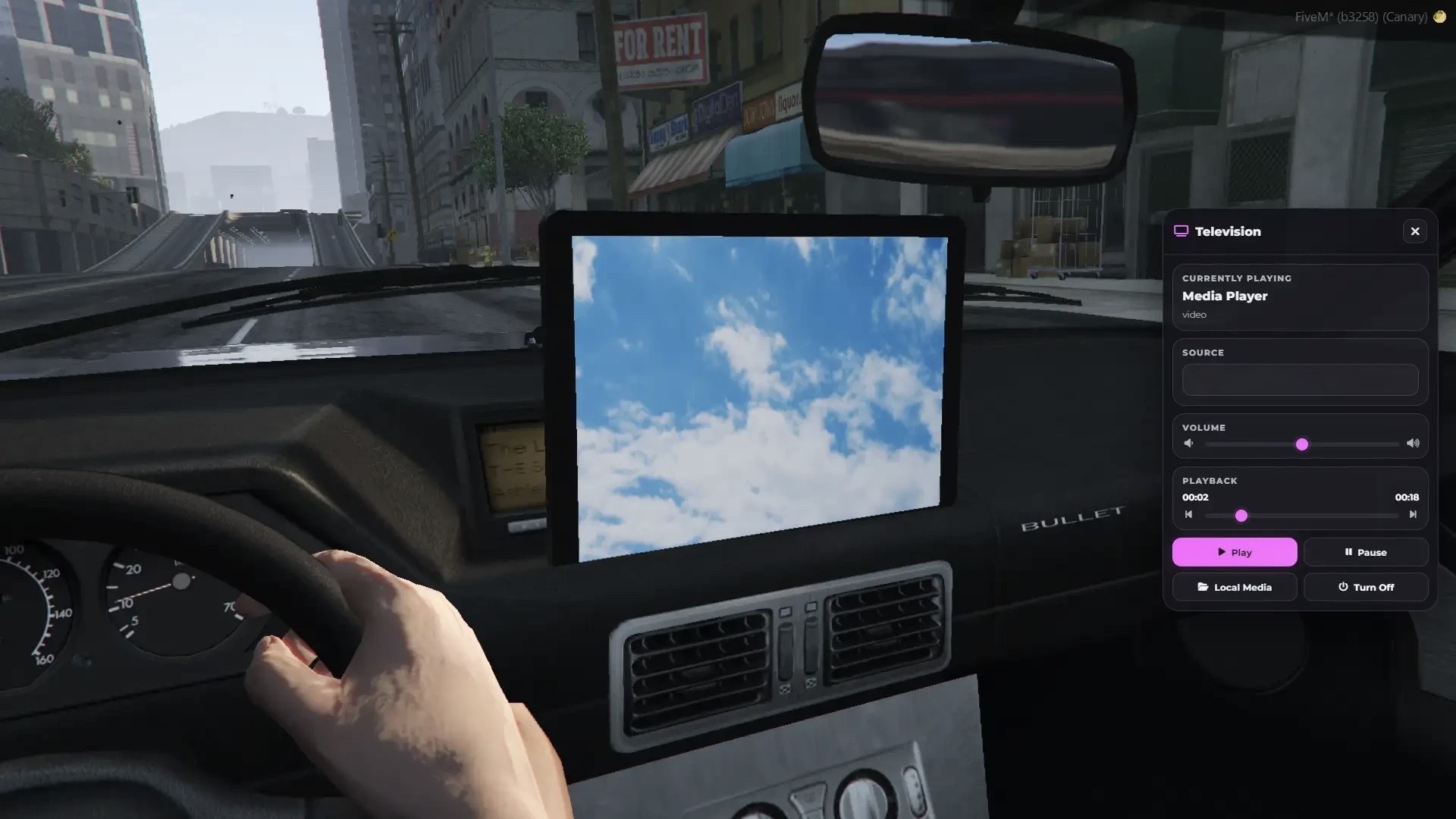
The television includes full media controls:
- Pause and resume playback
- Seek and skip to any time
- Real-time volume control
- Fully synchronized playback across all players
All content is synchronized, so every player sees the same playback at the same time.
Local Media Support
You can play your own files directly from the resource:
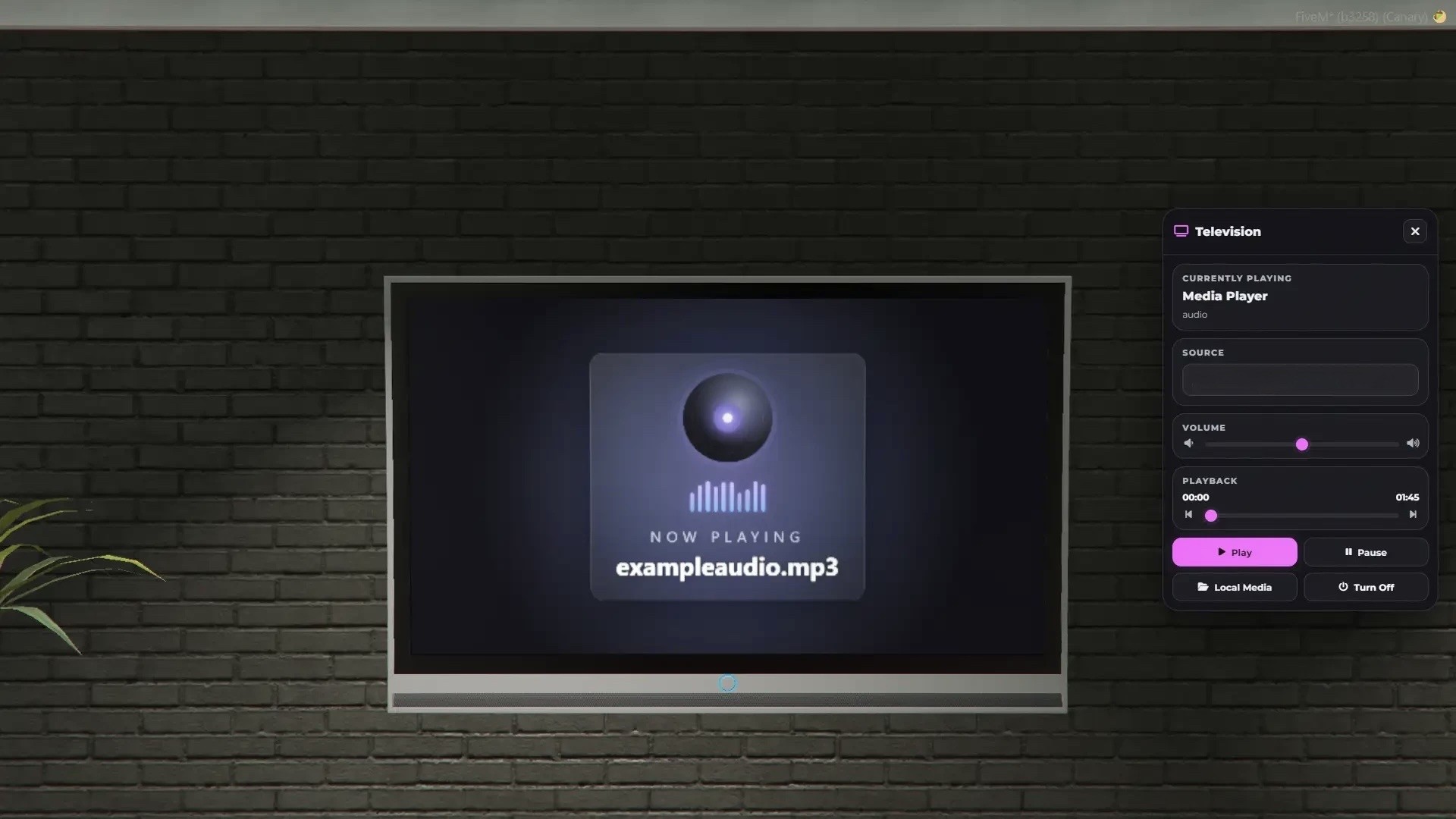
- Supports MP3, OGG and MP4 formats
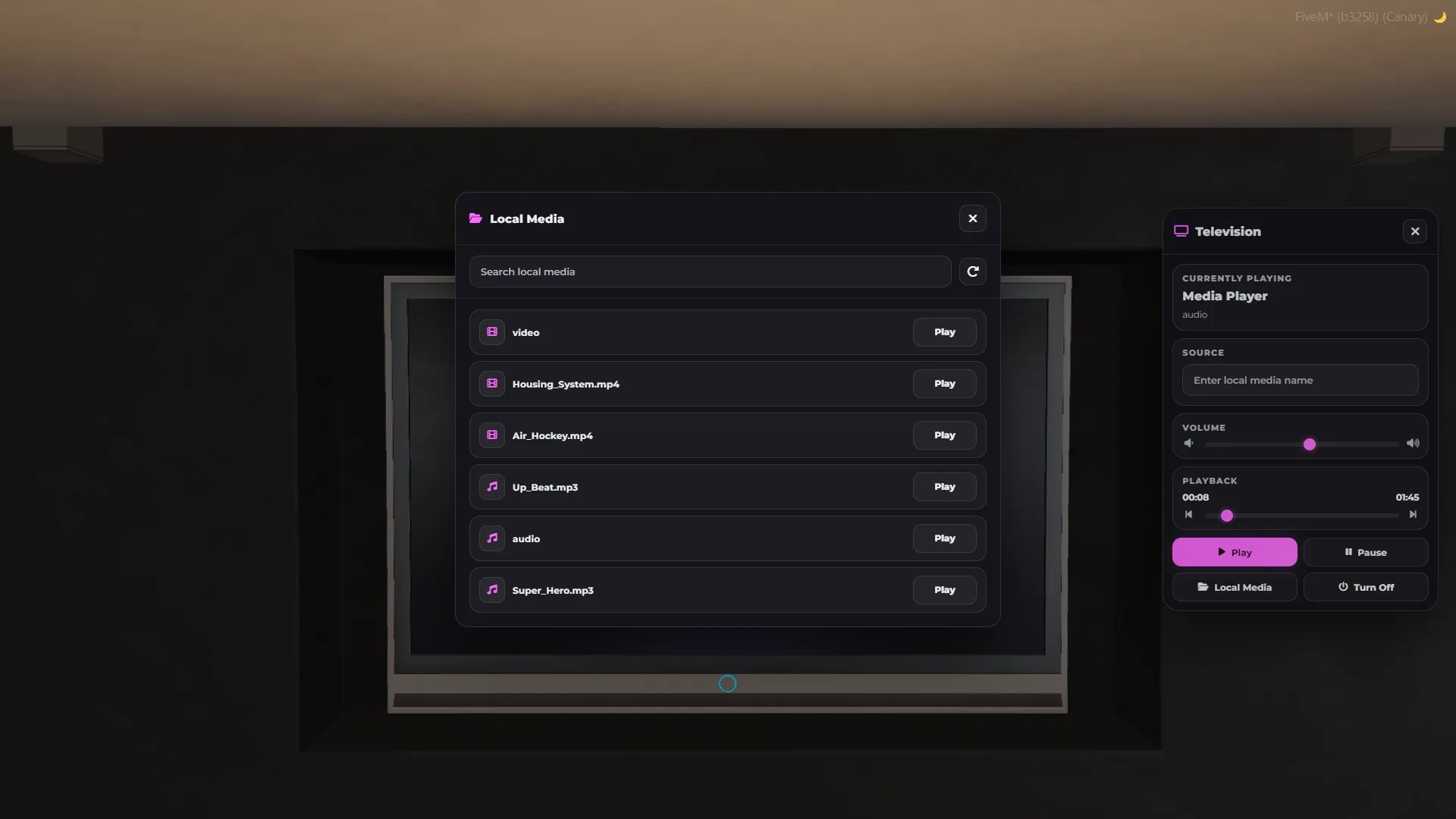
- Automatic file detection from the media folder
- Built-in in-game media list (no need to type file names)
- Play media directly from the UI
- Preview: here
Vehicle Television System
Install TVs inside vehicles and fully customize their behavior:
- Whitelist or blacklist specific vehicles
- Support for vehicle classes
- Custom offset system with in-game editor
- Install TVs via item or event
TVs are only visible to players inside the vehicle for better performance and immersion.
There is no limit to how many TVs you can use in vehicles or in the world.
Additional Features
- Image projection (PNG, JPG, GIF)
- Custom interface color configuration
- Full configuration and language customization
The script is protected via the Escrow System, but you can still configure almost everything in config.lua, language.lua and the HTML interface.
Platform License Agreement (PLA) Disclaimer
You should only use videos and music that you own or have the proper rights and licenses to use and distribute. Broadcasting or streaming content without proper permission may violate the PLA and applicable laws in your jurisdiction
— FEATURES —
OneSync Infinity Ready
Easy to install
Standalone
Remote control
Configurable
Synchronized between players
Vehicle Television
Volume control
Pause / Resume playback
Seek / skip video time
Real-time playback control
Local media support (MP3 / OGG / MP4)
Auto-detect media files from folder
In-game media list (no need to type file names)
Works on a lot of object types
Good optimization (0.00ms)
- Standalone
- ESX
- QBCORE
- QBOX
